Product: DS3 SPMDS3111101
47
function from original barcode value. You can
set 2 additional char in front of original
barcode value (Prefix), or after (Suffix)
Caution: Transmethod “Clipboard” is not supporting Prefix, or suffix option
.
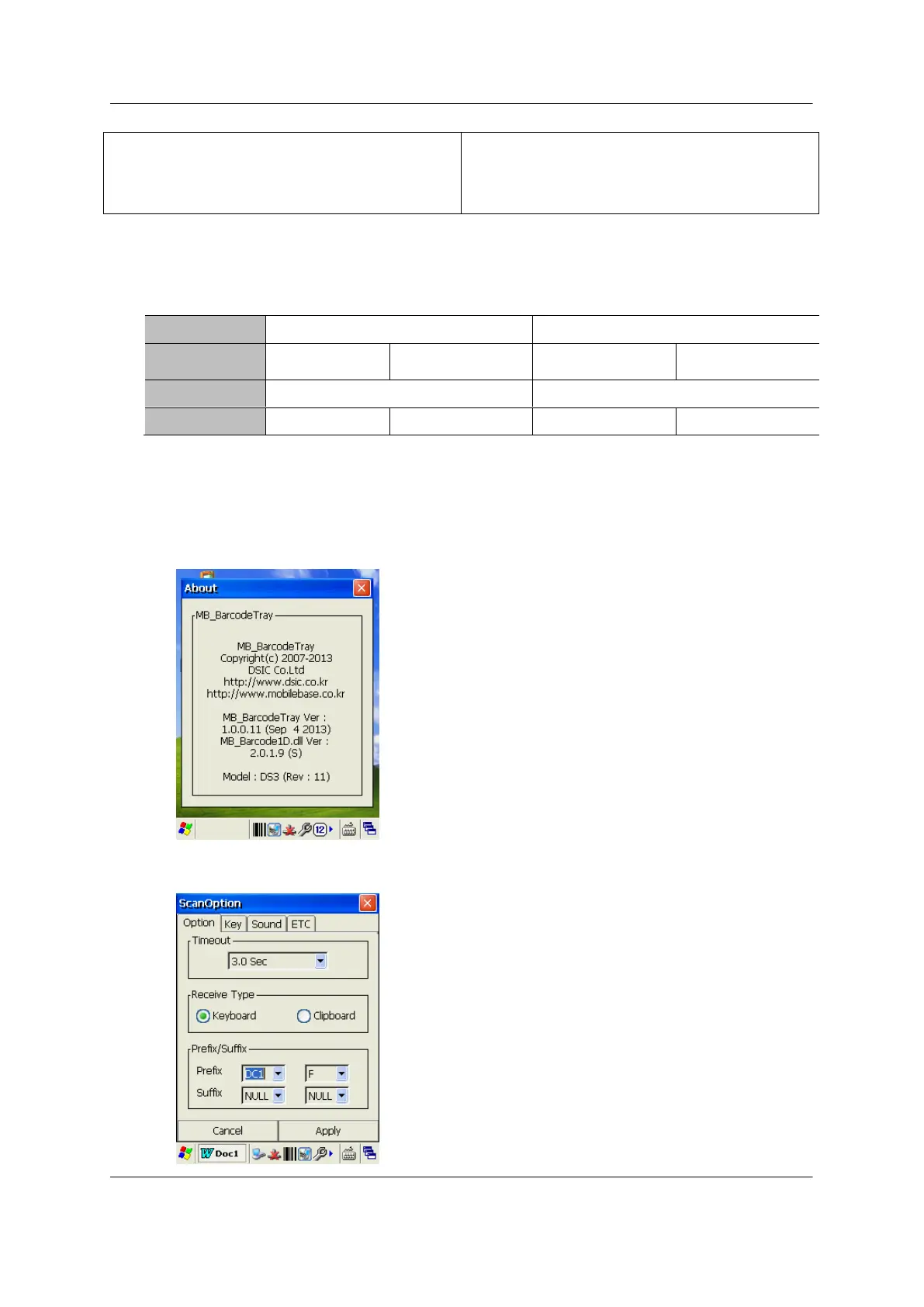
Required Prefix/ Suffix enabling application version from;
Example) Applying “Ctrl+F” in prefix
1) Check your Barcode Tray and Scanner DLL is higher than Required Prefix/ Suffix enabling
application version described above
2) Select “DC1” at 1
st
Char, and “F” at 2
nd
Char in Prefix



 To Next Page