Product: DS3 SPMDS3111101
9
3. OS Update
3-1 Windows CE
Precaution:
Make sure, your terminal is fully charged.
Format micro SC Card before copy OS to microSD card
Copy OS image to root folder in MicroSD Card
*
Firmware image file name is M***.mbi format
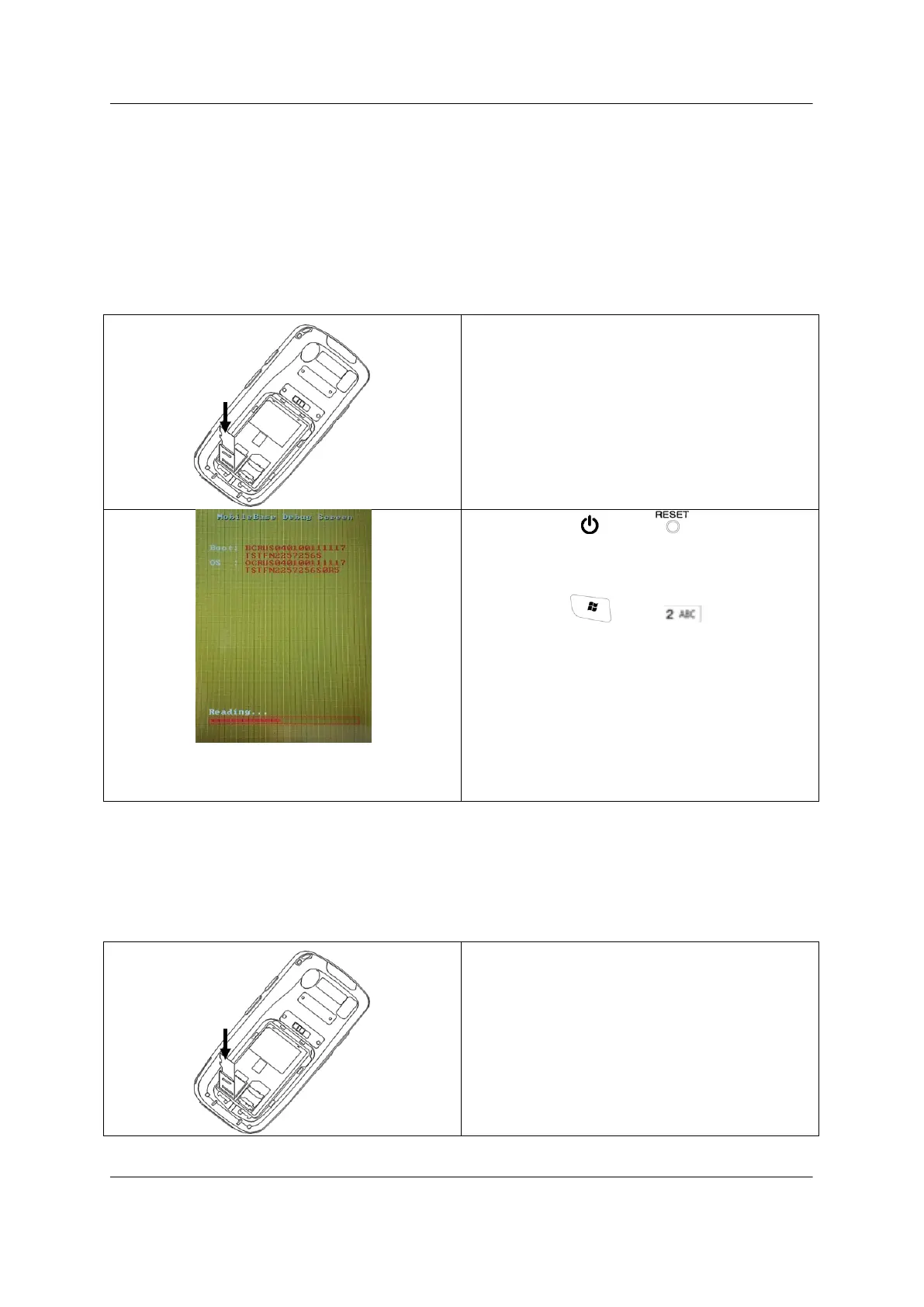
Input MicroSD Card into slot located in terminal
Push buttons “ ” and “ ” together for 1
second.
Then, press and together till
enter boot menu on screen
* Update is processing with Reading > Writing > Verifying
turns
Cold boot the terminal when update
completed.
3-2 Windows Mobile
Precaution:
Make sure, your terminal is fully charged.
Format micro SC Card before copy OS to microSD card
Copy OS image to root folder in microSD Card
*
Firmware image file name is Image.bin format
Input microSD Card into slot located in terminal



 To Next Page