Connecting the Inputs from your Satellite Dish
The following diagrams show you how to connect the inputs from your
satellite dish.
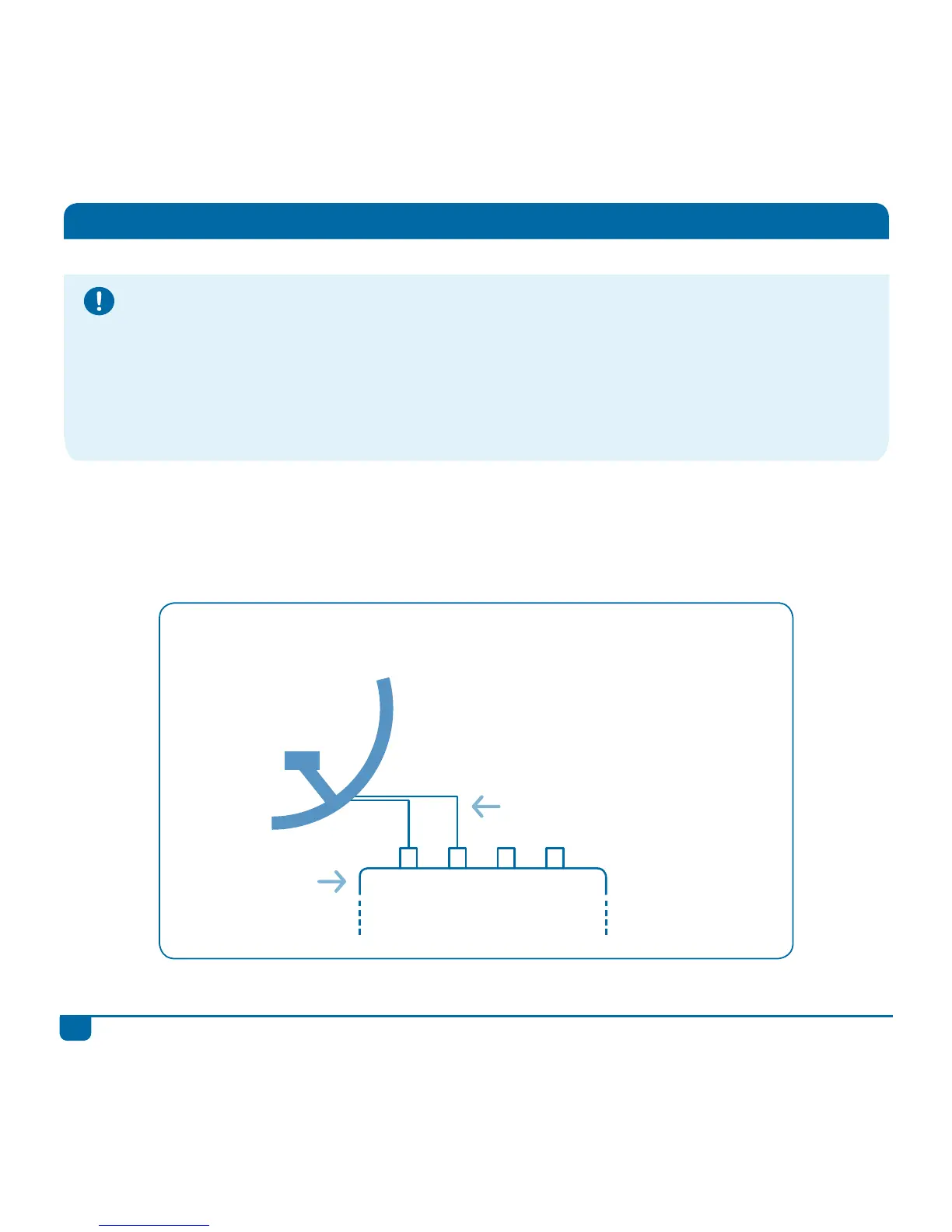
Twin LNB Connection (IS20)
Twin LNB
Any LNB cable can
connect to any of these
two inputs
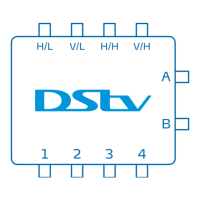
DStv Switch (5-2)
H/L V/L H/H V/H
Please Note
• If you have a Unicable™ LNB, you can connect your LNB cable directly to the DStv Explora (there is
no need to use this switch).
• If you have a Unicable™ LNB with multiple decoders in your home, please contact your DStv
accredited installer.
• The DStv Switch (5-2) may not be required when connecting the DStv Explora to existing single-
cable distribution systems (like those found in apartments or complexes). Please refer to the
installer of the system for confirmation.
DStv Switch - User Guide
4


 To Next Page