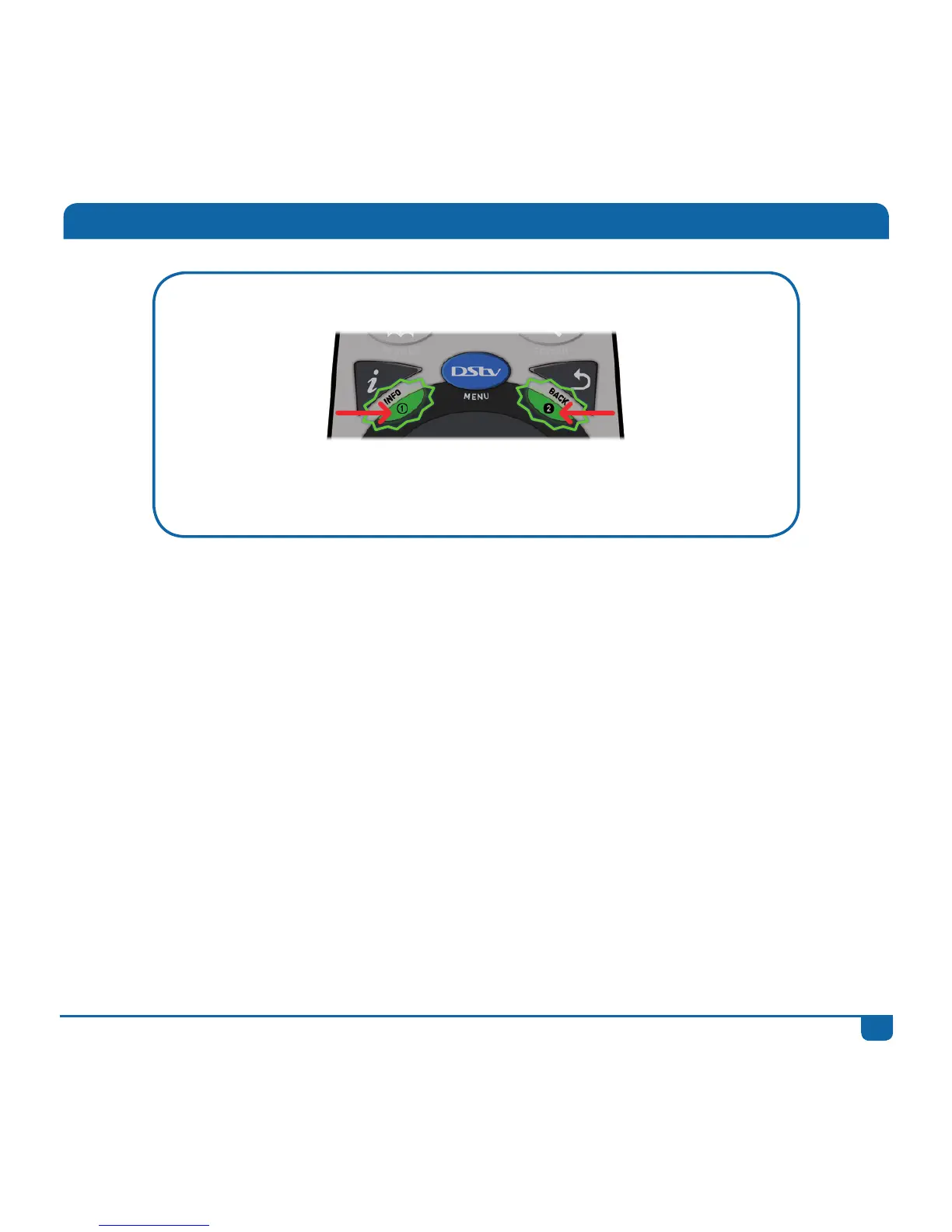
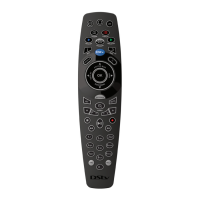
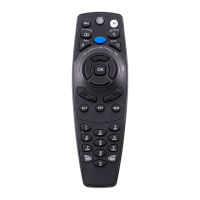
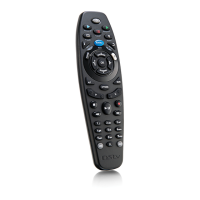
If the green lights blink below both i and BACK, the remote is in mode 3.
To set the remote to mode 3: press and hold both the i and
BACK buttons for 3 seconds or until you see the green light blink on
1 and 2 (below the i and BACK buttons).
IMPORTANT
The DStv Explora must be set up to “listen” for the correct mode. You can do this in DStv Central.
• Press the DStv button
• Go to “Settings”
• Select System Settings
• Select Remote Control
• If the remote is set to mode 1, set mode 2 and 3 to Ignore.
• If the remote is set to mode 2, set mode 1 and 3 to Ignore.
• If the remote is set to mode 3, set mode 1 and 2 to Ignore.
If your DStv Explora is connected to another decoder using XtraView, please consult with your
DStv Accredited Installer for remote mode settings.
About the Remote Modes


 To Next Page