Troubleshooting
I think the battery is dead. How can I check?
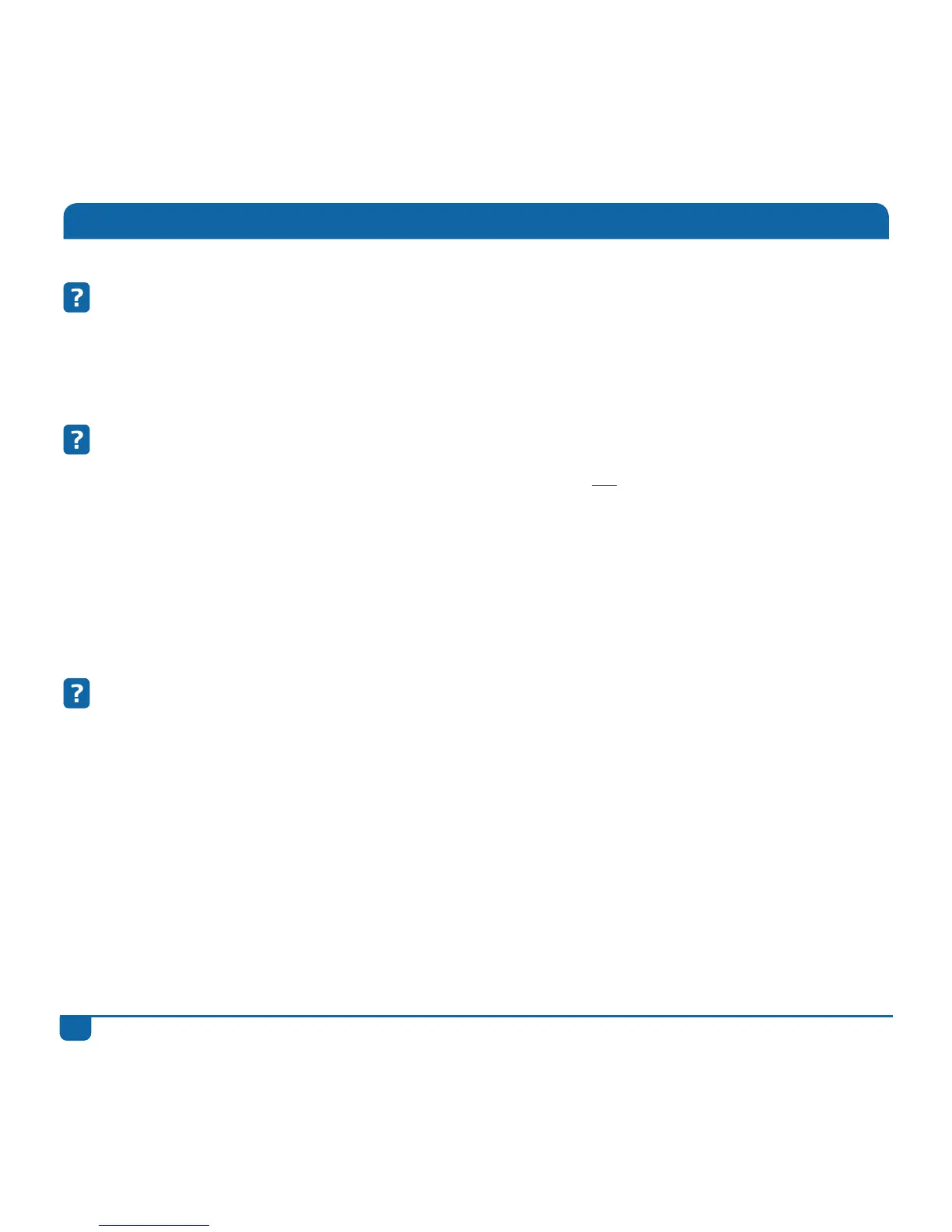
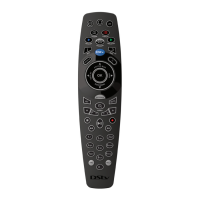
Press the DStv button on the remote. If the green light blinks (below i, BACK or both) the
batteries are working. The batteries supplied with this remote should last for approximately 12
months.
How do I know if the remote is broken?
Press the DStv button on the remote. If the green light does not blink (below i, BACK or both), the
remote is either broken or needs new batteries. If you put in new batteries and the green light still
does not blink when a button is pressed, you will need to replace the remote. This remote has a
12-month warranty from the date of purchase. Please take it to your nearest MultiChoice Service
Centre or Agency together with your proof of purchase.
If your remote is older than 12 months, you can buy a new one at any MultiChoice Service Centre
or Agency.
Nothing happens when I press a button (the DStv Explora does not
respond).
Firstly, check that the remote is working. Press the DStv button on the remote. If the green light
blinks (below i, BACK or both) the remote is working.
Now check where the green light is blinking.
If the green light blinks below i, the remote is in mode 1.
If the green light blinks below BACK, the remote is in mode 2.
If the green lights blink below both i and BACK, the remote is in mode 3.
Change the mode of the remote and try again.


 To Next Page