ENGLISH
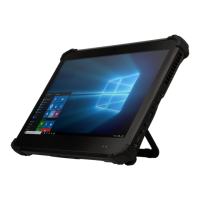
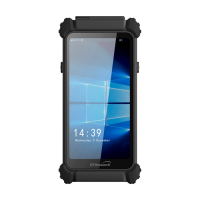
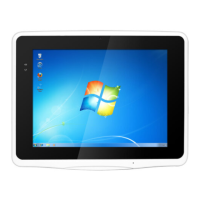
Mobile POS Tablet
BASIC OPERATION GUIDE
DT307SC/ DT307SC-MD
INTRODUCTION
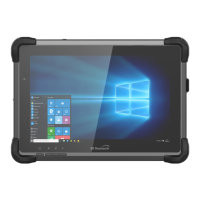
Thank you for acquiring the DT307SC/ DT307SC-MD Mobile Tablet. The DT307SC/
DT307SC-MD offers 7
”
displa
y in a compact, rugged, and lightweight package. The
DT307SC/ DT307SC-MD enables efficien
t point-of-service/sales applicaons, inventory
management, and field services.
The DT307SC/ D
T307SC-MD is provides the precise features needed to streamline
operaons and impro
ve producvity, data accuracy, and service.
PACKAGE CONTENTS
One DT307SC/ DT307SC-MD•
One baery pack •
Basic Ope
raon Guide •
AC-DC power adapter•
Hands
trap•
The actual package contents may vary depending on the configuraon acquired.*
PRECAUTIONS
Always exercise care when operang and handling the DT307SC/ DT307SC-MD.•
Do not disassemble any por
on of the DT307SC/ DT307SC-MD. It will void any •
product warranty on DT307SC/ DT307SC-MD.
Do not use any pow
er adapter or charging cradle other than the one provided with •
the device or acquired from the manufacturer or its partners.
In the unlikely event that abnormal noise, strange odor, or smoke is present, •
immedia
tely power down the DT307SC/ DT307SC-MD and disconnect all power
source
s. Please report the problem to your device provider immediately.

 Need help?
 General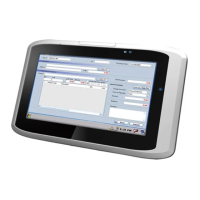

 To Next Page