SOLO7 Transmitter User Guide
Copyright © 2013 Domo Tactical Communications (DTC) Limited. All rights reserved.
Commercial in Confidence
4.2 Connecting your PC to the SOLO7 Transmitter
Ensure your transmitter is connected by either USB or serial control and is powered up.
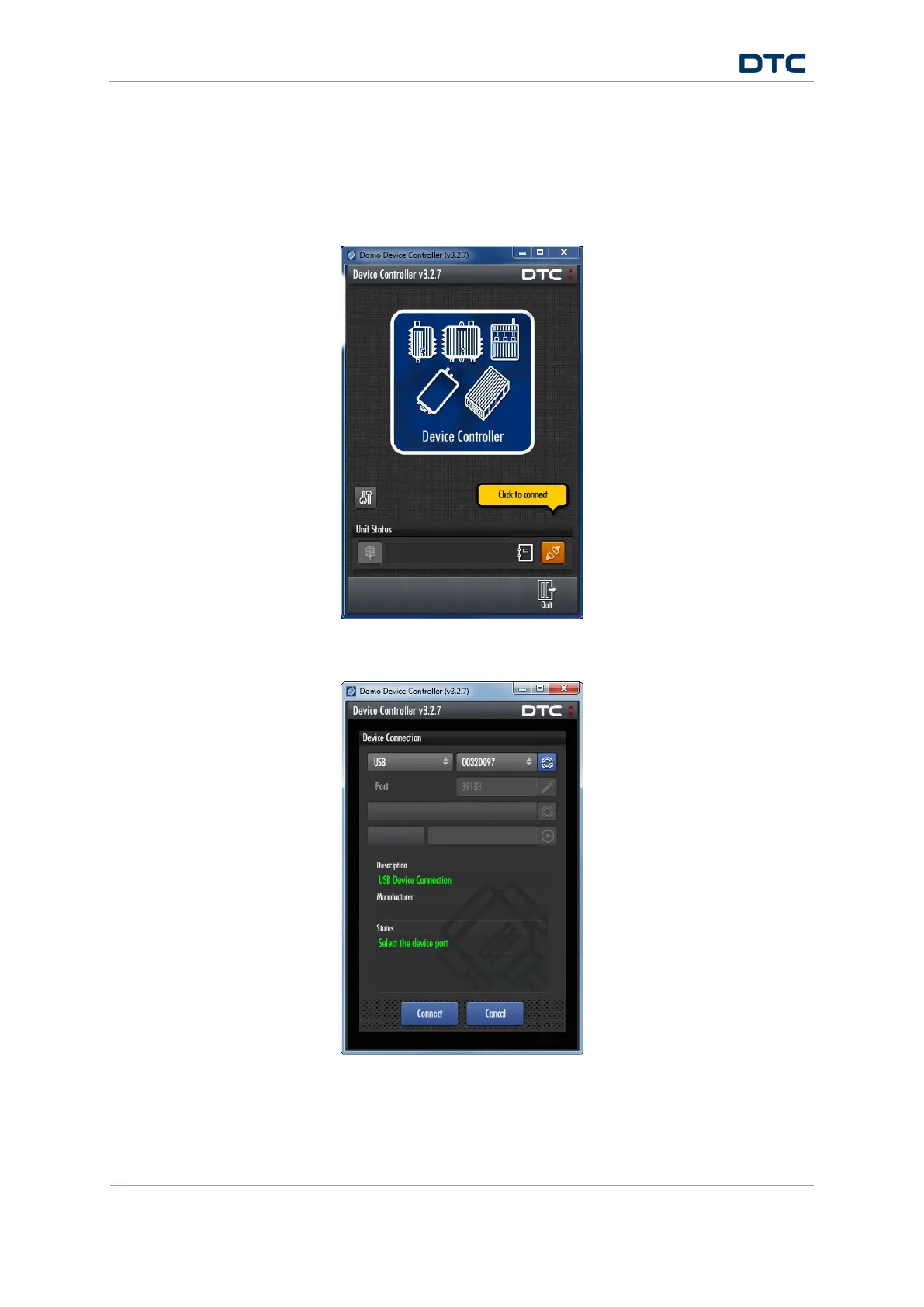
Double-click Domo Device Controller icon on the computer desktop to open the Domo Device Controller.
Click the connection button.
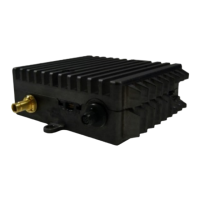
Select USB or Serial Port in the device connection window (dependent on your device connection). You’ll see
the USB identification number or serial port Com Port of the Transmitter.


 To Next Page