RPT-5 Tester – User manual 8
test. The setting of new parameters is only necessary when changing the used external sensor.
To set the sensor parameters (before the first use) :
1. Select Menu → Settings → External sensor
2. Specify the type of system: CR - Common Rail (Diesel), GDI - Gasoline (also FSI).
3. Select the sensor variant for Common Rail (Bosch / Delphi or Denso).
4. Specify the sensor range in megapascals [MPa].
After configuring the sensor, you can take measurements with it.
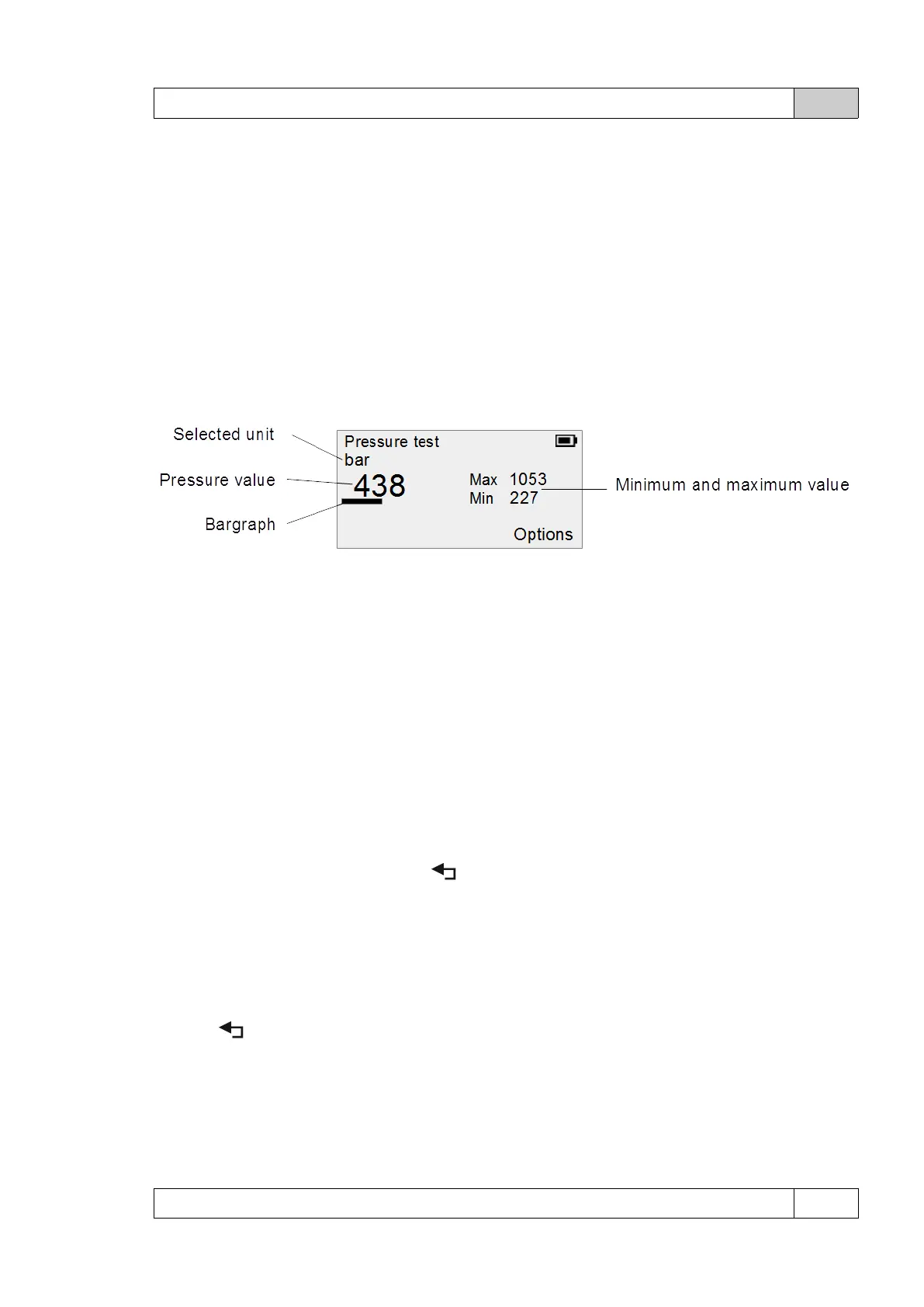
Measurement screen in external sensor mode:
The test screen using an additional (external) sensor does not contain information about the
sensor supply voltage, because in this case the voltage is supplied by the tester and has
a constant level of 5V.
Other functionalities work normally except that from the measurement in the external sensor
mode it is not possible to go directly to the comparative test. To do this, go back to the main
menu and after selecting Pressure test first determine the sensor to be tested on the rail.
Language
The menu allows you to choose the device's interface language. Use [▲] and [▼] to change
item. Button [OK] confirms choice, [ ] returns to the previous setting.
Bluetooth
Use [▲] and [▼] to select Turn on and Turn off. At the bottom of the screen, a PIN number is
displayed for pairing with the device to use the included application. Button [OK] confirms
choice, [ ] returns to the previous setting.
Turning off Bluetooth when not required will extend the battery life.
© DeltaTech Electronics 2024 Ver.2.1



 To Next Page