RPT-5 Tester – User manual 9
Version
It displays the device software version. To go back to the previous menu press
[ ].
4. Android app
It is possible to extend the capabilities of the device through cooperation with a dedicated
application. To download the application, use the link:
http://auto-testers.com/download/rpt/
To download the program it is necessary to provide the serial number of the device. It is
located under the silicone case of the cover.
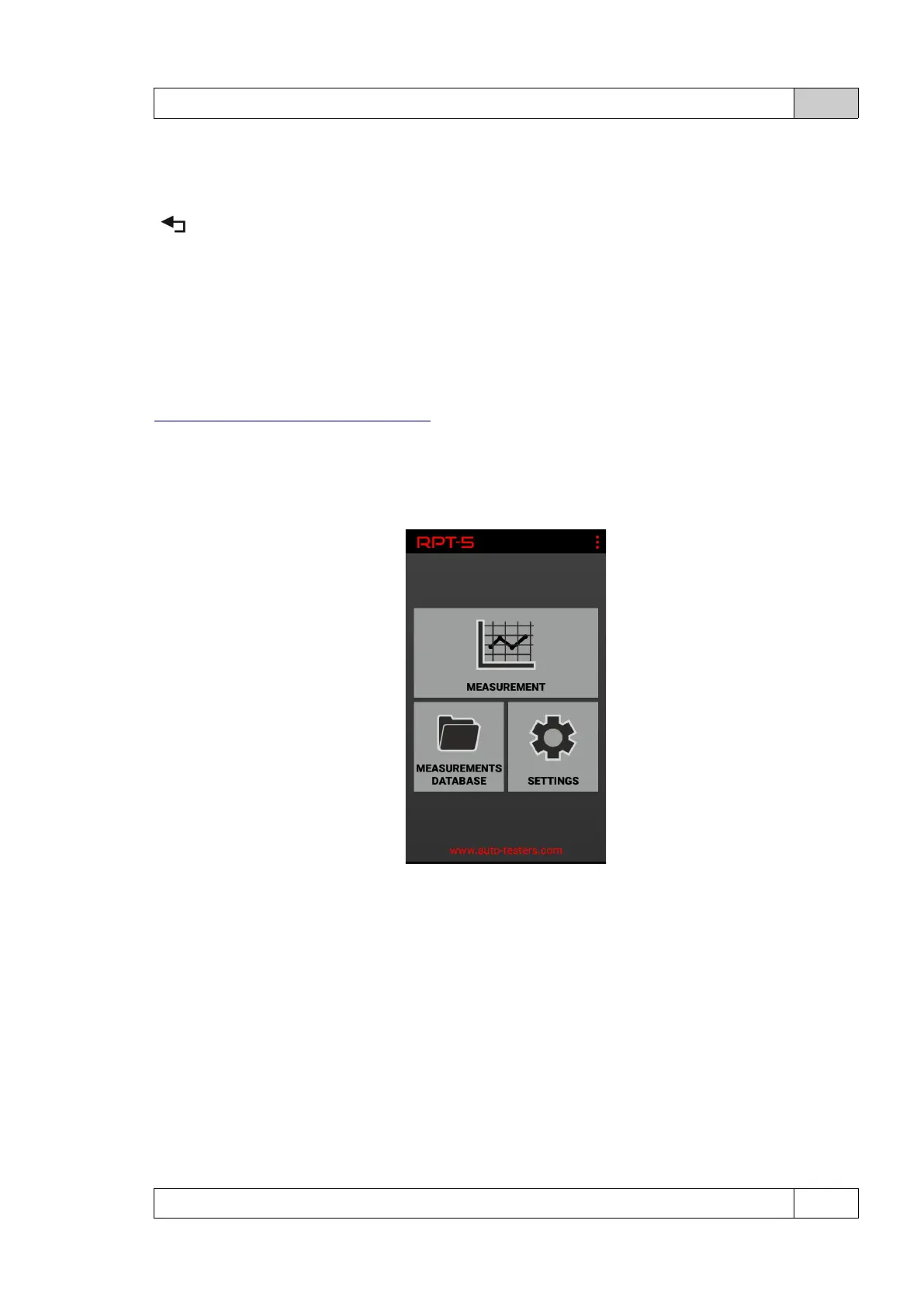
App window:
Measurement screen - allows remote reading of measurement parameters. The function is
available only if the appropriate sensor test screen is displayed on the device.
Measurements database - allows you to view results that was previously stored in the device.
Settings - allows you to set up a Bluetooth connection, change the program language and
display version information.
To connect to the application:
• Turn on Bluetooth in RPT-5 and on your mobile device.
• Start the RPT-5 application.
© DeltaTech Electronics 2024 Ver.2.1



 To Next Page