13- DISPLAY FUNCTIONS
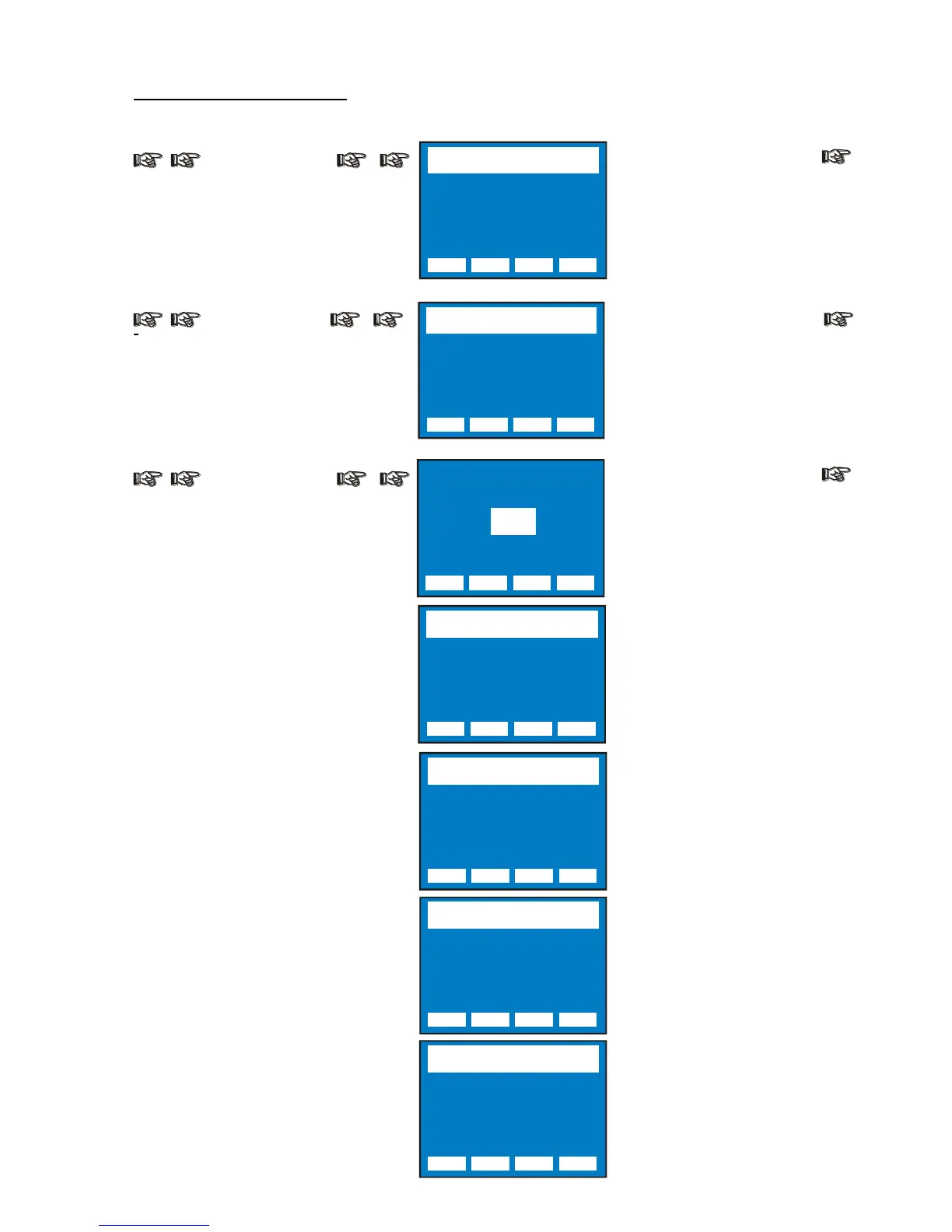
Wireless
WIRELESS
Wireless DMX enabled / disabled.
(Wireless module on request)
System Info
SYSTEM INFO
Lamp life time, lamp strikes,
unit life time, 9 motors card
software version, Pan&Tilt card
software version and unit model
Reserved
SYSTEM INFO
Lamp life time, lamp strikes,
unit life time, 9 motors card
software version, Pan&Tilt
card software version and
unit model
Lock Detector OFF = Default
Lock Detector ON: This function
let the user to activate the Lock
detector on Pan and Tilt.
When Lock detector is set to
ON, the unit start the Pan&Tilt
motors reset normally, but if for
any reason there is something
blocking the movement for
Pan&Tilt motors during the
initial reset (example unit into
the fly case and power
connected), it automatically will
stop to reset Pan&Tilt motors
after 5 seconds from the startup
and a warning message (Pan
Locked-Tilt locked) will appear
on unit display .
Reboot = Unit Reboot without
needing of turning OFF the unit
Exit To Main = Exit from
Reserved menu


 To Next Page