EasyManua.ls Logo

Dual DT 250 USB - User Manual

Dual DT 250 USB
24 pages
Print Icon
To Next Page IconTo Next Page
Loading...
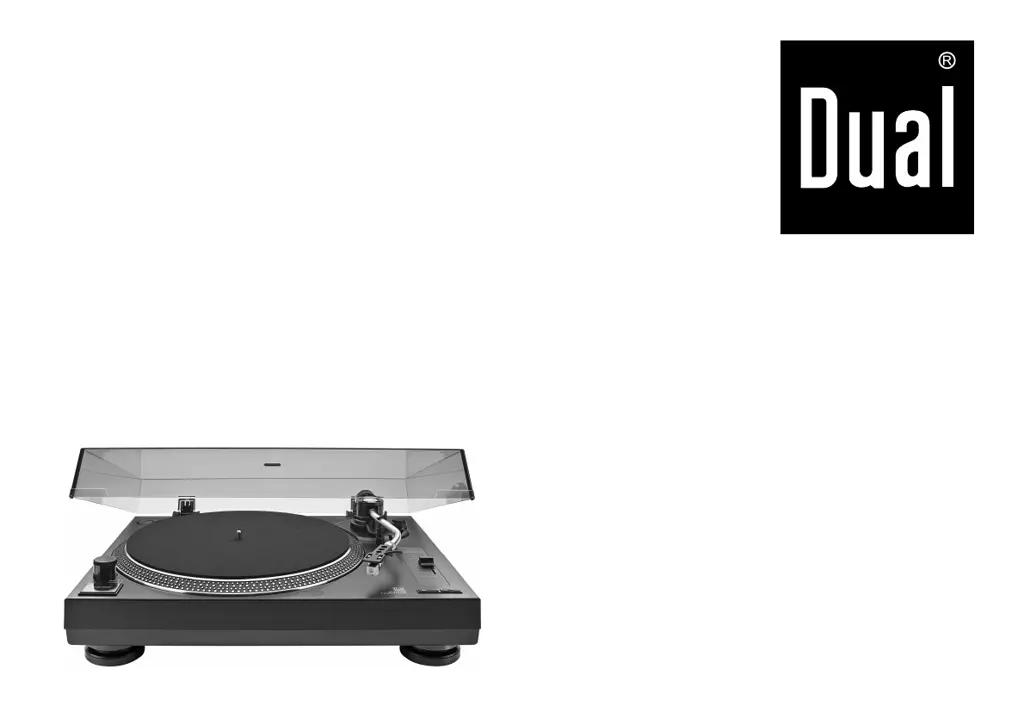
DT 250 USB
DJ record player
with USB port
Operating manual
DT 250 USB V2-GB_1903

Questions and Answers

  • A
    Andre AtkinsJul 28, 2025
    Why does my Dual DT 250 USB Turntable have poor tone quality and static noise?
    • D
      Daniel AndersonJul 28, 2025
      Poor tone quality and static noise in your Dual Turntable may be due to a dirty or worn stylus. Clean the stylus with a brush or replace it. Another cause could be a dirty or dusty record, so clean the record with a record cleaner.
  • F
    Frederick TaylorAug 8, 2025
    What to do if my Dual Turntable tone arm skips grooves?
    • J
      Jonathan TaylorAug 8, 2025
      If the tone arm on your Dual Turntable skips grooves, it could be due to several reasons. Ensure that the record player is placed on a horizontal base. The record might be dirty or scratched, so try cleaning it or playing a different one. The stylus pressure may be too low, so adjust it accordingly. The stylus itself could be defective, so replace it if necessary. Also, check the anti-skating setting and readjust it if needed.
  • R
    rhodesginaAug 18, 2025
    Why does my Dual DT 250 USB music sound too fast or slow?
    • M
      Miranda SkinnerAug 18, 2025
      If the music on your Dual Turntable sounds too fast or too slow, adjust the speed according to the specification on the record (33 rpm or 45 rpm). If necessary, adjust the speed using the PITCH ADJ. slider.

Summary

Safety and Setup

Safety Precautions

Crucial safety guidelines, warnings, and electrical precautions for safe operation.

Setup Guidelines

Guidelines for placing and setting up the record player in a suitable environment.

Preparing for Operation

Tone Arm and Counterweight Setup

Instructions for handling the tone arm and balancing the counterweight.

Anti-Skating Adjustment

Explanation and adjustment of the anti-skating mechanism.

Connections and Power

Playing Records

Playback Procedure

Detailed steps for placing a record, starting playback, and stopping.

Speed Fine Adjustment

How to adjust the playback speed using the pitch slider.

USB Port and Software

Cleaning and Maintenance

Replacing the Stylus

Guidance on how to replace the stylus, recommending the original type.

Troubleshooting

Unit Problems

Table of symptoms related to tone arm movement and possible causes/remedies.

Audio Quality Issues

Table of symptoms related to audio quality and possible causes/remedies.

Technical Specifications

Dual DT 250 USB Specifications

General IconGeneral
Drive SystemBelt Drive
MotorDC Motor
Speeds33 1/3, 45 RPM
Overhang18 mm
USB FunctionYes
USB RecordingYes
Built-in PreampYes
TypeBelt Drive
PlatterAluminium
OutputRCA
Dimensions420 x 125 mm
TonearmStraight / statically balanced

Related product manuals