EasyManua.ls Logo

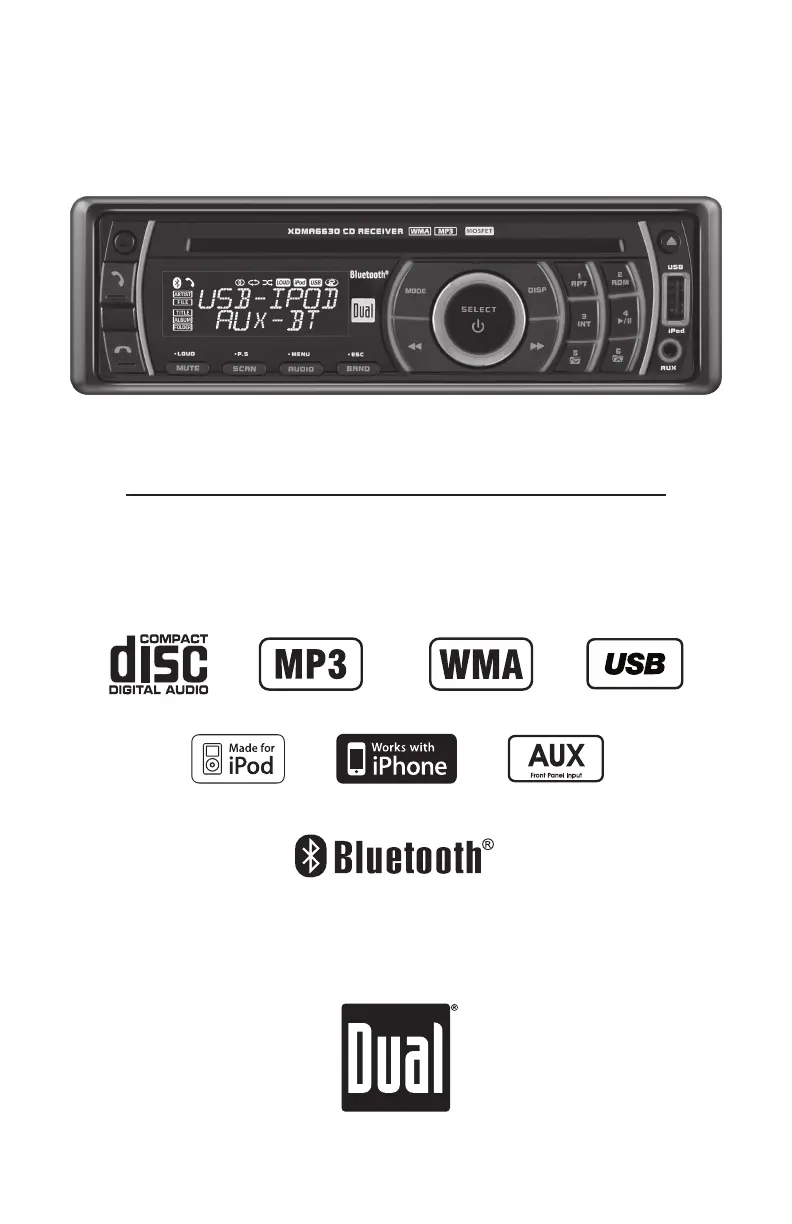
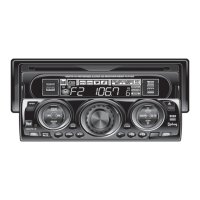
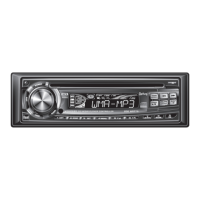
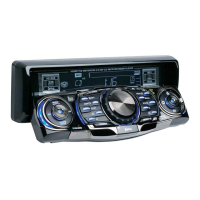
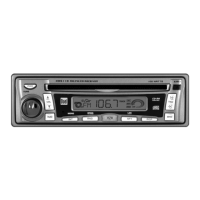
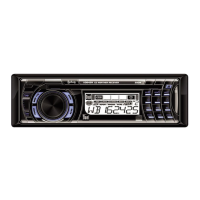
Dual XDMA6630 - User Manual

Dual XDMA6630
32 pages
Print Icon
To Next Page IconTo Next Page
Loading...
INSTALLATION/OWNER'S MANUAL
CD Receiver with Detachable Face
XDMA6630

Questions and Answers

Summary

Preparation

Wiring Diagram

Fuse Information

Guidance on the unit's fuse, its rating, and replacement procedures.

General Operation

Setup Menu

Navigating Setup Menu

Guide to accessing and cycling through the various setup menu options.

Audio Settings

Tone and Balance Controls

Adjusting bass, treble levels, and the left-right balance of audio.

Fader, EQ, and Subwoofer

Adjusting front-to-rear fader, selecting EQ presets, and controlling subwoofer output.

Source Volume Level

Customizing audio gain for different sources like AM, FM, CD, USB, and Bluetooth.

AM;FM Tuner Operation

Band and Presets

Selecting FM/AM bands and storing/recalling preset radio stations.

CD Player Operation

CD Player Operation - MP3;WMA Files

Folder;File Search Mode

Navigating through folders to locate and play specific MP3 or WMA files.

Media Compatibility

Lists compatible and incompatible file types and disc formats for MP3/WMA playback.

USB Operation - MP3;WMA Files

Connecting and Playing USB Devices

How to connect USB storage devices and initiate music playback.

USB File and Device Compatibility

Supported file types and requirements for USB device compatibility and formatting.

USB File Search

Navigating through folders and files on a connected USB device.

Operation of iPod

Connecting an iPod Device

Instructions for connecting an iPod or iPhone via USB for playback.

Search Mode

How to enter and use the search function to find content on an iPod.

Bluetooth Operation

Bluetooth Phone Call Management

Procedures for making, receiving, managing, and ending phone calls via Bluetooth.

Bluetooth Pairing Process

Detailed steps for pairing a Bluetooth-enabled mobile phone with the head unit.

Bluetooth Mode Configuration

Settings to enable or disable the Bluetooth feature and manage pairing.

Connecting a Mobile Device

Instructions on how to establish a connection after the initial Bluetooth pairing.

Bluetooth Streaming Audio Operation

Bluetooth Reset Procedure

Steps to remove paired devices and reset Bluetooth settings to factory defaults.

Limited One Year Warranty

Warranty Service Procedure

Step-by-step instructions for obtaining service under the warranty terms.

Troubleshooting - General

Power and Sound Issues

Diagnosing and resolving problems related to the unit not turning on or producing sound.

Fuse and Skipping Problems

Addressing issues with blown fuses and media playback skipping.

Error Messages and Disc Issues

Interpreting error codes and troubleshooting problems with disc acceptance and playback.

Dual XDMA6630 Specifications

General IconGeneral
MP3 playbackYes
DVD Audio playbackNo
Audio formats supportedMP3, WMA
AM band range530 - 1710 kHz
FM band range87.5 - 107.9 MHz
Supported radio bandsFM
Preset stations quantity30
Product colorBlack
Equalizer bands quantity2
Display typeLCD
Display number of lines2 lines
Compatible memory cardsNot supported
Key illumination colorBlue

Related product manuals