EasyManua.ls Logo

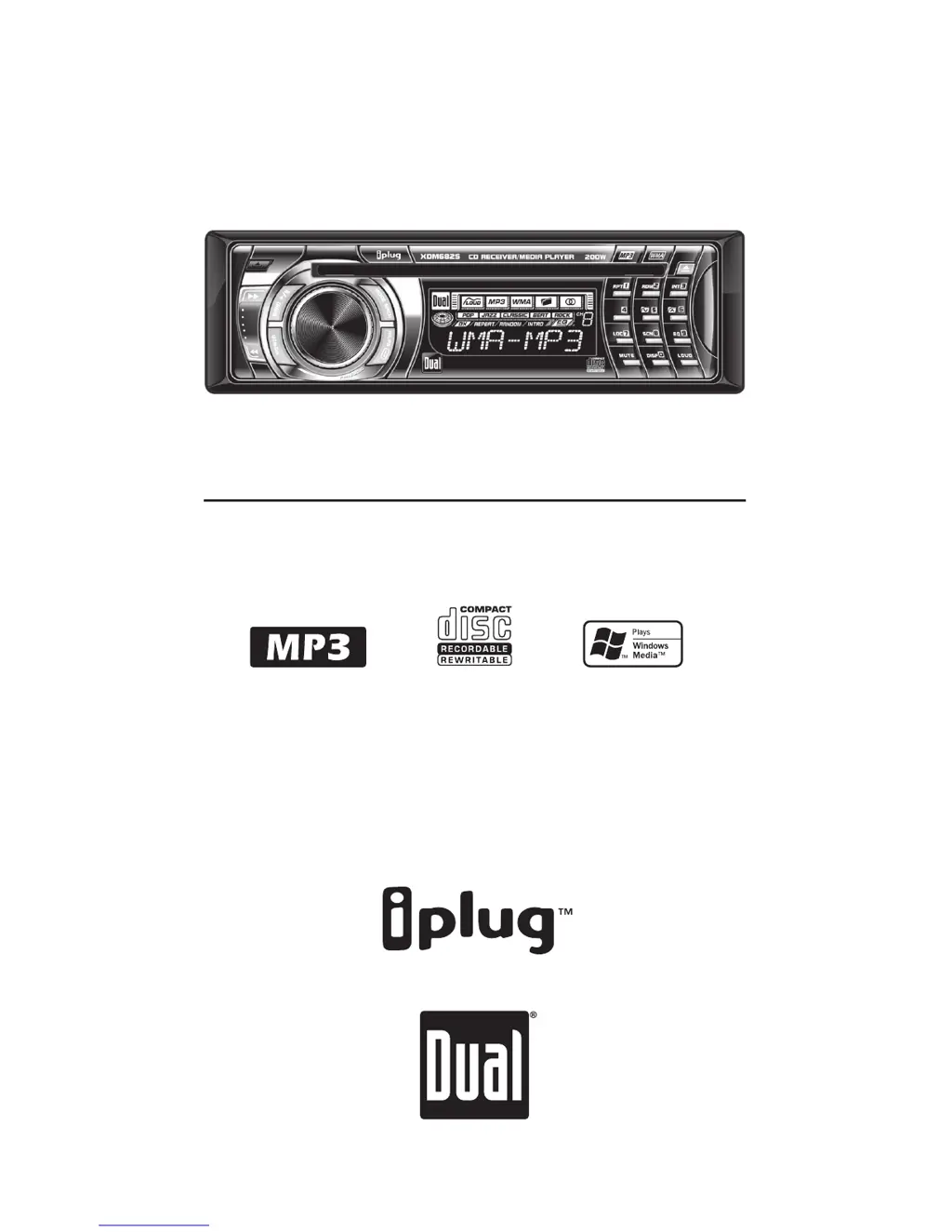
Dual XDM6825 - User Manual

Dual XDM6825
20 pages
Print Icon
To Next Page IconTo Next Page
Loading...
INSTALLATION/OWNER'S MANUAL
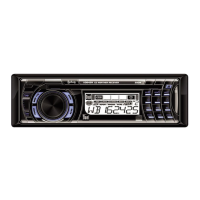
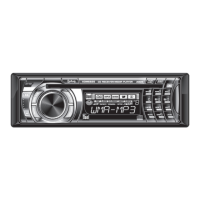
AM/FM/CD/MP3/WMA Receiver with Detach Face
XDM6825

Questions and Answers

Summary

Installation Preparation

Safety and Initial Setup

Essential safety precautions and initial steps before installing the car audio unit.

Wiring Diagram

Control Panel Layout

General Operation - Core Functions

Faceplate Handling

Procedures for removing and reinstalling the detachable faceplate.

Basic Unit Controls

Operation of power, mode selection, loudness, and volume.

Audio Configuration

Adjusting programmable volume and preset equalization (EQ) curves.

Display and Clock Management

Customizing display information and clock settings.

General Operation - System Settings

Display & Clock Priority

Setting display and clock behavior when the unit is off.

System Reset & Beep Settings

Resetting the unit and managing confirmation beep sounds.

Mute Function

Temporarily silencing audio output.

General Operation - Audio Management

Volume & Tone Adjustments

Controlling volume, bass, treble, balance, and fader.

Source-Specific Audio Memory

Storing unique audio settings for FM, AM, CD, AUX modes.

Tuner Operation

Tuning Methods

Various methods for tuning radio stations.

Band & Frequency Settings

Selecting radio bands and frequency spacing.

Station Preset Management

Saving, recalling, and scanning radio presets.

CD Player Operation

Disc Handling Procedures

Procedures for inserting and ejecting CDs.

Track Navigation & Control

Controlling playback, track selection, and pausing.

Playback Modes

Setting repeat and random playback modes.

CD Compatibility Notes

Information on compatible and incompatible CD-R/RW discs.

MP3;WMA File Playback Basics

Disc Insertion & Reading

Process of inserting MP3/WMA discs and initial reading.

File & Folder Icons

Understanding icons indicating MP3, WMA, or folder selection.

Information Display Options

Selecting what information to display for tracks.

Character & Tag Support

Supported characters and ID3 tag versions for file information.

MP3;WMA File Navigation

MP3;WMA Button Function Table

Reference table for button functions in MP3/WMA modes.

Direct File Selection Method

Selecting specific MP3/WMA files using direct numeric input.

Alphanumeric Search Introduction

Overview of searching for MP3/WMA files using alphanumeric input.

MP3;WMA File Search & Navigation

Alphanumeric Search Steps

Detailed steps for performing an alphanumeric search.

File;Folder Browse Navigation

Browsing files and folders on MP3/WMA discs.

Folder Level Access

Navigating up one level within the folder structure.

MP3;WMA Playback Modes

Folder Navigation & Access

Navigating between folders and accessing previous/next folders.

File & Folder Repeat Modes

Setting repeat modes for individual files or entire folders.

Random & Intro Scan Modes

Utilizing random playback and intro scan for files/folders.

MP3;WMA Media Compatibility

Compatible Disc & File Types

Types of discs and audio files supported by the unit.

Incompatible Media Types

File types and DRM-protected files that are not supported.

Playback Order & Formats

How files are played and compatible recording standards.

MP3;WMA Technical Details

Additional Playback Information

ESP, playing mixed discs, file extensions, and unsupported files.

Sampling & Bit Rate Specs

Supported sampling frequencies and bit rates for MP3/WMA.

MP3 Tag Display Support

Supported versions of MP3 ID3 tags.

Recommended Burning Settings

Optimal settings for burning MP3/WMA discs.

Limited One Year Warranty

Warranty Coverage Details

Details on who is covered and what defects are included/excluded.

Obtaining Service Information

Steps for seeking warranty service and contact information.

Damage Exclusion Clause

Limitations on liability for indirect or consequential damages.

Product Specifications

CD Player Technical Specs

Technical specifications for the CD playback function.

Tuner Frequency Specs

Technical specifications for FM and AM radio tuning.

General & Power Specifications

General operating parameters and CEA-2006 power output details.

Troubleshooting Guide

Unit Power & Audio Issues

Solutions for power or audio output problems.

Fuses, Wiring & Skipping

Addressing blown fuses, wiring issues, and skipping.

Disc & File Error Resolution

Resolving disc read, format, protection, and file errors.

Disc Loading Problems

Resolving issues with the disc loading mechanism.

Notes

Manufacturer Information

Dual XDM6825 Specifications

General IconGeneral
MP3 playbackYes
DVD Audio playbackNo
AM band range530 - 1710 kHz
FM band range87.5 - 107.9 MHz
Preset stations quantity30
Product colorBlack
Equalizer bands quantity5
Key illumination colorBlue
Number of optical discs1 discs
Weight and Dimensions IconWeight and Dimensions
Dimensions (WxDxH)178 x 178 x 51 mm

Related product manuals