EasyManua.ls Logo

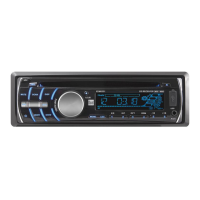
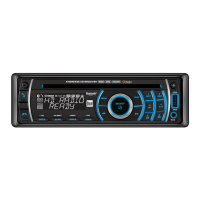
Dual DC208BT - User Manual

Dual DC208BT
24 pages
Print Icon
To Next Page IconTo Next Page
Loading...
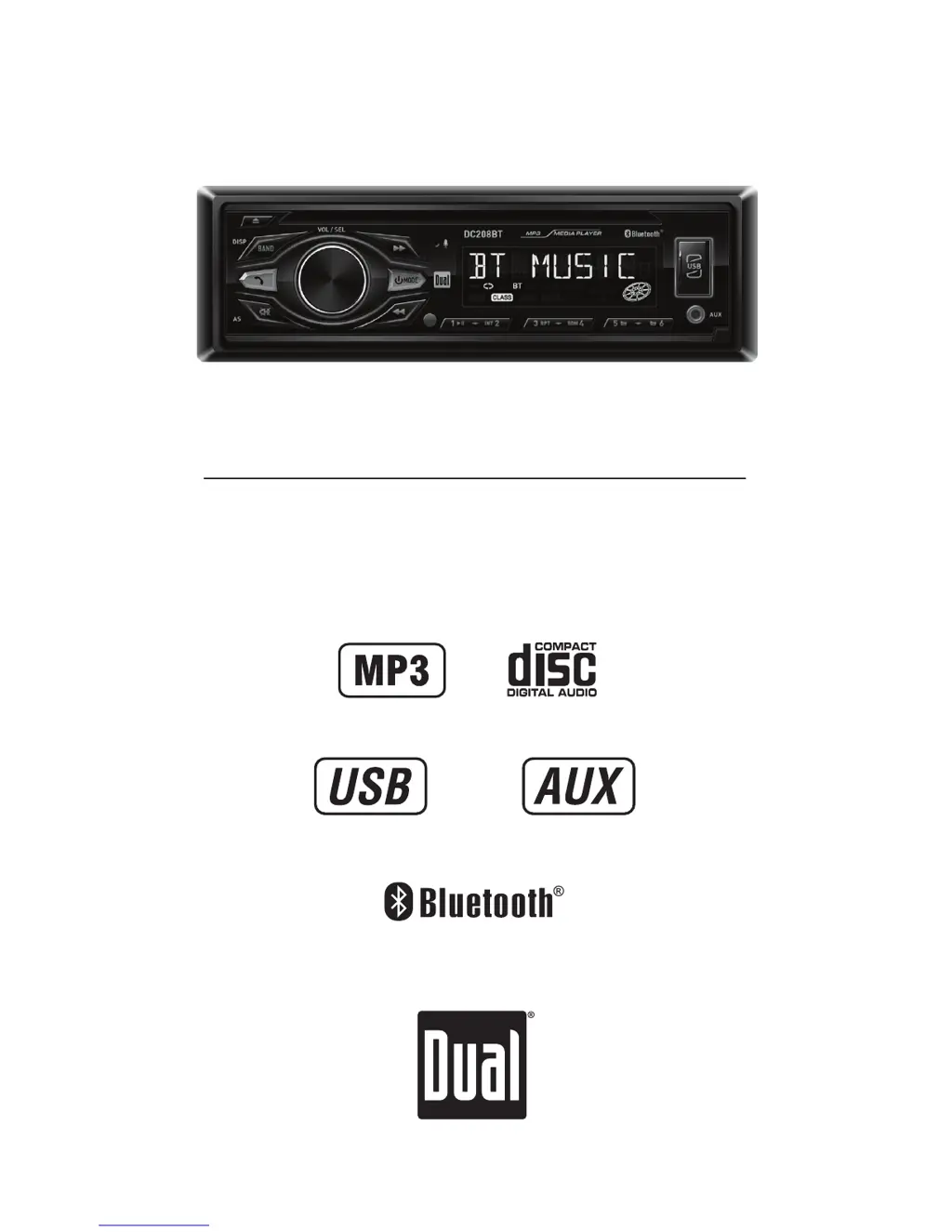
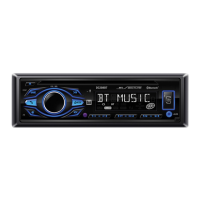
INSTALLATION/OWNER'S MANUAL
AM/FM/CD Receiver
DC208BT

Other manuals for Dual DC208BT

Questions and Answers

  • R
    Ricky HallAug 13, 2025
    How to troubleshoot a Dual Car Stereo System that will not turn on?
    • M
      Mrs. Madison DavisAug 13, 2025
      If your Dual Car Stereo System won't turn on, it could be due to several reasons: * The yellow or red wire may not be connected properly or have incorrect voltage. Check these connections to ensure they are receiving the correct voltage (11~16VDC). * The black wire might not be connected. Verify its connection to ground. * The fuse may have blown. If so, replace it.
  • S
    Susan LewisAug 17, 2025
    Why does my Dual Car Stereo System keep blowing fuses?
    • M
      Monica BrooksAug 17, 2025
      If your Dual Car Stereo System keeps blowing fuses, the issue might be due to: * A yellow or red wire touching the chassis ground. Inspect these wires for any pinching. * Speaker wires touching the chassis ground. Examine the speaker wires for any pinching. * An incorrect fuse rating. Ensure you are using a fuse with the correct rating.
  • M
    Michael Rivera MDAug 20, 2025
    What to do if my Dual DC208BT Car Stereo System has power but no sound?
    • E
      Eric HoAug 20, 2025
      If your Dual Car Stereo System has power but no sound, here are a couple of things to check: * Speaker wires may not be connected. Check all speaker connections. * Speaker wires might be touching each other or the chassis ground. Ensure all bare speaker wires are insulated from each other and the chassis ground.
  • K
    kimberlystephensAug 25, 2025
    Why is my Dual DC208BT Car Stereo System skipping a lot?
    • Q
      qchavezAug 25, 2025
      Excessive skipping on your Dual Car Stereo System can be caused by: * Incorrect mounting or an unsecured backstrap. Verify the mounting sleeve and backstrap support. * Physical defects on the media (CD, CD-R, or CD-RW). Inspect the media for any scratches.
  • A
    amosleyAug 28, 2025
    What to do if my Dual DC208BT Car Stereo System will not accept a disc?
    • S
      Sharon MillerAug 28, 2025
      If your Dual Car Stereo System won't accept a disc, it could be due to: * The CD mechanism position being out of alignment. Try pressing the EJECT button to reset the CD mechanism position. * CD transit screws still being in place. Remove the two transit screws located on top of the unit.
  • E
    Elizabeth WilsonSep 1, 2025
    What does 'ERR FILE' mean on my Dual Car Stereo System?
    • S
      Sarah FritzSep 1, 2025
      If 'ERR FILE' appears on the display of your Dual Car Stereo System, it indicates: * A disc read error. Try pressing the eject button or RESET. * A focus error, or the disc is upside down. Try pressing the eject button or RESET.
  • C
    Cindy ParkerSep 4, 2025
    What does 'NO FILE' mean on my Dual Car Stereo System display?
    • T
      Taylor ButlerSep 4, 2025
      If 'NO FILE' appears on the display of your Dual Car Stereo System, it means that no playable MP3 files were found on the device. Check the device to ensure it contains valid MP3 files.
  • C
    Cheryl WoodsSep 9, 2025
    What does 'NO SUPPORT' mean on my Dual DC208BT Car Stereo System display?
    • D
      David MontesSep 9, 2025
      If 'NO SUPPORT' appears on the display of your Dual Car Stereo System, it signifies that an invalid ID3 tag version is present. The system supports Version 1.0 to 2.0 ID3 tags.

Summary

Installation

Preparation and Safety

Essential steps, precautions, and safety advice before installing the head unit.

Mounting the Head Unit

Instructions for mounting the head unit using DIN and ISO methods.

Device Operation and Controls

Control Locations Overview

Identifies all physical buttons, ports, and indicators on the head unit.

Remote Control Functions

Details the buttons and operation of the included remote control.

General Operation Modes

Basic functions like power, mode selection, volume, mute, clock setting, and input selection.

Audio Settings Adjustment

Controls for bass, treble, balance, fader, EQ, loudness, and dimmer.

Media Playback and Connectivity

AM;FM Tuner Operation

How to seek, manually tune, select bands, and store/recall stations.

CD Player Functionality

Inserting, ejecting, and controlling CD playback, including MP3 files.

USB Device Operation

Connecting, playing, and managing music files from a USB device.

Bluetooth Connectivity

Pairing, connecting, and streaming audio wirelessly via Bluetooth.

System Information and Support

Limited One Year Warranty

Terms and conditions of the product's limited one-year warranty.

Troubleshooting Guide

Common problems and their solutions for the head unit.

Technical Specifications

Detailed specifications for CD, Tuner, USB, and amplifier performance.

FCC Compliance

Regulatory information regarding radio frequency interference.

Dual DC208BT Specifications

General IconGeneral
BluetoothYes
USB PortYes
Aux InputYes
AM/FM RadioYes
Display TypeLCD
Number of Channels4
SD Card SlotYes
Radio TunerAM/FM
Remote ControlYes
Peak Power Output200 watts
AM/FM Presets18 FM/12 AM

Related product manuals