18
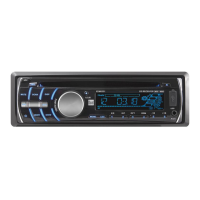
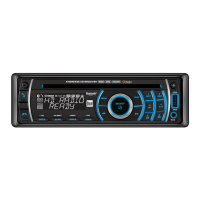
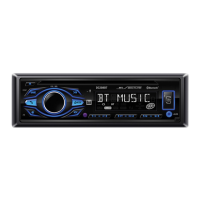
DC208BT OPERATION
Bluetooth
®
Operation
Before you can use a Bluetooth device, it must be paired and
connected. Make sure that Bluetooth is activated on your
device before you begin the pairing process.
The unit broadcasts the pairing signal constantly when
no devices are currently connected. Complete the pairing
sequence from your Bluetooth device. Refer to the owner's
manual for your device for more details.
The device name is "DC208BT".
The Bluetooth passcode "1234".
Note: The unit can be in any mode of operation when pairing
is performed.
Most Bluetooth devices support the auto-connect feature,
and will connect automatically if the device is in range when
the unit is powered-on.
To redial the last phone number, press
from Bluetooth
mode. Press
or SELECT again to redial the phone
number.
Incoming phone calls will automatically appear on the
display and a ring tone will be heard.
Note: The volume of the ring tone depends on the volume
level of the unit. The incoming ring tone may not be heard if
the volume is set to a low level or mute is activated.
• Press
to receive the incoming phone call.
• Press and hold
to refuse the incoming phone call.
Note: If Auto Answer is set to ON in the setup menu, all
phone calls will be received automatically.
During an active phone call, press
to end a phone call.
If the phone call was received when listening to music in
another mode, the unit will resume the previous mode.
Pairing a New Device
Connecting a
Paired Device
Redialing the last number
Receiving a phone call
Ending a Phone Call


 To Next Page