EasyManua.ls Logo

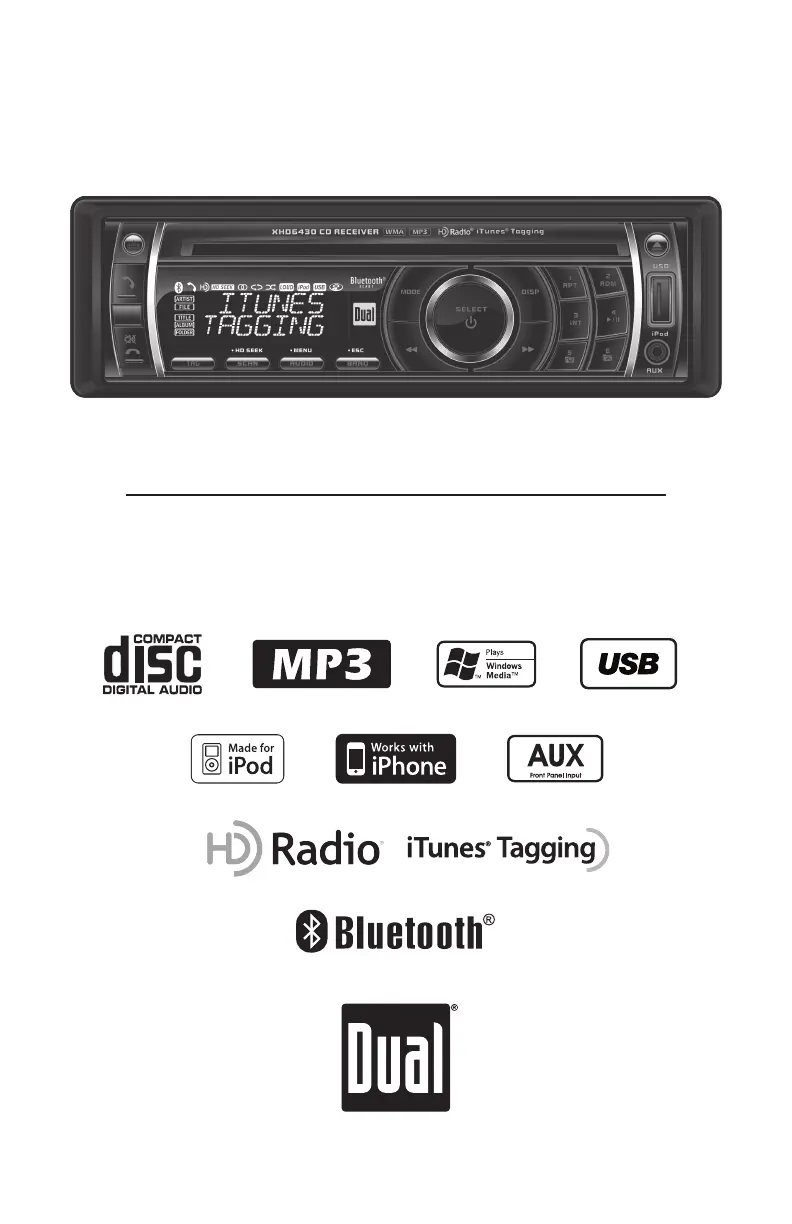
Dual XHD6430 - User Manual

Dual XHD6430
32 pages
Print Icon
To Next Page IconTo Next Page
Loading...
INSTALLATION/OWNER'S MANUAL
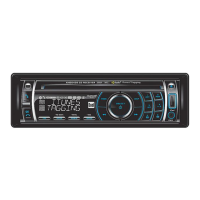
CD Receiver with Detachable Face
XHD6430
READY

Questions and Answers

Summary

Installation Preparation

Pre-Installation Checks

Safety and environmental precautions before installation.

Installation Steps

Step-by-step instructions for initial unit installation.

Wiring Diagram

System Wiring Connections

Explains connections for power, speakers, and accessories.

Receiver Control Layout

Receiver Front Panel Controls

Identifies and describes the buttons and controls on the receiver unit.

Remote Control Layout

Remote Control Buttons

Identifies and describes the buttons and controls on the remote.

Basic Unit Operations

Faceplate Handling and Power

Procedures for detaching and reattaching the front faceplate, and power control.

Mode Selection and Clock Setting

Switching operational modes and adjusting the unit's time display.

Input and Interface Connections

Connecting external devices and steering wheel interfaces.

Setup Menu Navigation

Accessing and Navigating Setup

How to access and navigate the unit's setup options.

Radio and Audio Setup Options

Auto station store, tuning modes, and loudness settings.

Display and Confirmation Settings

Illumination, confirmation beeps, and message display settings.

Audio Settings and Equalizer

Bass, Treble, Balance, Fader Adjustments

How to adjust core audio parameters like bass and treble.

Equalizer Presets and User EQ

Selects preset or custom sound profiles.

Source Volume Level Control

Adjusts gain for different audio inputs.

AM;FM Tuner Operation

Station Tuning Methods

Seek, manual, and scan tuning for radio stations.

Storing and Recalling Radio Presets

Saving and accessing favorite radio stations.

HD Radio Station Features

Displaying HD Radio Information

Toggles information shown on the display for HD Radio.

HD Seek Mode Functionality

Enables digital-only tuning, skipping analog stations.

Storing HD Radio Presets

Saving HD Radio multicast stations to presets.

iTunes Tagging Process

Tagging Songs from HD Radio

How to tag songs from HD Radio for later purchase via iTunes.

Managing Tagged Songs

How to view and remove tagged songs from memory.

iTunes Tagging Troubleshooting

Troubleshooting Error Messages and Devices

Explains common error messages and solutions for iPod/iPhone.

Device Compatibility for iTunes Tagging

Lists compatible iPod/iPhone devices for tagging.

CD Player Basic Functions

CD Handling and Track Navigation

Procedures for inserting, ejecting CDs, and navigating tracks.

CD Playback Modes

Controls for repeat, random, and intro playback modes.

CD-R;CD-RW Media Compatibility

Information on compatible CD-R/RW media types.

MP3;WMA CD Playback Features

Playing MP3;WMA Discs

How to play discs containing MP3/WMA files.

Displaying MP3;WMA File Information

Options for showing track details on the display.

MP3;WMA Character Display Limits

Limits for displayed text characters for MP3/WMA files.

MP3;WMA CD Folder Search

Folder and File Search Mode

How to navigate folders and files on a CD.

Navigating CD Folders and Files

Tips for moving between folders and files on the disc.

MP3;WMA CD Playback Controls

Folder Access and Playback Modes

Selecting folders and using repeat, random, and intro modes.

MP3;WMA CD Media Compatibility

Compatible and Incompatible File Types

Lists compatible and incompatible file types for CDs.

CD Recording Standards

Standards for burning discs to ensure compatibility.

MP3;WMA CD Technical Specifications

File Information and Bit Rates

Details on ESP, sampling rates, and bit rates for MP3/WMA.

Recommended Disc Burning Settings

Tips for optimal MP3/WMA disc creation.

USB Media Playback Setup

Connecting and Playing USB Devices

How to connect and play music from USB storage devices.

USB File Search and Navigation

Navigating and selecting files on a USB drive.

USB Media Display and Controls

Displaying USB File Information

Options for showing file details on the display.

USB Folder Access and Playback Modes

Selecting folders and using repeat, random, intro for USB.

USB Media File Specifications

USB Character Support and Media Types

Limits for displayed text and compatible file types for USB.

USB Playback Capacity and Device Requirements

Limits on files, folders, and USB device requirements.

USB Media Technical Details

USB File Information and Bit Rates

Details on ESP, sampling rates, and bit rates for USB.

USB MP3 Tag Display

Information on ID3 tag versions for USB files.

iPod Music Playback Setup

Connecting and Displaying iPod Information

How to connect an iPod and show its details on the unit.

iPod Music Search and Navigation

Navigating and selecting music on an iPod.

iPod Music Playback Controls

iPod Navigation and Playback Modes

Skipping songs, navigation, and playback modes for iPod.

iPod Character Support and Device Compatibility

Display limits and lists compatible iPod devices.

Bluetooth Connectivity and Pairing

Bluetooth Overview and Pairing Process

Introduction to Bluetooth, pairing requirements, and steps.

Bluetooth Connection Notes and Compatibility

Important information for Bluetooth connections and compatibility.

Bluetooth Phone Call Operations

Making and Receiving Bluetooth Calls

How to initiate and answer calls via Bluetooth.

Managing Active Bluetooth Calls

Controls for active calls and refusing incoming calls.

Bluetooth Call Management Features

Redial, Transfer, Waiting, and Hold Functions

Managing calls and transferring audio between devices.

Bluetooth Setup Menu Options

Configuration options for Bluetooth features.

Bluetooth Audio Streaming

Wireless Music Streaming via Bluetooth

Playing music wirelessly using A2DP/AVRCP profiles.

Bluetooth Module Reset Procedure

How to reset Bluetooth module settings.

Troubleshooting Common Issues

Unit Power and Sound Problems

Solutions for no power or no sound issues.

Fuse, Skipping, and Media Errors

Reasons and fixes for blown fuses, skipping, and media issues.

Error Message Resolution

Explains and resolves error codes displayed on the unit.

Limited One Year Warranty

Warranty Coverage and Service Procedures

Details warranty coverage and how to obtain service.

Regulatory Compliance and Amplifier Specs

FCC Compliance and Interference Measures

Regulatory compliance information and interference measures.

CEA-2006 Amplifier Performance Standards

Amplifier output and signal-to-noise ratio metrics.

Product Specifications Summary

Tuner and CD Player Specs

Technical details for CD, FM, and AM tuner performance.

General Unit Specifications

Overall unit dimensions, output voltage, and impedance.

Dual XHD6430 Specifications

Frequency Response IconFrequency Response
frequency response (general)10Hz-20kHz
frequency response (FM)30Hz-13kHz
frequency response (AM)30Hz-2.2kHz
Tuner Specifications IconTuner Specifications
tuning range (FM)87.5MHz-107.9MHz
tuning range (AM)530kHz-1710kHz
usable sensitivity (FM)8.5dBf
usable sensitivity (AM)22uV
Output and Impedance IconOutput and Impedance
line output voltage2 Volts RMS
speaker output impedance4~8 ohms
Dimensions IconDimensions
dimensions7" x 7" x 2" (178 x 178 x 51 mm)

Related product manuals