EasyManua.ls Logo

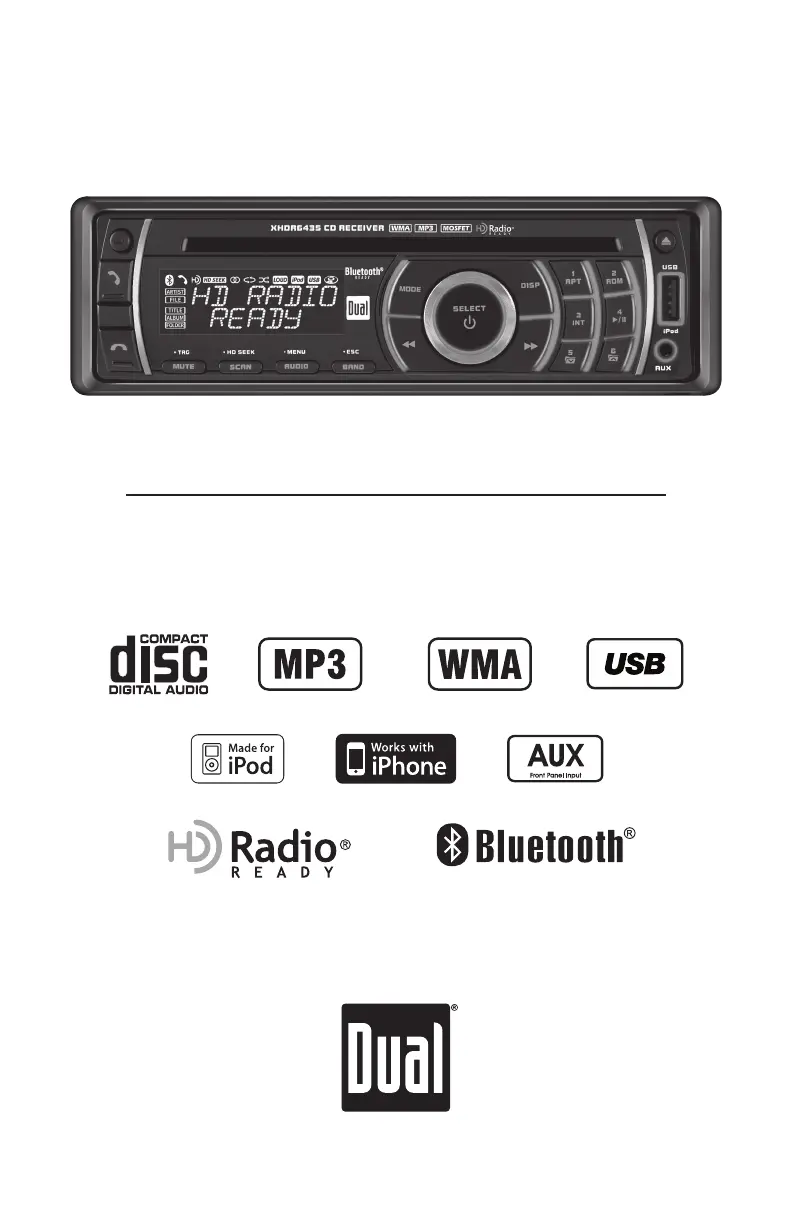
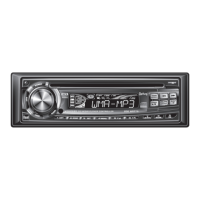
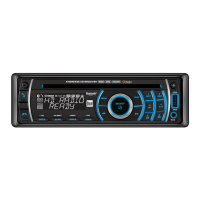
Dual XHDR6435 - User Manual

Dual XHDR6435
32 pages
Print Icon
To Next Page IconTo Next Page
Loading...
INSTALLATION/OWNER'S MANUAL
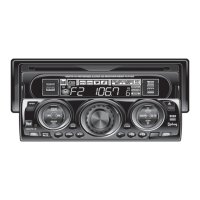
CD Receiver with Detachable Face
XHDR6435
READY

Questions and Answers

  • A
    Audrey WilkinsAug 13, 2025
    What to do if my Dual Car Stereo System says 'MEMORY FULL CONNECT iPod'?
    • J
      James PopeAug 14, 2025
      The 'MEMORY FULL CONNECT iPod' message indicates that the HDM90's internal memory, which holds up to 64 tags, is full. To resolve this, connect an iPod to transfer the tags, or delete existing tags before tagging more songs.
  • P
    Patrick RodriguezAug 17, 2025
    What does 'TRANSFER FAILED' mean on my Dual XHDR6435 Car Stereo System and how to fix it?
    • T
      Troy Wells DDSAug 17, 2025
      The 'TRANSFER FAILED' message on your Dual Car Stereo System usually indicates a connection error. Make sure your iPod is powered on, and then reconnect it until you see a 'TAGS SENT' confirmation.
  • E
    elizabeth12Aug 21, 2025
    Why does my Dual XHDR6435 Car Stereo System say 'CHECK iPod VER'?
    • L
      lisa50Aug 21, 2025
      The 'CHECK iPod VER' message on your Dual Car Stereo System means there's a compatibility issue with the connected iPod. Check the list of compatible iPod devices. If your device is compatible, update the iPod's firmware to the newest version using iTunes.
  • S
    simmonsstephanieAug 25, 2025
    What does 'ALREADY TAGGED' mean on my Dual Car Stereo System?
    • F
      fraziermatthewAug 25, 2025
      The 'ALREADY TAGGED' message on your Dual Car Stereo System means that the song from the same radio station has already been tagged and saved in the memory. You cannot tag the same song twice unless it is tagged from a different radio station, the tags are sent to an iPod, or the tags are erased.
  • D
    Dana RosarioAug 28, 2025
    What to do if my Dual XHDR6435 Car Stereo System says 'iPod FULL'?
    • L
      Laurie WhiteAug 28, 2025
      If your Dual Car Stereo System displays 'iPod FULL', it means there isn't enough space on the connected iPod to transfer the iTunes Tags. Free up space on your iPod using iTunes.
  • M
    Mrs. Theresa SimpsonSep 1, 2025
    What does 'TAGGING FAILED' mean on Dual XHDR6435 Car Stereo System and how to fix it?
    • A
      Allison HowardSep 1, 2025
      If your Dual Car Stereo System displays 'TAGGING FAILED', it indicates an error occurred while saving the tag information to the internal memory. Press and hold the TAG/MUTE button again to try saving the tag.
  • C
    Cindy OrtegaSep 4, 2025
    What does 'NO TAG INFO' mean on my Dual XHDR6435 Car Stereo System?
    • J
      Jason MayerSep 5, 2025
      The message 'NO TAG INFO' on your Dual Car Stereo System indicates that there isn't enough information (artist or title) available to tag the song. Some HD Radio™ stations or certain songs might not fully support iTunes Tagging.
  • R
    Rebecca CarlsonSep 8, 2025
    What does 'NO TAGS STORED' mean on my Dual Car Stereo System?
    • L
      lawrencekathleenSep 8, 2025
      The message 'NO TAGS STORED' on your Dual Car Stereo System means that there are no tags saved in the internal memory. The DELETE TAGS function can only delete tags that are saved in the internal memory.

Summary

Preparation

Initial Setup and Safety Precautions

Steps for safe installation, including disconnecting battery and avoiding environmental hazards.

Installation Steps Overview

Guide for removing trim, inserting keys, securing mounting sleeve, and connecting components.

Wiring Diagram

Audio and Power Connections

Details RCA preamp outputs, speaker connections, and power/ground wires.

Control and Antenna Connections

Explains connections for USB, antenna, steering wheel input, and remote turn-on.

Receiver Interface

Remote Control Operation

Setup Menu Configuration

Audio Settings and Source Levels

AM;FM Tuner Operation

Display Options and Tuning Methods

Describes display toggles, seek tuning, manual tuning, and scan tuning.

HD Radio Tuner Operation

HD Radio Connection and Display

Details connecting the HDM90 tuner and understanding HD Radio display indicators.

HD Radio Tuning and Seek Mode

Explains HD Radio tuning, multicast channels, and activating digital-only seek mode.

iTunes Tagging Operation (HDM90)

Tagging Music from HD Radio Stations

Step-by-step guide to tagging songs for purchase through iTunes.

iTunes Tagging Troubleshooting

CD Player Operation

Basic CD Playback and Controls

Covers inserting, ejecting, track selection, and playback controls for standard CDs.

MP3;WMA CD Playback

Playing MP3;WMA Discs and Displaying Information

Details playing MP3/WMA discs and selecting information to display on screen.

MP3;WMA File Search Mode

USB Device Operation - MP3;WMA Files

Connecting and Playing USB Music Files

Covers connecting a USB device and initiating playback of MP3/WMA files.

USB File Display and Playback Modes

iPod Device Operation

Connecting and Navigating iPod Content

Guides on connecting an iPod, displaying information, and using the search menu.

iPod Playback and Compatibility

Bluetooth Operation (BTM60)

Pairing and Connecting Mobile Devices

Steps for installing the BTM60, pairing a mobile device, and establishing a connection.

Connecting a Mobile Device and Compatibility

How to connect a paired device, disconnect, and notes on device compatibility.

Bluetooth Phone Call Management

Making and Receiving Phone Calls

Instructions for initiating calls, receiving incoming calls, and handling ring audio.

Bluetooth Setup Menu

Bluetooth Audio Streaming

Troubleshooting Common Issues

Power, Sound, and Fuse Problems

Addresses issues like no power, no sound, and blown fuses with corresponding causes and actions.

Disc and File Error Troubleshooting

Solutions for skipping, error messages, unreadable files, and disc acceptance issues.

Dual XHDR6435 Specifications

Audio Specifications IconAudio Specifications
frequency response (CD Player)10Hz-20kHz
channel separation @ 1kHz>65dB
D/A converter1 Bit
FM Tuner Specifications IconFM Tuner Specifications
tuning range87.5MHz-107.9MHz
usable sensitivity8.5dBf
50dB quieting sensitivity10dBf
AM Tuner Specifications IconAM Tuner Specifications
tuning range530kHz-1710kHz
usable sensitivity22uV
frequency response30Hz-2.2kHz
General Specifications IconGeneral Specifications
speaker output impedance4~8 ohms
line output voltage2 Volts RMS
dimensions7" x 7" x 2" (178 x 178 x 51 mm)

Related product manuals