14
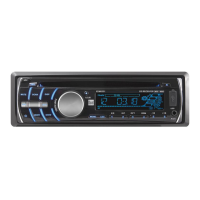
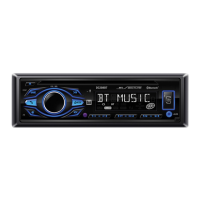
DC208BT OPERATION
USB Operation
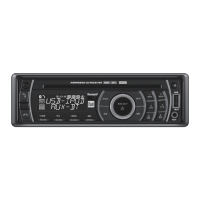
To play MP3 files from most USB mass storage devices, line
up the USB connector and insert the USB device into the
unit's USB port.
When a USB device is first connected, playback will begin
momentarily. Depending on the number of files and folders,
it may take several seconds for the device to begin playing.
Press TRACK
ll
to skip to the beginning of the next
track. Press TRACK
nn
to return to the beginning of the
current track. Pressing TRACK
nn
again skips to the
beginning of the previous track.
Press and hold TRACK
ll
or TRACK
nn
to fast forward
or reverse a track.
Press
l
/
II
to temporarily stop USB playback.
Press
l
/
II
again to resume playback.
Use the Folder Up/Folder Down buttons to navigate to the
desired folder.
Press
to select Folder Up.
Press
to select Folder Down.
Note: Folder access is only available on devices with more
than one folder.
Connecting a USB Device
(sold separately)
Playing Music
Track Select
Fast Forward and
Reverse
Pause
File Search


 To Next Page