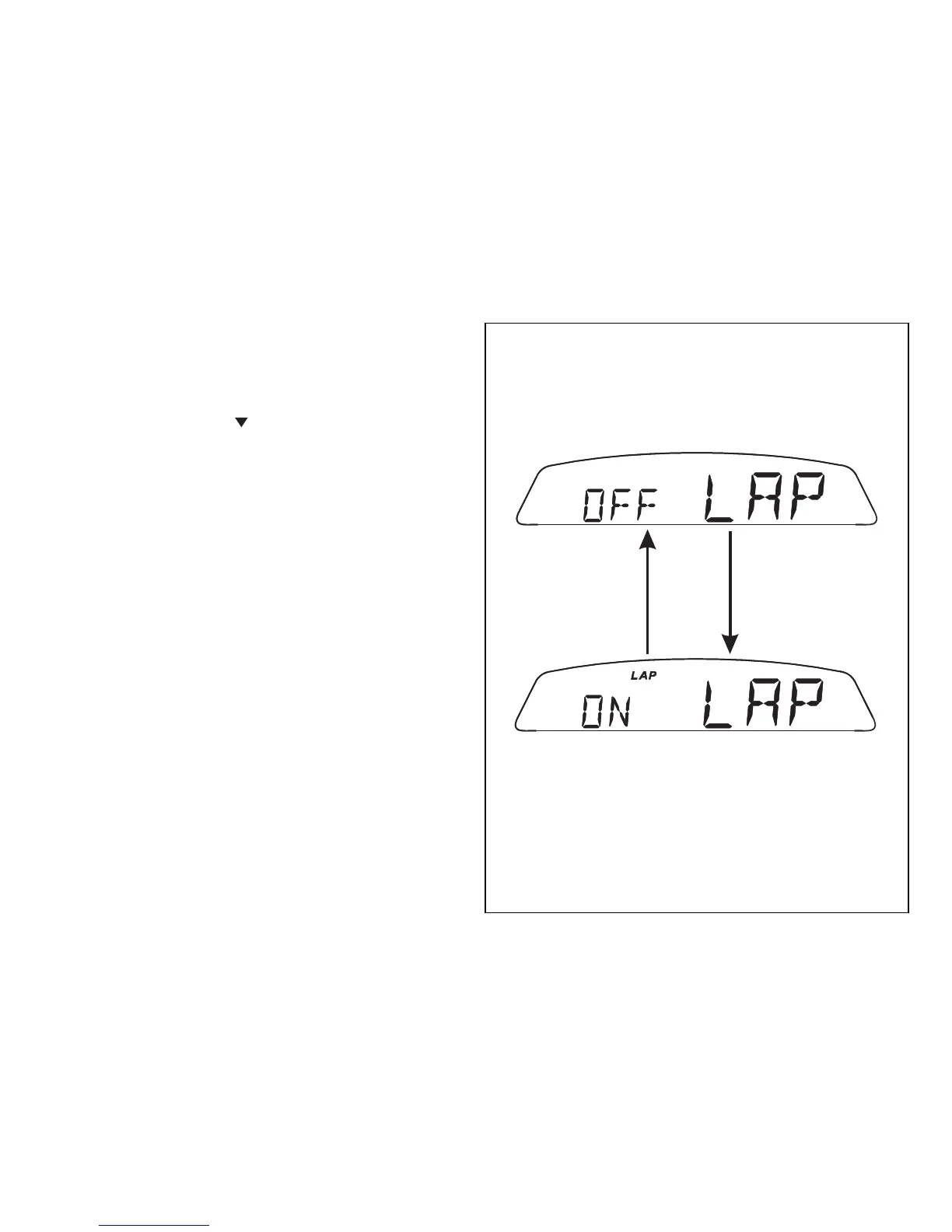
Lap timer display (LAP)
This function lets you display lap times.
To enable this function, enter the menu and set the
"LAP" function to "On" by holding switch (1Fig. 9),
pressed in position B “
“ for 3 seconds.
The timer is started and stopped using the high-beam
flasher button FLASH (12Fig. 4), on the LH switch.
When the LAP function is active, each time you press
the FLASH button, the display will show the lap time
for 10 seconds, before reverting to normal mode.
Up to 30 lap times can be stored. If the memory is
full, each time you press the FLASH button, no more
lap times can be saved and the display will show the
flashing message “FULL” for 3 seconds until the
memory is reset.







 To Next Page