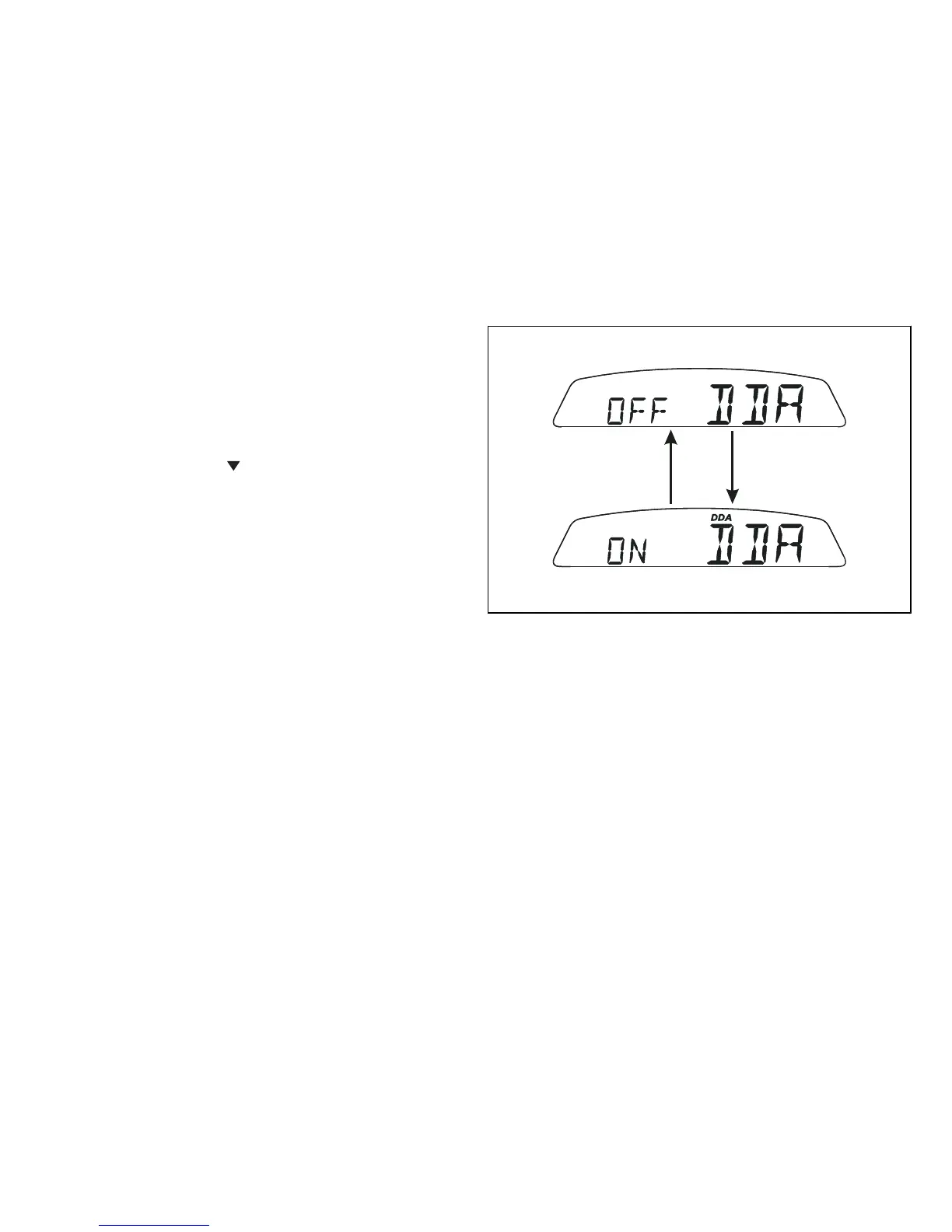
DDA data logger
This function allows activating the DDA (Ducati Data
Analyser): data logger must be connected to vehicle
wiring.
To enable this function, enter the menu and set "DDA"
data logger to "On" by holding switch (1Fig. 9),
pressed in position B “ “ for 3 seconds. The START/
STOP control for the data logger lap separator is the
high-beam flash button FLASH (12Fig. 4), on the LH
switch. If the DDA function is active and the display
is suddenly switched off (Key-Off), the function is
switched off automatically.








 To Next Page