SAMPLE SETTINGS
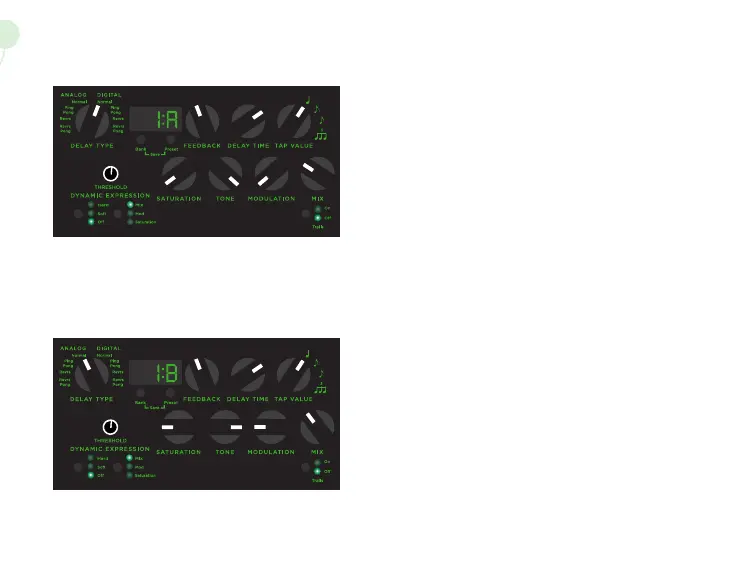
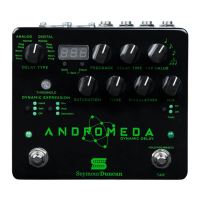
1A Digital
This no frills digital delay setting is a great starting point,
showcasing Andromeda’s pure, warm tone. This delay
setting should work nicely for most applications, or use it
as a jumping o point to experiment with the tone shaping
controls.
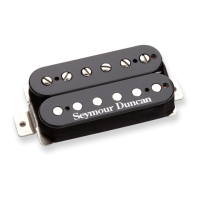
1B Analog
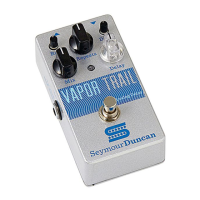
Andromeda’s analog delay setting is modeled o of our
Vapor Trail bucket brigade delay for warm, rich repeats
that gently decay into gorgeous lo-fi analog bliss.
BPM and mS delay messages are sent directly
to the DDL, these values are not scaled or
modified.
BPM and mS values
are represented as a 14 bit number with
the MSByte and LSByte sent as separate
messages.
When a MSByte is received, the LSByte is set
to 0 when a LSByte is received, it is added to
the MSByte.


 To Next Page