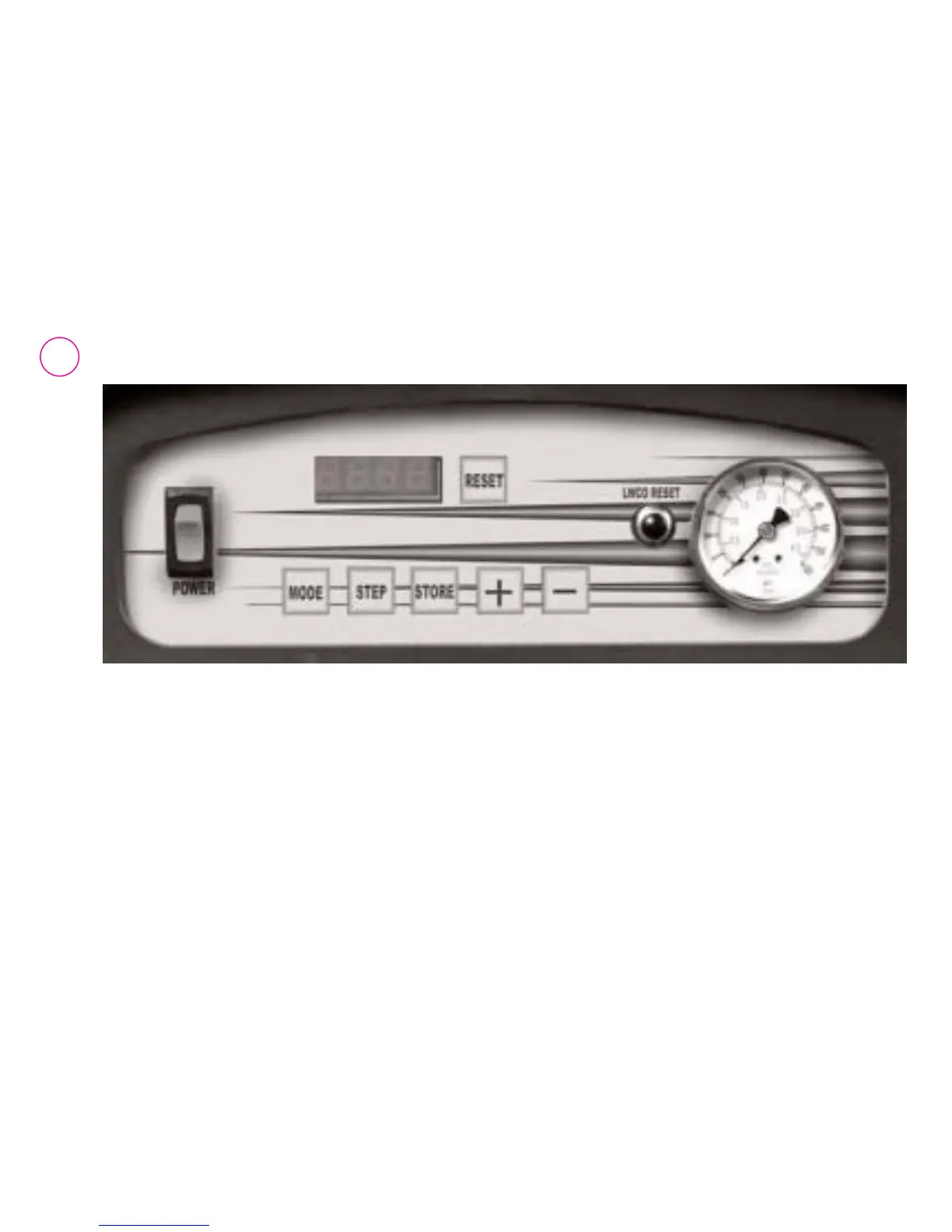
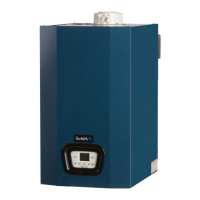
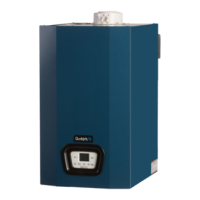
18. Press the "MODE" button several times until [PARA] is displayed.
19. Press the "STEP" button several times until [P-XX] is displayed. The XX represents the parameter
that will be changed (i.e. P-05). The parameter’s value will then be displayed.
10. Use the "+" or "–" buttons to set the desired value.
11. Press the "STORE" button. Steps 9-11 can now be repeated for additional parameter changes
or continue to step 12 to exit.
12. Press the "RESET" button to exit.


 To Next Page