6
DB1200 OPERATION
General Operation
Press and hold for more than 2 seconds to RESET the
unit upon initial installation. The RESET button is located
behind the faceplate.
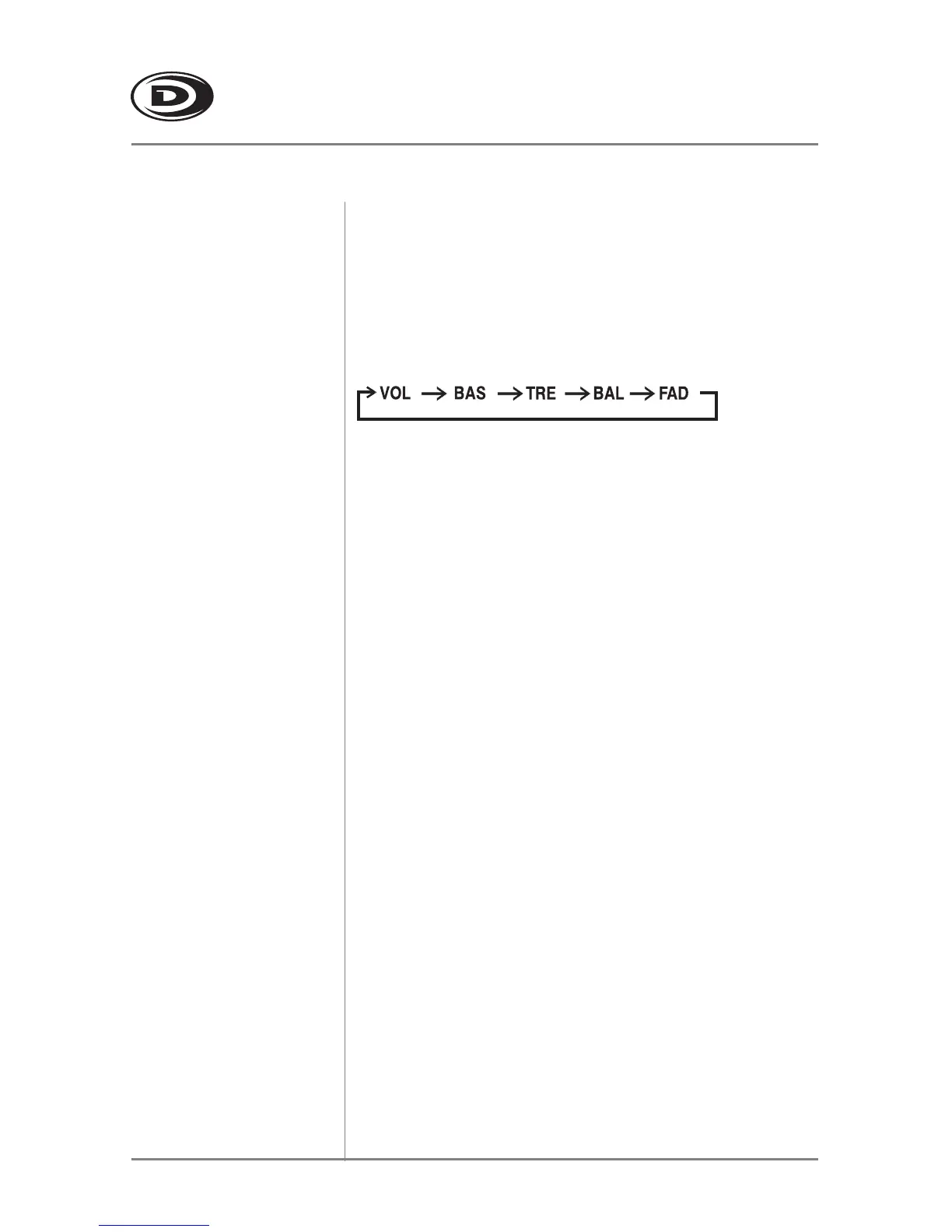
Press SEL to select between Volume (default), Bass,
Treble, Balance & Fader.
Press SEL until BA appears
Press VOL t or s to adjust
(7 maximum / -7 minimum)
Press SEL until TR appears
Press VOL t or s to adjust
(7 maximum / -7 minimum)
Press SEL until B appears
Press VOL t (LEFT) or s (RIGHT) to adjust
(BL 15/BR 15) B 00 represents equal balance.
Press SEL until F appears
Press VOL s (FRONT) or t (REAR) to adjust
(FF 15/FR 15) F 00 represents equal balance.
Reset
Select Audio
Bass
Treble
Balance
Fader


 To Next Page