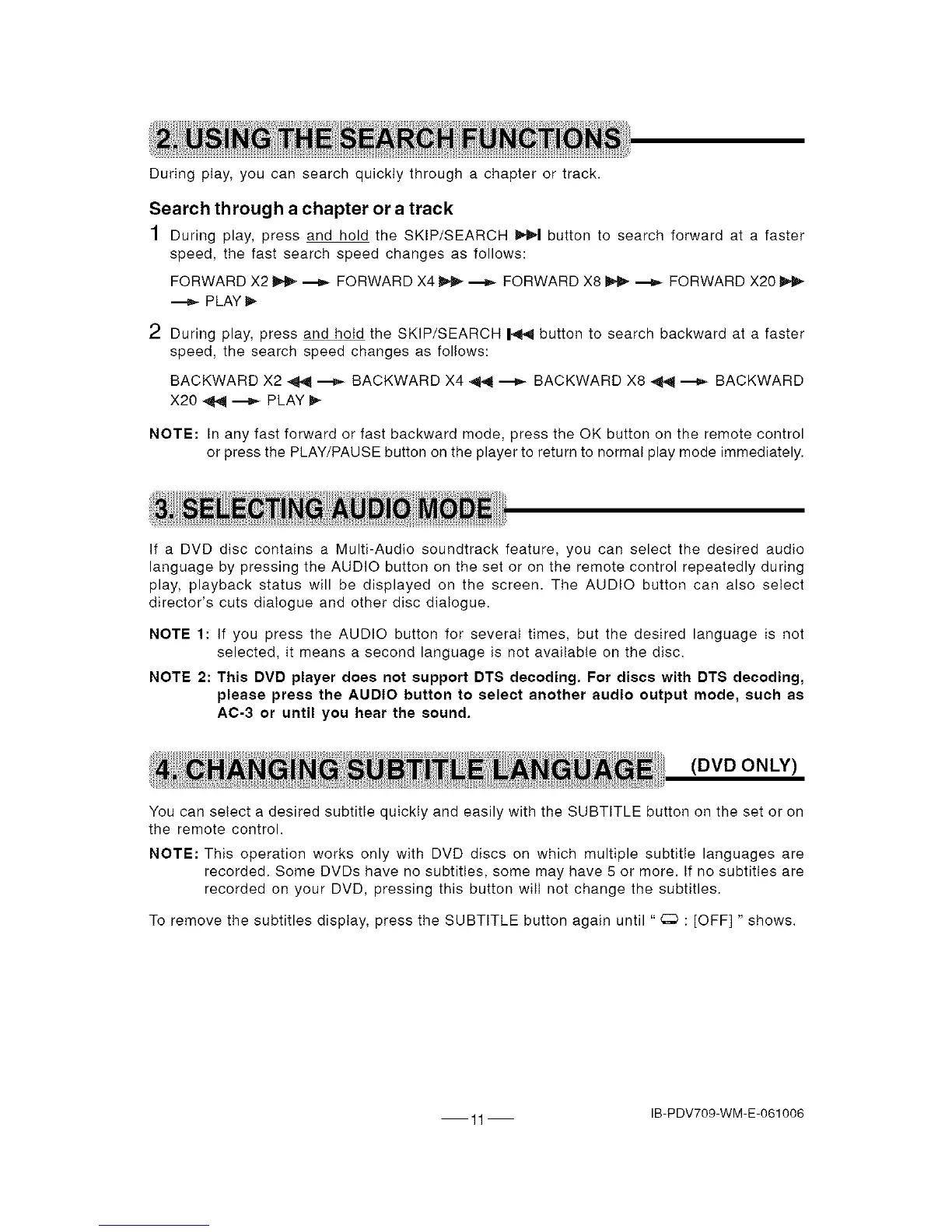
Duringplay,youcansearchquicklythroughachapterortrack.
Search through a chapter or a track
1 During play, press and hold the SKIP/SEARCH _ button to search forward at a faster
speed, the fast search speed changes as follows:
FORWARD X2 _ _ FORWARD X4 _ _ FORWARD X8 _ _ FORWARD X20
---_ PLAY _.
2 During play, press and hold the SKIP/SEARCH |4F_I button to search backward at a faster
speed, the search speed changes as follows:
BACKWARD X2 _41 ---_ BACKWARD X4 _ ---_ BACKWARD X8 _ ---_ BACKWARD
X20 _ ---)-- PLAY _-
NOTE: In any fast forward or fast backward mode, press the OK button on the remote control
or press the PLAY/PAUSE button on the player to return to normal play mode immediately.
If a DVD disc contains a Multi-Audio soundtrack feature, you can select the desired audio
language by pressing the AUDIO button on the set or on the remote control repeatedly during
play, playback status will be displayed on the screen. The AUDIO button can also select
director's cuts dialogue and other disc dialogue.
NOTE 1: If you press the AUDIO button for several times, but the desired language is not
selected, it means a second language is not available on the disc.
NOTE 2: This DVD player does not support DTS decoding. For discs with DTS decoding,
please press the AUDIO button to select another audio output mode, such as
AC-3 or until you hear the sound.
(DVD ONLY)
You can select a desired subtitle quickly and easily with the SUBTITLE button on the set or on
the remote control.
NOTE: This operation works only with DVD discs on which multiple subtitle languages are
recorded. Some DVDs have no subtitles, some may have 5 or more. If no subtitles are
recorded on your DVD, pressing this button wiIi not change the subtitles.
To remove the subtitles display, press the SUBTITLE button again until " _ : [OFF] " shows.
11 IB-PDV709-WM-E-061006


 To Next Page