(DVD ONLY)
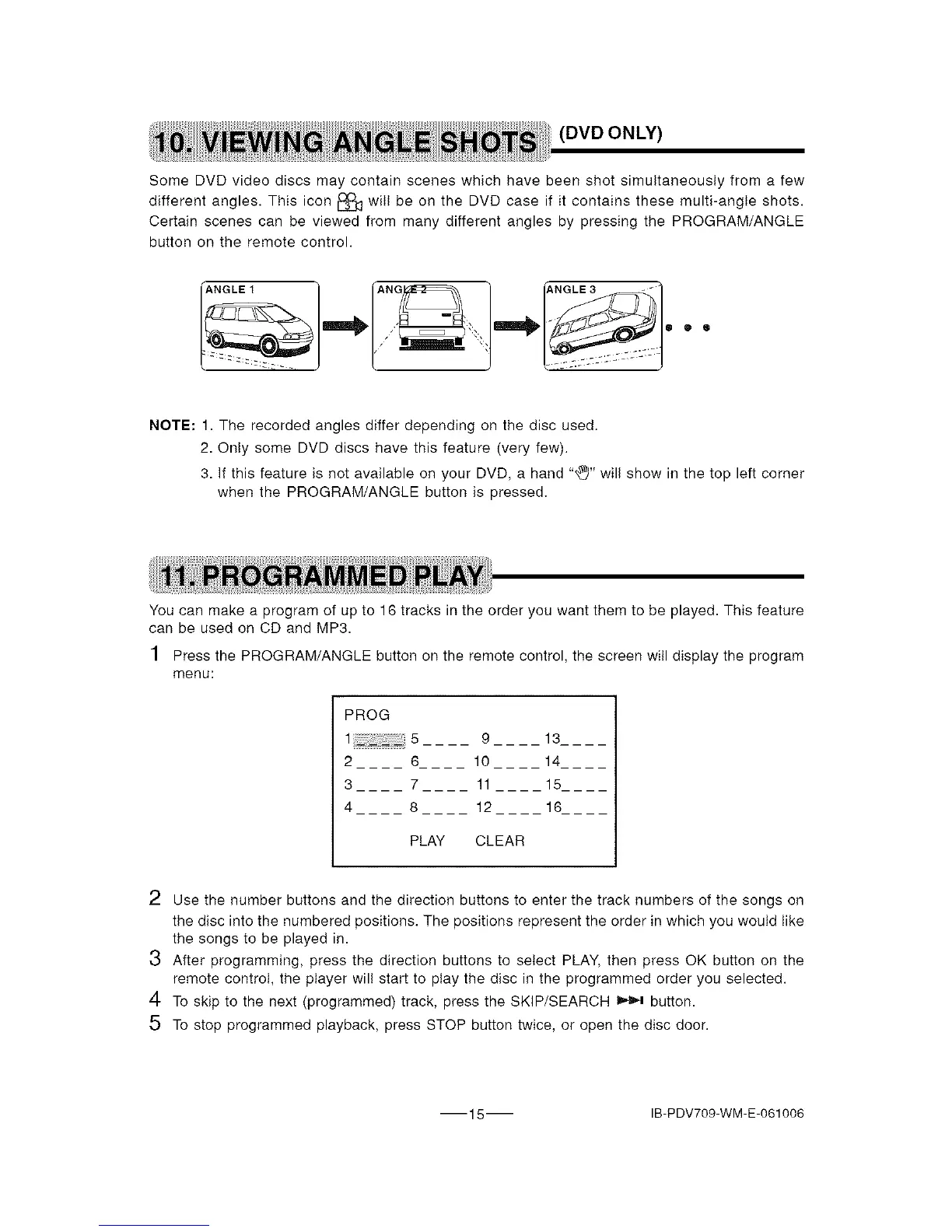
Some DVD video discs may contain scenes which have been shot simultaneously from a few
different angles. This icon _ witI be on the DVD case if it contains these multi-angle shots.
Certain scenes can be viewed from many different angles by pressing the PROGRAM/ANGLE
button on the remote control.
NOTE: 1. The recorded angles differ depending on the disc used.
2. Onty some DVD discs have this feature (very few).
3. If this feature is not available on your DVD, a hand "_" wil! show in the top left corner
when the PROGRAM/ANGLE button is pressed.
You can make a program of up to 16 tracks in the order you want them to be played. This feature
can be used on CD and MP3.
1 Press the PROGRAM/ANGLE button on the remote control, the screen wilI display the program
menu:
PROG
2
3
4
9 13
6 10 14
7 11 15
8 12 16
PLAY CLEAR
2 Use the number buttons and the direction buttons to enter the track numbers of the songs on
the disc into the numbered positions. The positions represent the order in which you would Iike
the songs to be played in.
3 After programming, press the direction buttons to select PLAY, then press OK button on the
remote control, the player wil! start to play the disc in the programmed order you selected.
4 To skip to the next (programmed) track, press the SKIP/SEARCH _ button.
5 To stop programmed playback, press STOP button twice, or open the disc door.
15 IB-PDV709-WM-E-061006


 To Next Page