ThisallowsyoutoplayyourMP3audiorecordeddiscyoumadeonthisset.Thissetwittnot
playWMAformatsongs.WhenrecordingyourMP3disconyourcomputer,pleaserecordthe
songsinMP3format.
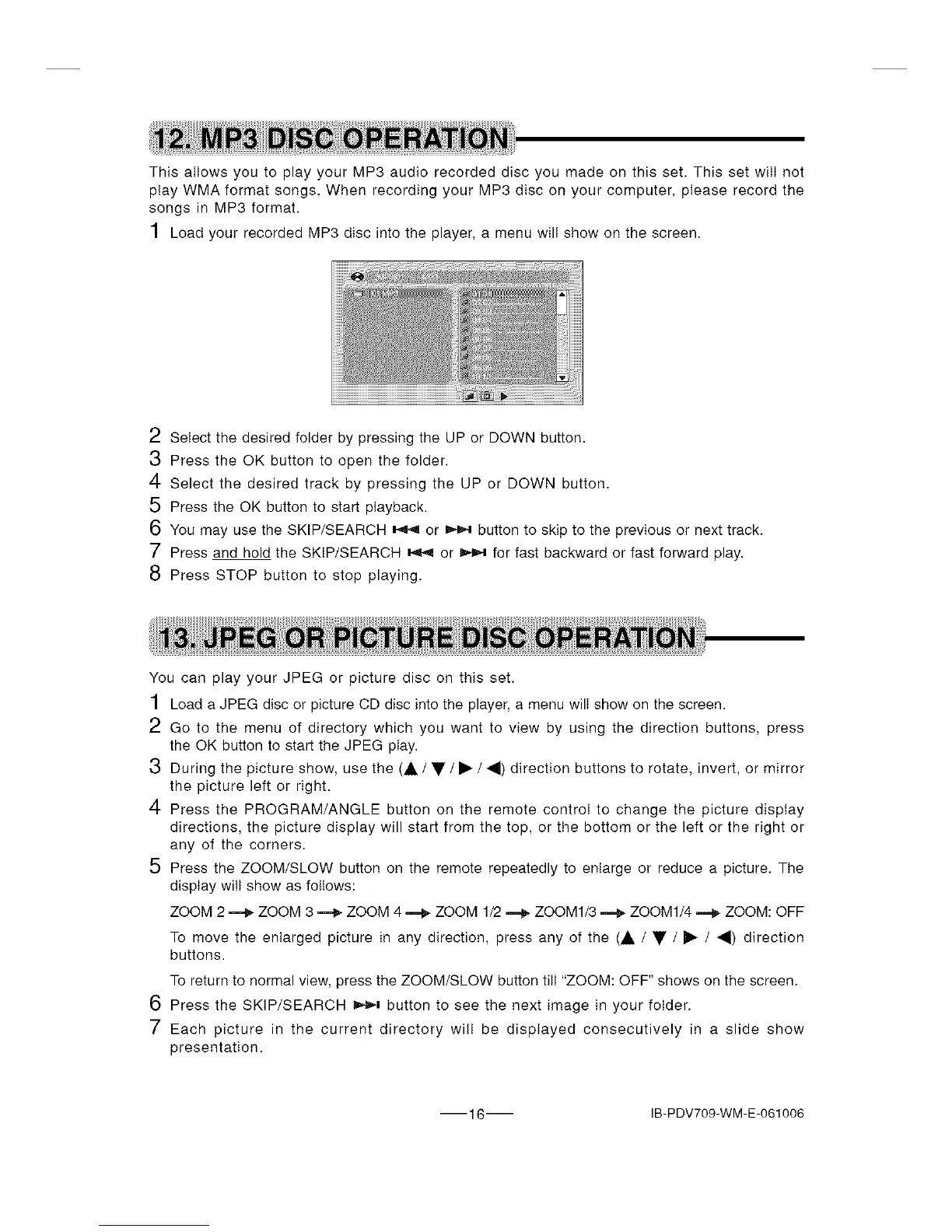
1 Load your recorded MP3 disc into the player, a menu wil! show on the screen.
2 Select the desired folder by pressing the UP or DOWN button.
3 Press the OK button to open the folder.
4 Select the desired track by pressing the UP or DOWN button.
5 Press the OK button to start playback.
6 You may use the SKIP/SEARCH _ or _ button to skip to the previous or next track.
7 Press and hold the SKIP/SEARCH _ or _ for fast backward or fast forward play.
8 Press STOP button to stop playing.
You can play your JPEG or picture disc on this set.
1 Load a JPEG disc or picture CD disc into the player, a menu wilI show on the screen.
2 Go to the menu of directory which you want to view by using the direction buttons, press
the OK button to start the JPEG play.
3 During the picture show, use the (A / • / • / 4) direction buttons to rotate, invert, or mirror
the picture left or right.
4 Press the PROGRAM/ANGLE button on the remote control to change the picture display
directions, the picture display will start from the top, or the bottom or the left or the right or
any of the corners.
5 Press the ZOOM/SLOW button on the remote repeatedly to enlarge or reduce a picture. The
display wi!I show as follows:
ZOOM 2 _ ZOOM 3 _ ZOOM 4 _ ZOOM 1/2 _ ZOOM1/3 _ ZOOM1/4 _ ZOOM: OFF
To move the enlarged picture in any direction, press any of the (A / • / • / _1) direction
buttons.
To return to normal view, press the ZOOM/SLOW button till "ZOOM: OFF" shows on the screen.
6 Press the SKIP/SEARCH _ button to see the next image in your folder.
7 Each picture in the current directory will be displayed consecutively in a slide show
presentation.
16 IB-PDV709-WM-E-061006


 To Next Page