GraphicProducts.com | 800-788-5572
Getting Started | 2
GETTING STARTED
Thank you for choosing the DuraLabel Bronco Max. With this desktop printer, producing
custom labels and signs is fast and easy. This guide will show you how to set up your
new Bronco Max, load supplies, and start printing labels. Your printer comes with a
Windows printer driver and a PC version of the LabelForge PRO label design software.
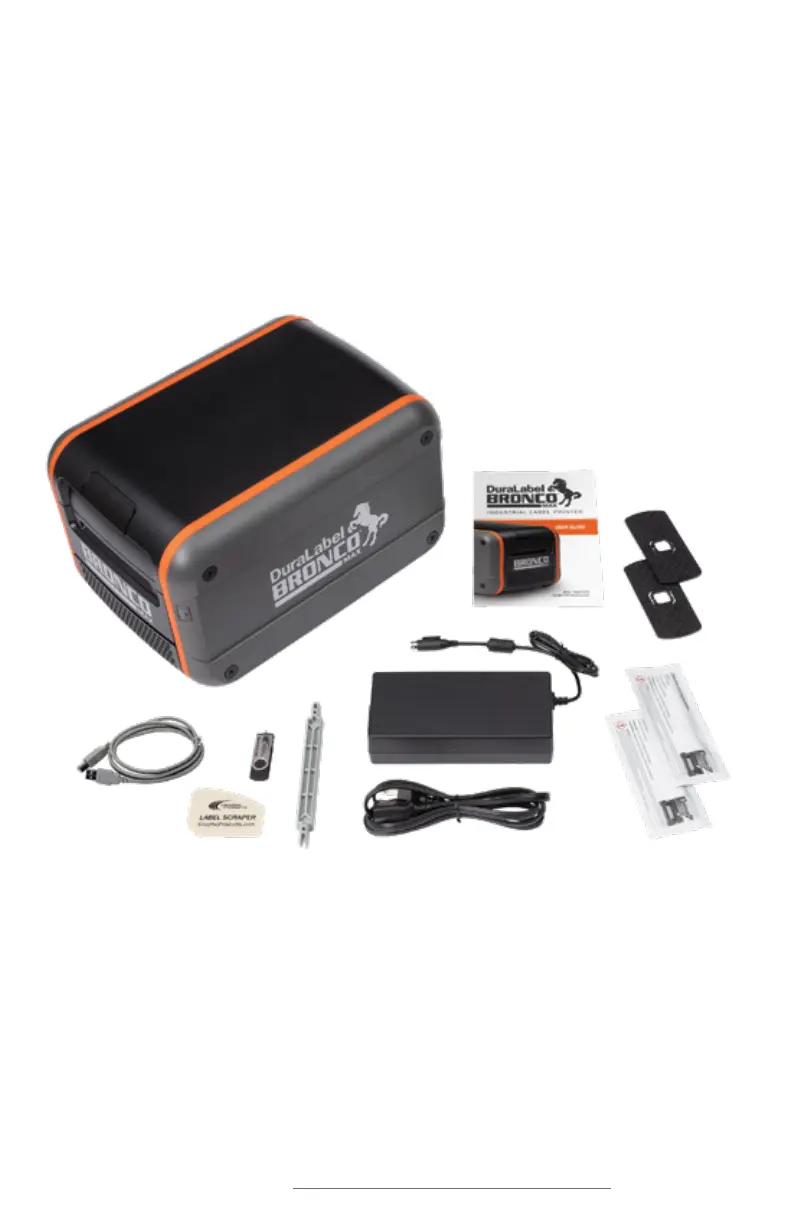
In the Box
In Bronco Max’s box, you will find the following:
1. Bronco Max Printer
2. Power Cord and AC Adapter (“brick”)
3. Notched Supply Spindle
4. Fixing Tabs
5. USB Cable
1
2
3
4
6
7
9
5
8
6. USB Flash Drive with PC Software
7. Label Scraper
8. Cleaning Swabs
9. Bronco Max User Guide



 To Next Page