13
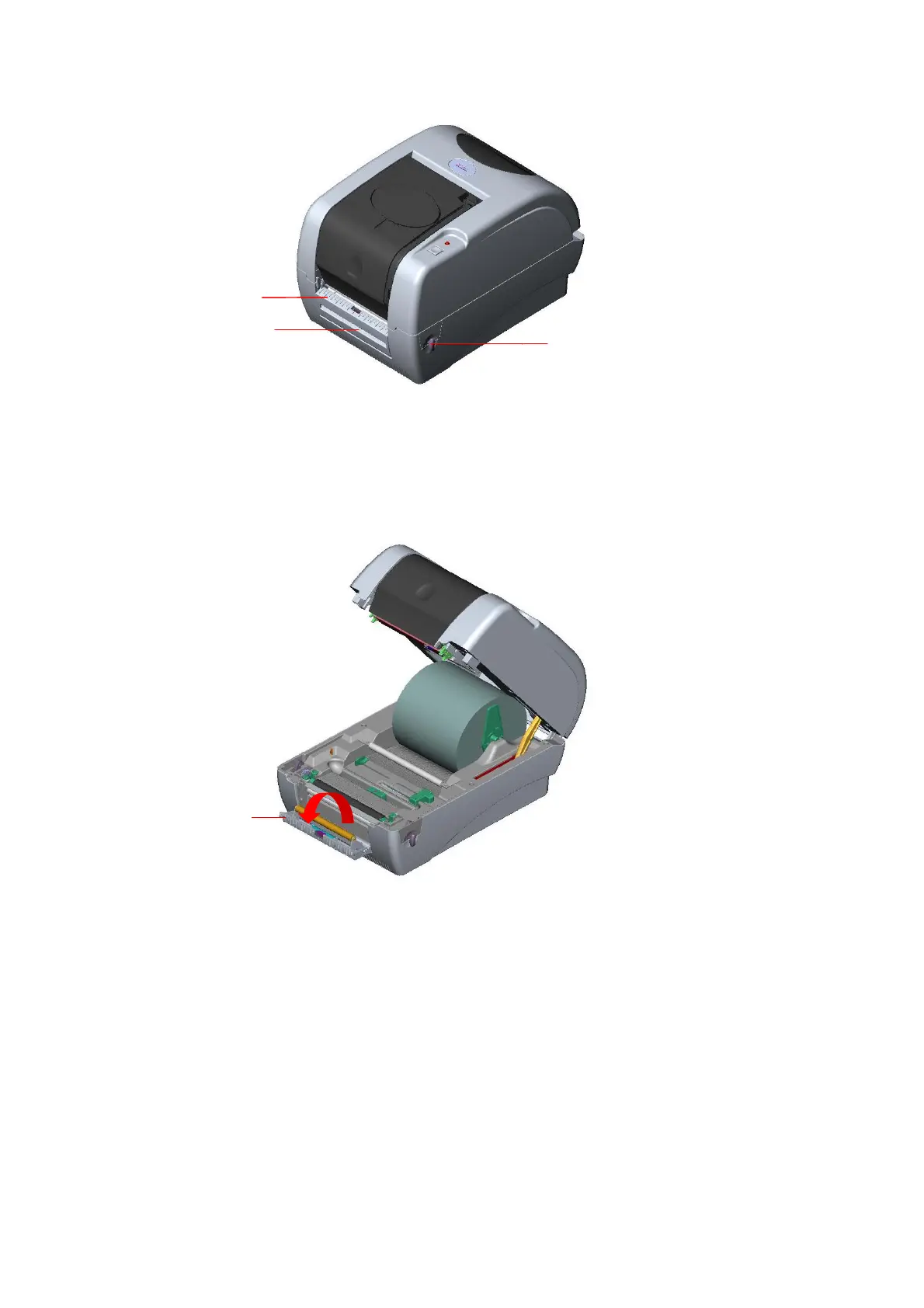
Fig. 18 Open the top cover
3. Install the paper roll on the paper roll mount.
4. Open the peel-off panel by pulling it out.
Fig. 19 Open the peel-off panel
5. Feed the paper, printing side facing up, through the paper guide and pass over the
platen.
6. Lead the paper through the backing paper opening, beneath the roller, pull the
7. Adjust the paper guide by removing left or right to fit the paper width.
Peel-off
panel
Top Cover Open Lever
Peel-off panel
Backing paper
Opening



 To Next Page