18
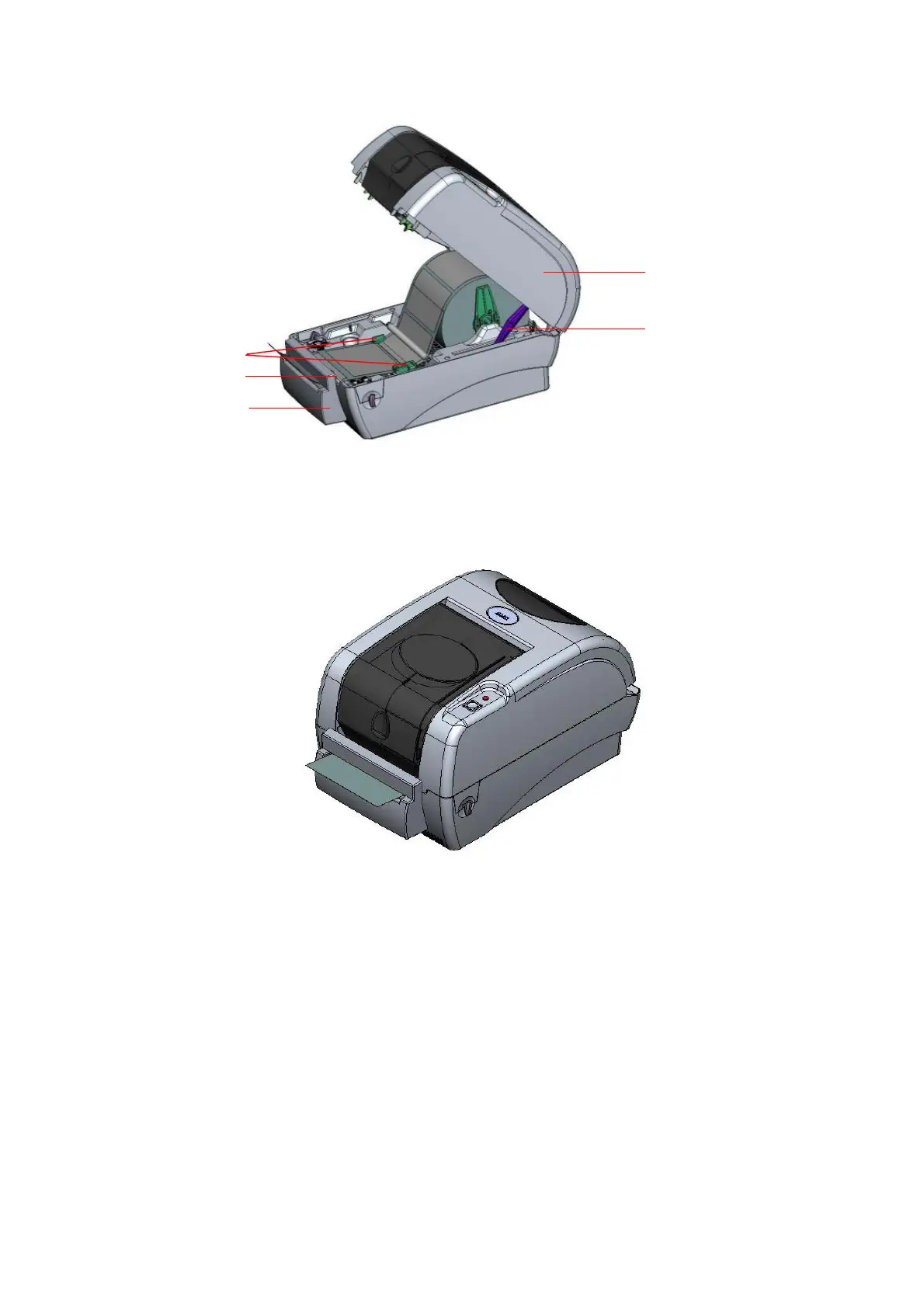
Fig. 27 Label installation in cutter mode
7. Close the top cover by lifting up the top cover support and close the top cover slowly.
Fig. 28 Complete label installation in cutter mode
3.7 Instructions to Top Cover Operation
Please take care when opening or closing the printer’s top cover by carefully following
these instructions.
To Open:
1. When facing the front of the printer pull the cover release levers on both sides of
printer towards you.
2. Lift up the top gradually.
Top Cover
Top Cover Support
Paper Guide
Platen
Cutter



 To Next Page