Personalize your device - Customize your Home screens
15
1. Touch & hold the icon.
2. Slide your finger to the new position.
To move between Home screens, slide toward the edge
of the screen.
To bump another icon out of the way, slide your finger
slowly into it.
3. Lift your finger.
To remove an app icon from the Home screen without
removing it permanently from your device, touch & hold it,
slide your finger toward the top of the screen, and drop the
app over Remove in the top left.
To uninstall an app permanently from your device, touch &
hold it, slide your finger toward the top of the screen, and
drop the app over the Uninstall icon at the top right. (This
is not applicable for all apps.)
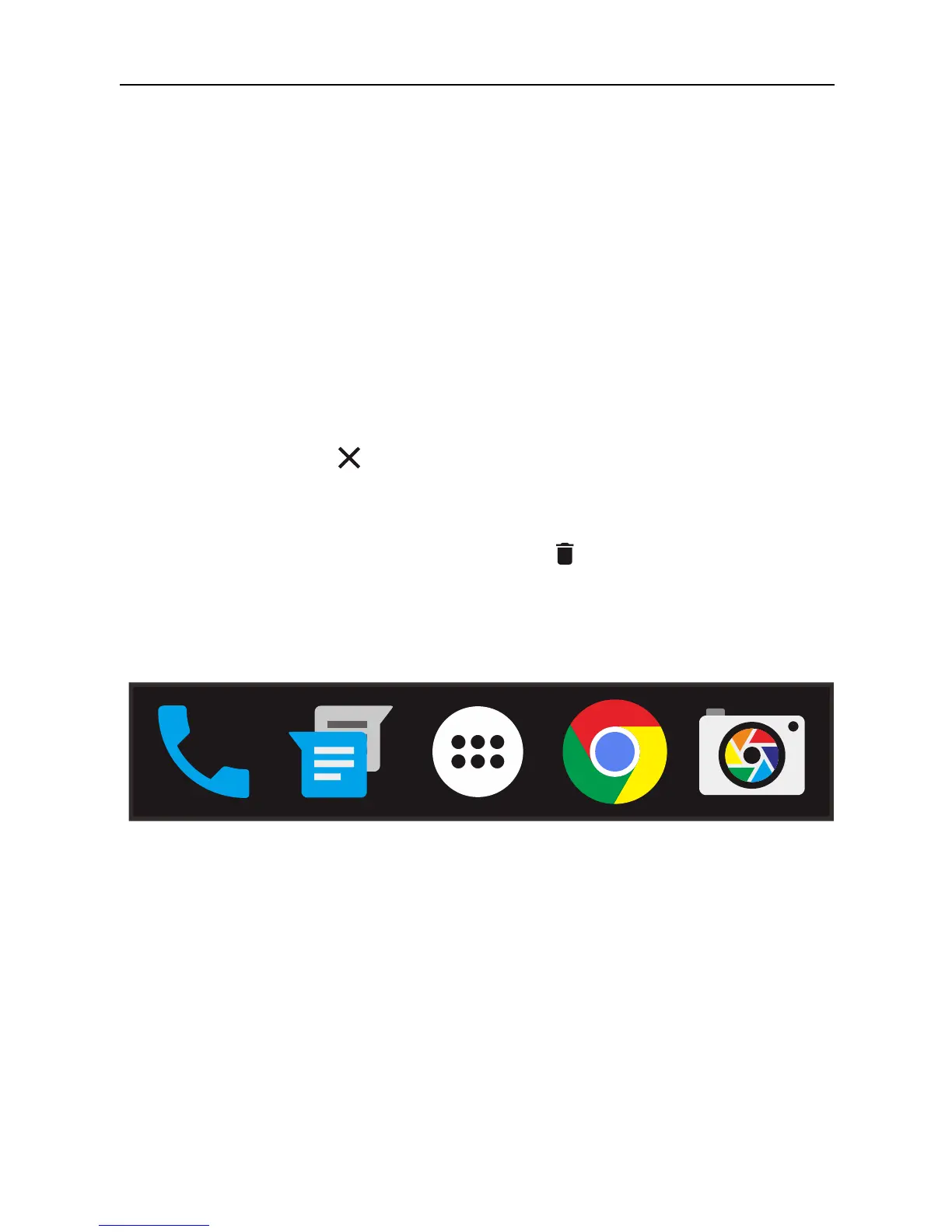
At the bottom of every Home screen you’ll find the Favorites
tray: another quickly way to get to your apps.
To drag an app in or out of the Favorites tray or anywhere else
on a Home screen, touch & hold it, then move it with your
finger to where you want it.
At the top of All Apps you’ll see App Suggestions:
recommendations for apps you might want to launch. To
drag an app from App Suggestions onto your Home screen,
touch & hold it, then move it with your finger to where you
want it.



 To Next Page