Install SIM Cards - Sign in to your account
2
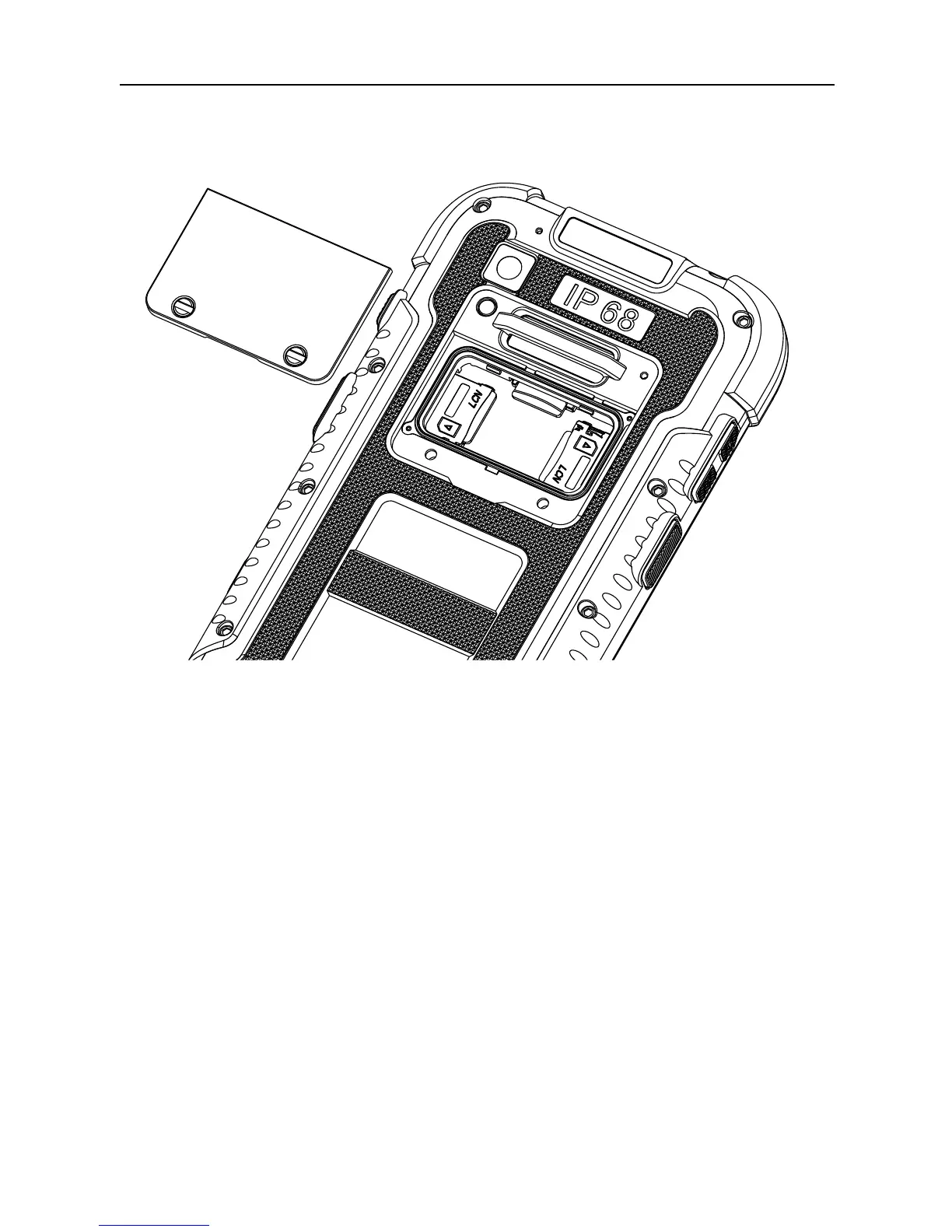
Install SIM Cards
Please shutdown the phone before you open the SIM
cover case.
Please use screw driver to open the SIM cover on back
case.
Please use standard Micro-SIM card, insert and remove
a SIM card by horizontal direction.
The non-standard SIM card or wrong method may
cause damage to the card-holder or phone.
Please do not insert or remove a SIM card while your
phone is on.



 To Next Page