Use the keyboard - Type a symbol or character
27
Type a symbol or character
To switch to symbol keys for one word, touch the symbol key
once.
You can also touch & hold the symbol key while you
type or you can touch the symbol key and slide to
another key. When you release the key, the letter keys
will reappear.
View more symbols and characters
Touch & hold symbols or characters to get accented
characters or additional symbols.
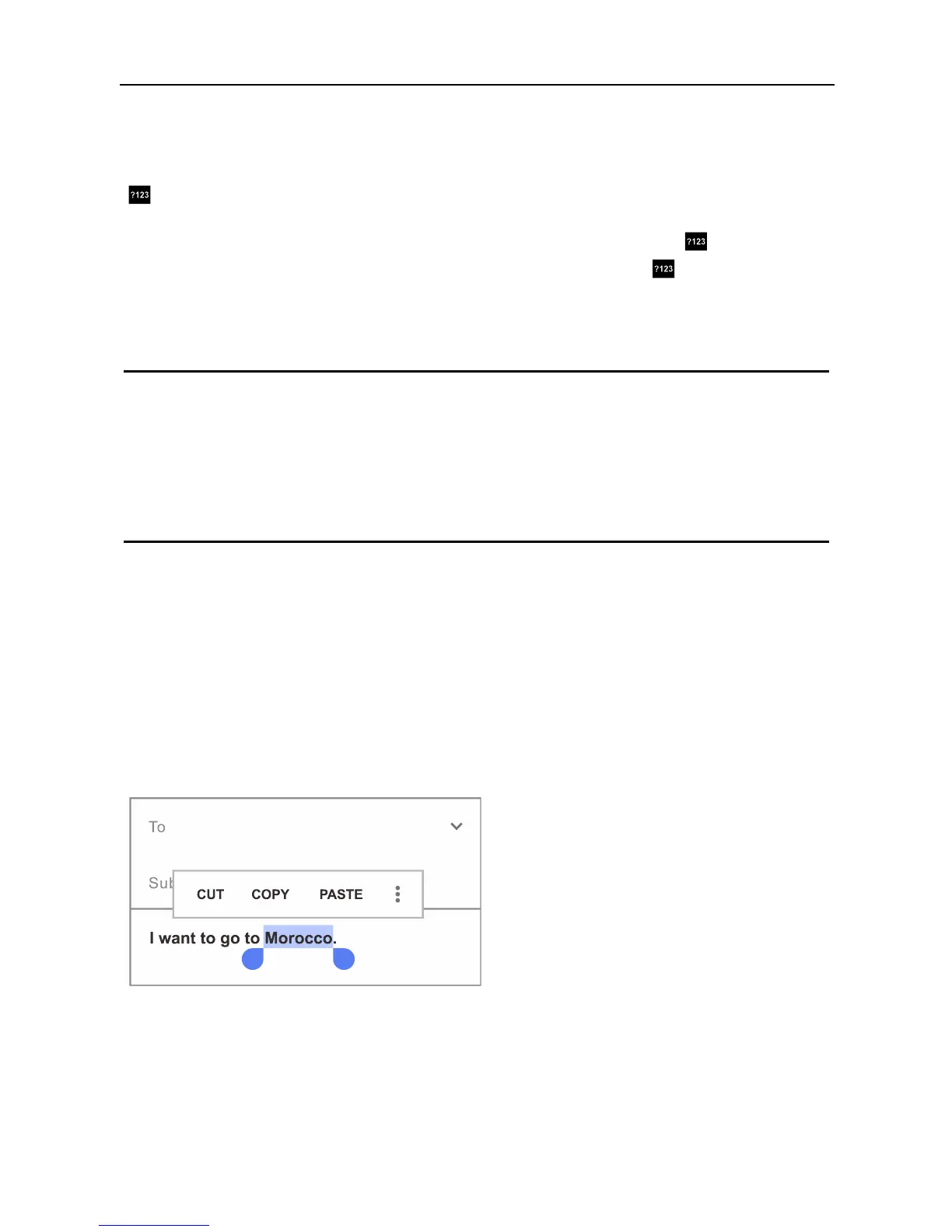
Cut, copy, paste
Select the text you want to cut or copy. Then touch Cut
or Copy. Once the text is copied, touch where you want
to paste the text and choose Paste. If you want to
replace other text with the copied text, highlight the text,
then touch Paste. Icons for Cut, Copy, and Paste may
appear instead on some devices.
Emoji
Use Google Keyboard to choose from a variety of small,
colorful images used to express emotion (known as emoji) to
add some fun to your messages.



 To Next Page