Personalize your device - Google Now
21
lock screen.
To pin a screen:
1. Go to Settings > Personal > Security > Screen
pinning and turn screen pinning on.
2. Open the app you want to pin.
3. Touch Overview on you device. Swipe up the first screen
on the bottom to bring it into view.
4. Touch the pin . Select an option to return to the lock
screen after a screen is unpinned.
5. To exit the pinned screen, touch & hold and at the same
time.
Google Now
Google Now is about getting you just the right information at
just the right time. It tells you today’s weather before you start
your day, how much traffic to expect before you leave for work,
and even your favorite team’s score while they’re playing.
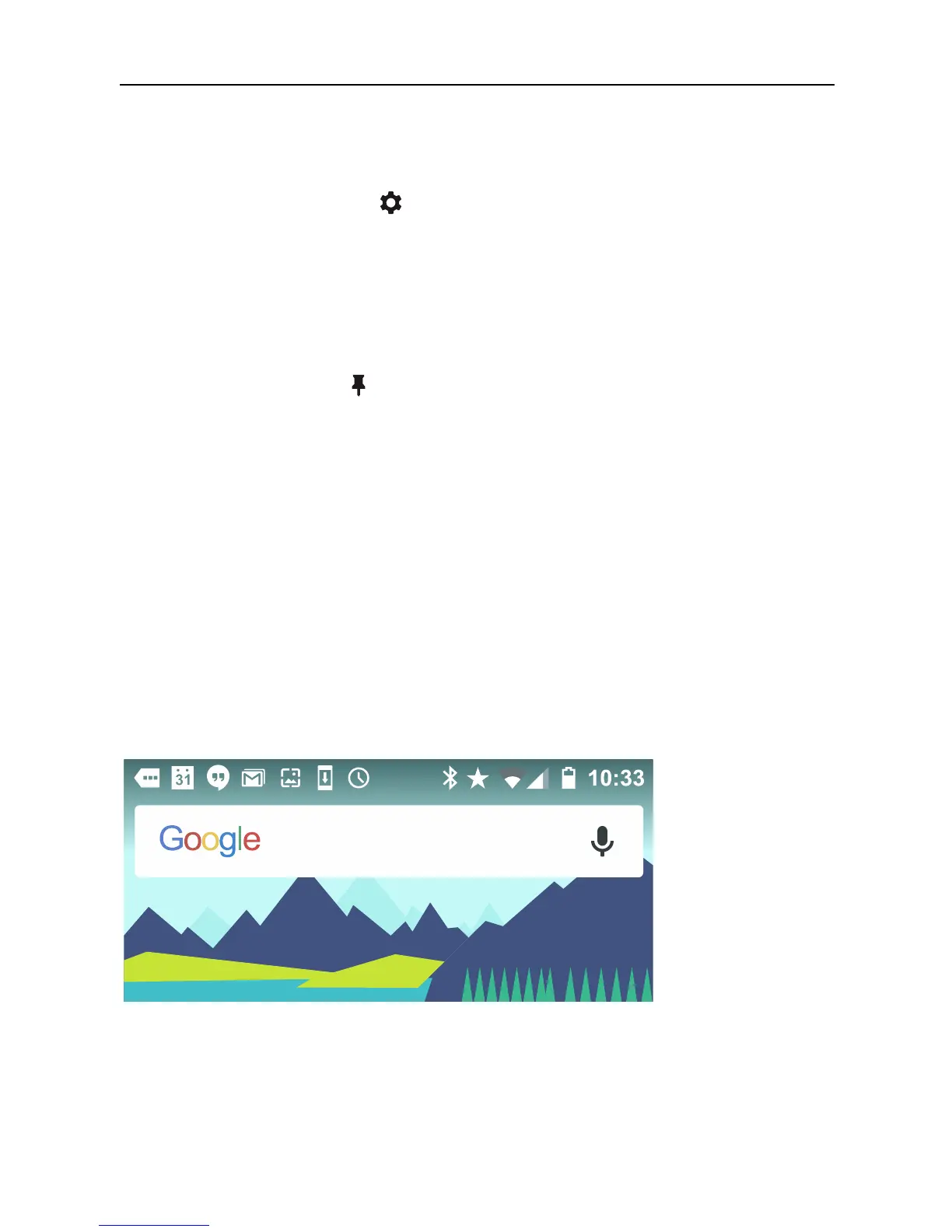
For example, here’s a Google Now card that appears when
you’re about to start your commute:



 To Next Page