Use the keyboard - Basic editing
25
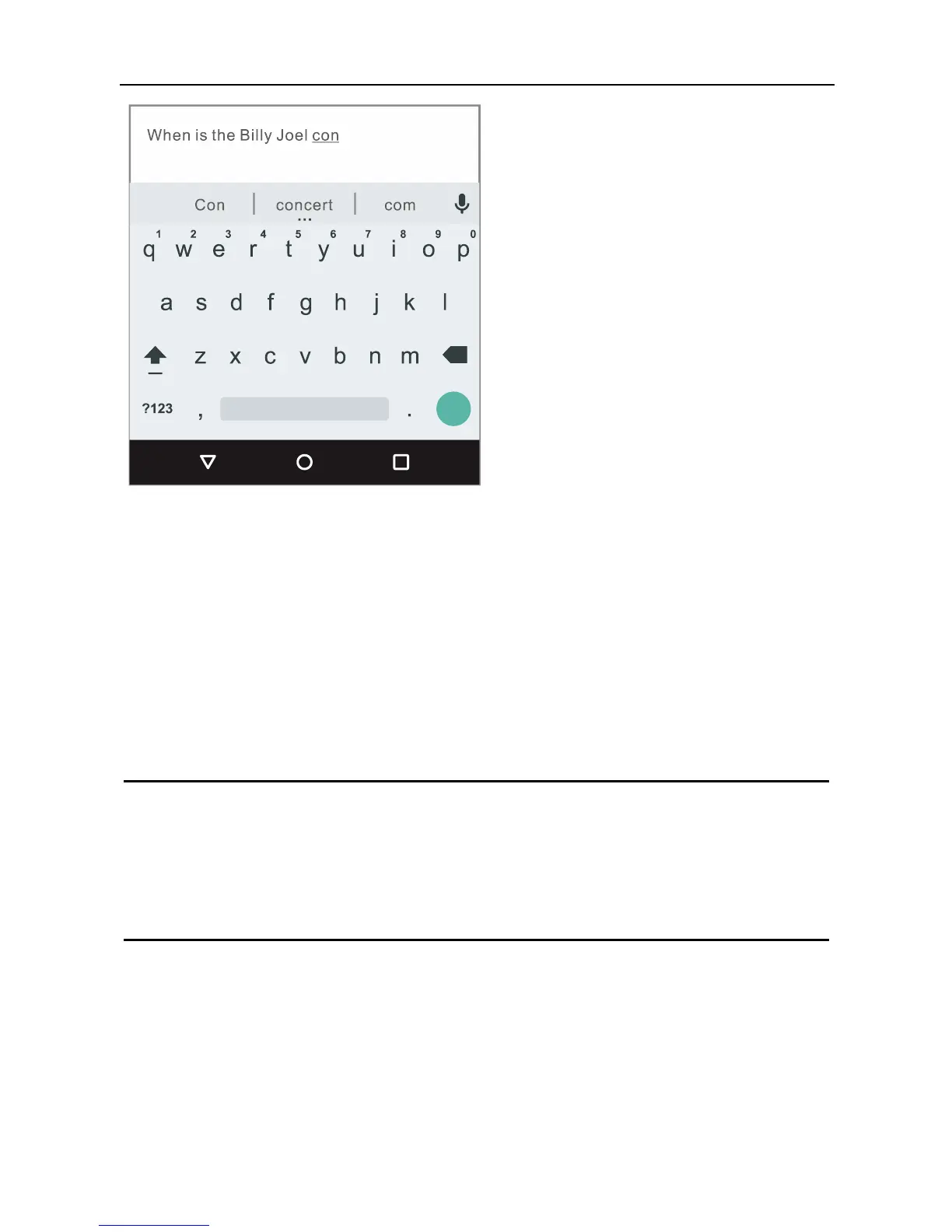
As you type, suggestions for completing each word appear
above the keyboard.
To make the keyboard go away, touch the Back button below
it.
Some apps open the keyboard automatically. In others, you
first need to touch where you want to type.
Basic editing
Change where you want to type
Touch the cursor, then touch and drag the tab that
appears below it to the new position.
Select text
Touch & hold or double-tap within the text.
The nearest word highlights, with a tab at each end of
the selection. Drag the tabs to change the selection.



 To Next Page