Use the keyboard - Use next-word suggestions
28
Depending on your app, you may need to touch & hold the
Return key (or sometimes the Next key, the right-pointing
arrow that appears instead of the Return key) and then slide
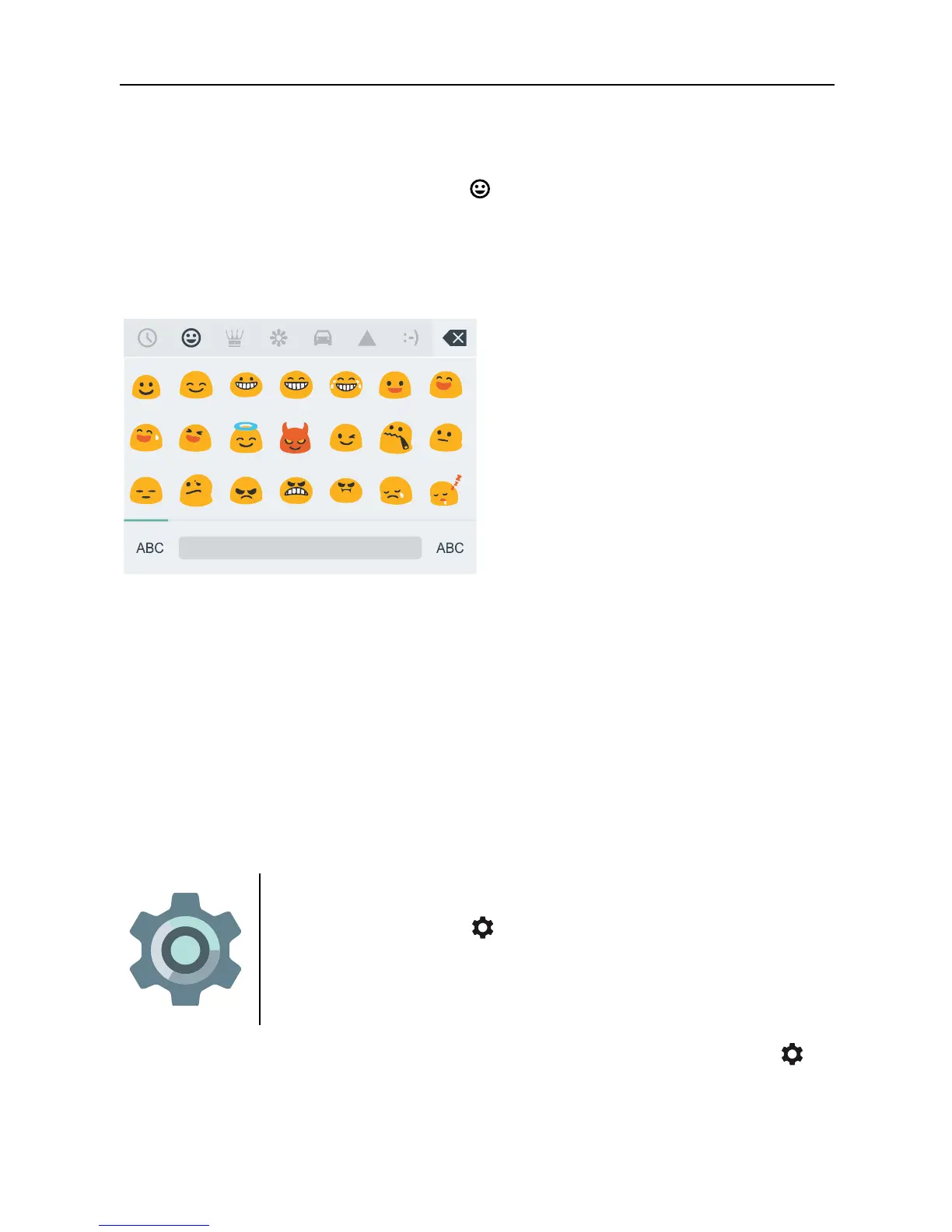
your finger to the happy face to display emoji.
You’ll see a panel like this. To move between categories,
swipe left or right or touch the symbols in the top row. To type
an emoji, touch it:
Use next-word suggestions
1. Touch the location where you want to input text.
2. Start typing out a word. When the word you want is
displayed in a list above the keyboard, touch it.
3. Continue to touch words unless the one you want
doesn’t appear. If so, type it.
Android continues to suggest words as you type.
To change your keyboard and input methods,
go to Settings > Personal > Language &
input.
To turn next-word suggestions on or off, go to Settings >
Personal > Language & input > Keyboard & input methods >
Google Keyboard > Text correction > Next-word
suggestions.



 To Next Page