Personalize your device - Sound and notification
19
To see the notifications that correspond to the icons on the
left, swipe down with one finger.
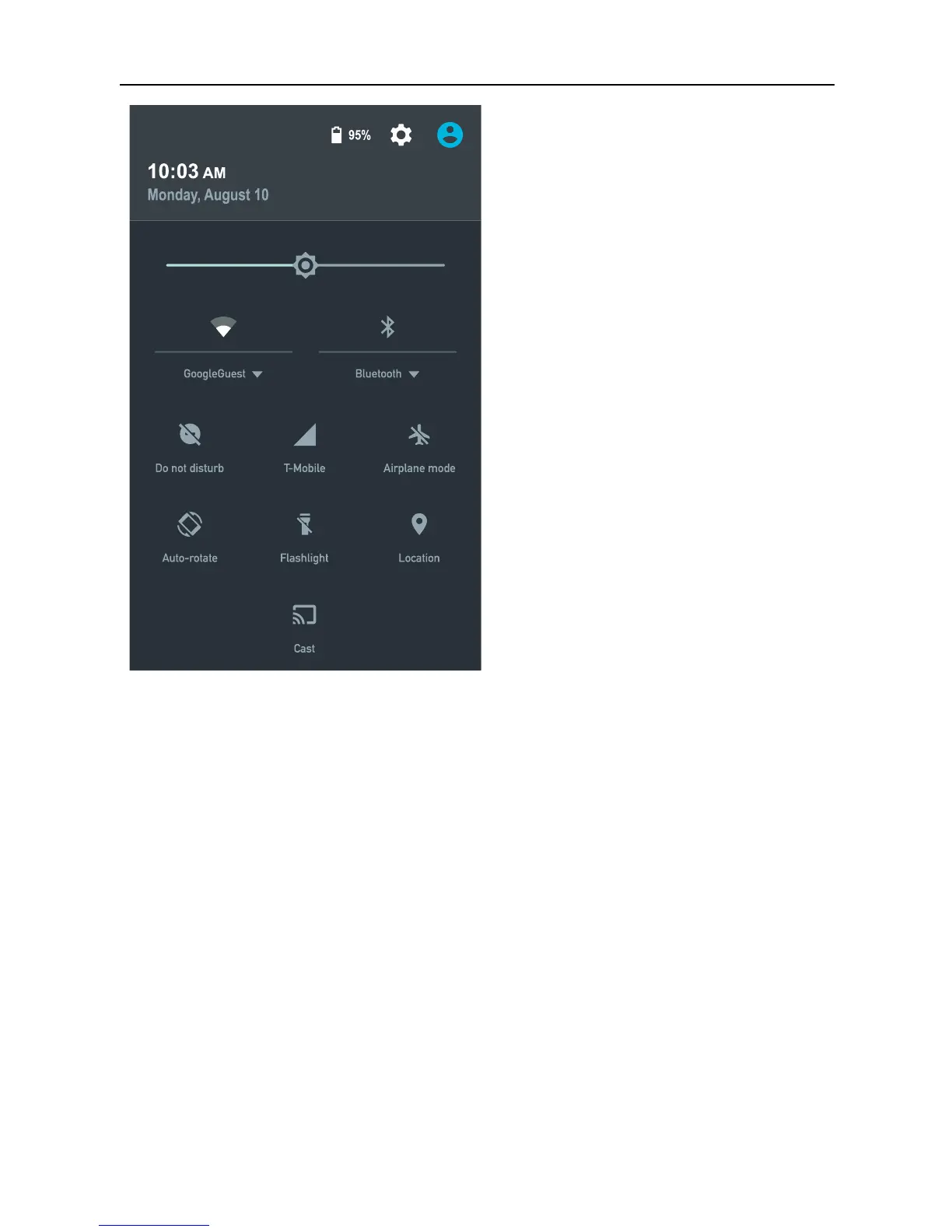
TIP: Wi-Fi and mobile signal strength are indicated at the top
of the screen by the white area in the corresponding icons. To
see whether the selected Wi-Fi network has a full Internet
connection, open Quick Settings by swiping down from the
top of the screen.
In Quick Settings only, white areas in the Wi-Fi or mobile
signal indicators indicate the signal strength of a normal
Internet connection.
Certain notifications can be expanded to show more
information, such as email previews or calendar events. The
one at the top is expanded when possible. To expand a
notification, position one finger inside it and swipe down
slowly.



 To Next Page