6
OPERATION
LED FUNCTIONS ON TOOL
LED WILL BE ON TO INDICATE STATUS OF CHARGER AND BATTERY:
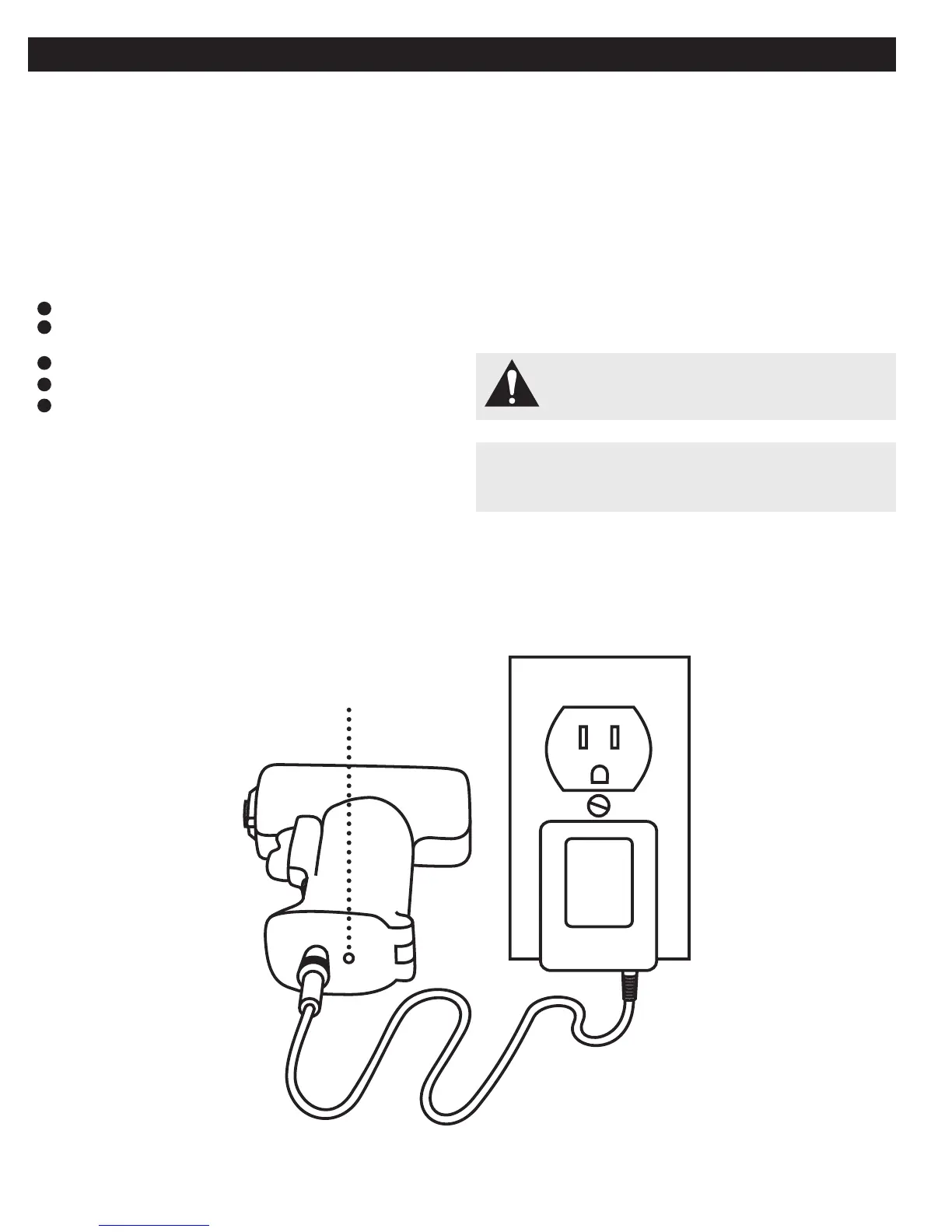
CHARGING THE BATTERY
NOTE: Batteries will not reach full charge the fi rst time they are charged.
Allow several cycles (operation followed by recharging) for them to
become fully charged.
NOTE: If the charger does not charge the battery pack under normal
circumstances, return both the PalmPRO and charger.
Charge the battery only with a recommended charger. AEC3590
Plug AC Power Adapter into base of the PalmPRO handle.
Make sure the power supply is normal household voltage,
120 volts, 60 Hz, AC only.
Plug into a standard 110/120V AC household electrical outlet.
Charge battery for 10 hours before fi rst use.
After normal usage, a minimum of 3 hours of charging time is required
to fully recharge battery pack.
Use only included 7.2v charger.
The tool will become slightly warm to the touch while charging. This is
normal and does not indicate a problem.
Do not place the charger and tool in an area of extreme heat or cold.
They will work best at normal room temperature.
NOTE: The charger and tool should be placed in a location where the tem-
perature is more than 50°F but less than 100°F.
When batteries become fully charged, unplug the charger from
power supply.
1
2
3
4
5
WARNING: A new battery is not charged and must be fully
charged before fi rst use.
INDICATOR LIGHT
CAUTION: To prevent damage to the battery, remove the PalmPRO
from the charger immediately if no LED comes on. Return the PalmPRO
and charger to your nearest service center for checking or replacing.



 To Next Page