6
6
6
APPLY THE DECALS
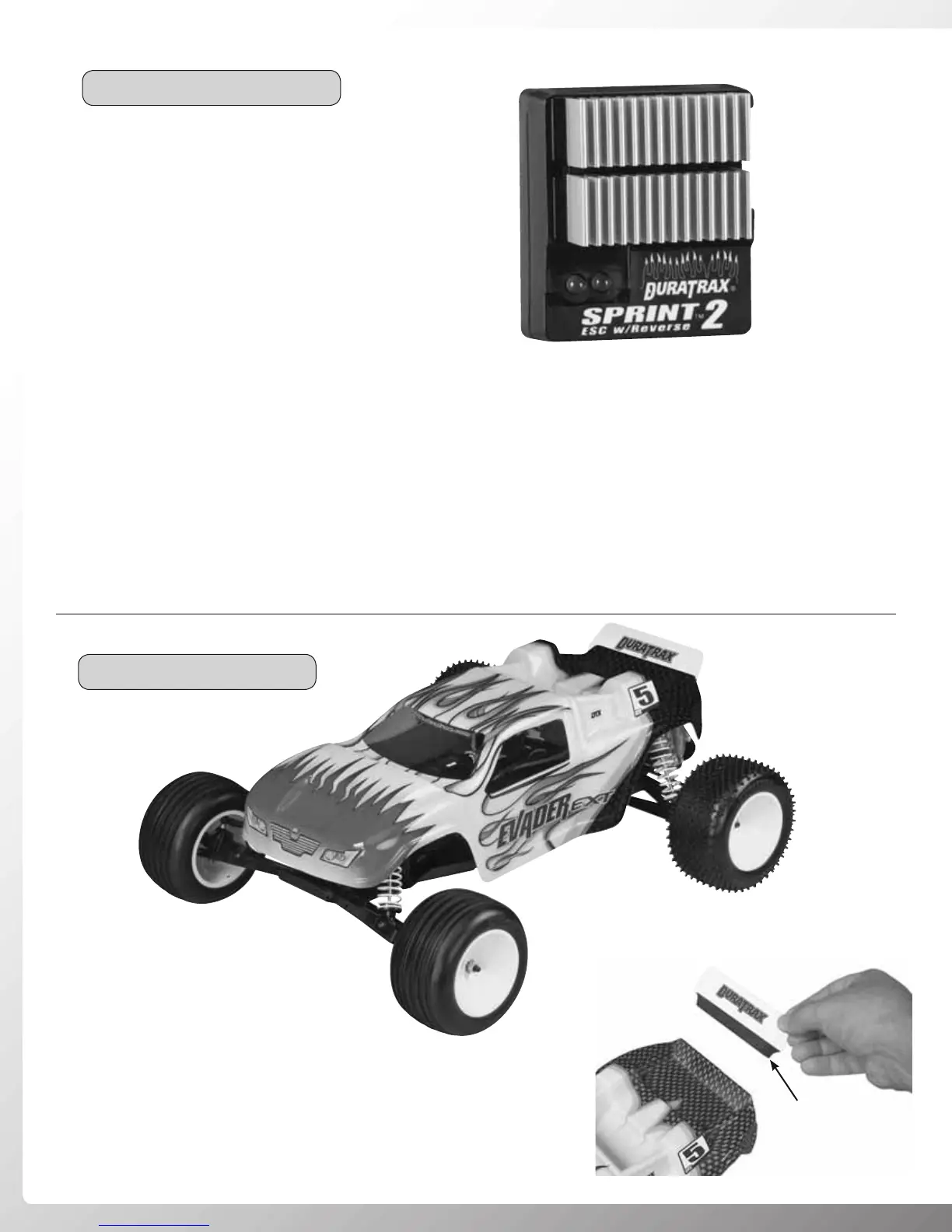
SPEED CONTROL SET UP
• Connect the battery pack to the ESC. Turn on the Tx,
and then the ESC.
• The Sprint 2 sets up automatically.
• Do not touch the throttle trigger for 2-3 seconds.
• The green light will fl ash and then glow steady.
• Ready to use!
• Do not run the car near water! Never allow water, moisture, or any foreign material inside the case of the ESC.
• Never use more than a 6-cell, 7.2 volt battery pack.
• Do not attempt to connect the battery pack to the ESC in reverse, as permanent damage to the ESC could result.
• Never cut or splice the ESC input wires. Do not connect a battery to the receiver’s (Rx) “battery” slot. The Rx receives
power through the ESC itself which plugs into the Rx’s throttle channel slot.
• Always disconnect the battery pack from the ESC when not in use.
• Be careful not to touch the heat sink during use as it can become very hot.
• Using double-sided servo tape (not included, DTXR1215) attach the
spoiler to the rear of the body as shown. Note: Use of the rear spoiler
is optional. It provides additional rear traction, and reduces steering
response. This can be helpful when running on slick surfaces.
Double-Sided
Servo Tape
• Carefully remove the body’s clear
plastic protective covering.
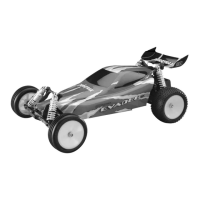
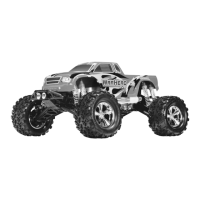
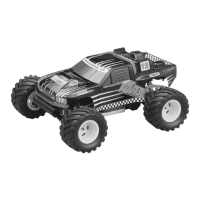
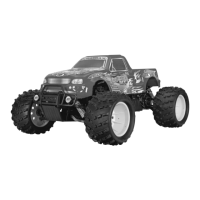
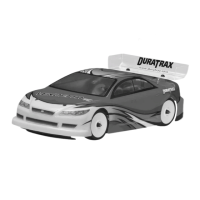
• Decal the body to your liking. Use
the photos on the box as a reference.
• Install the body onto the chassis
using four body clips.




 To Next Page