7
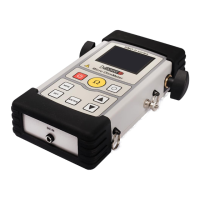
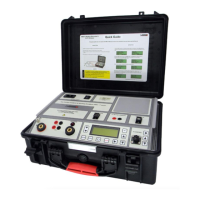
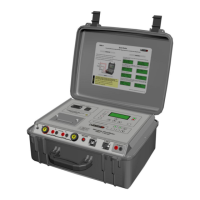
RMO40TD Description
5 Description
5.1 Front Panel Components
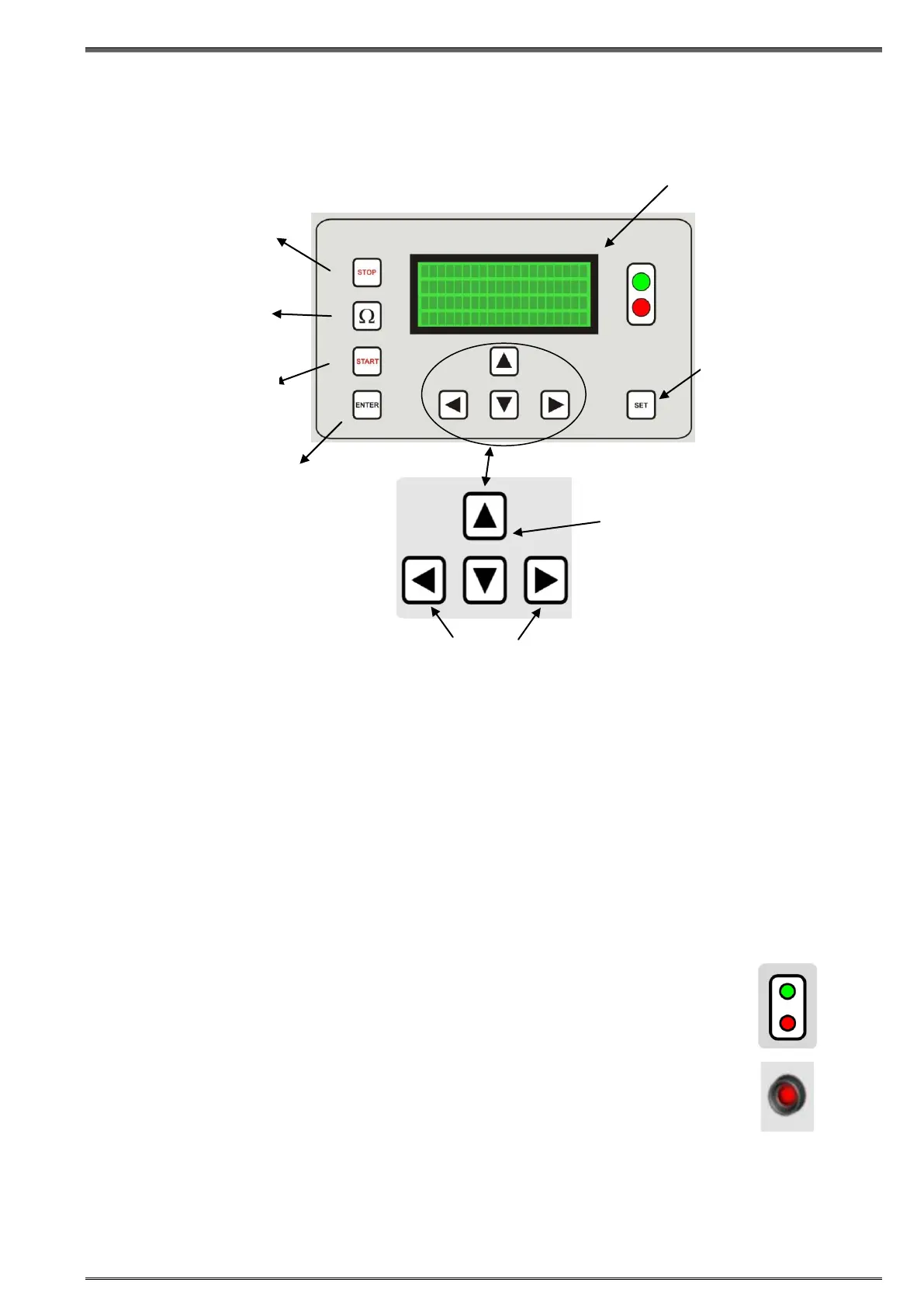
STOP
Press to stop a test or stop the alarm buzzer.
START
Press to start a test
Test parameters must be selected beforehand
Pressing START at the same time with SET allows you to go to setting menu for the language, time and
date settings.
Ω
Press to measure the resistance current value.
Press to measure the resistance value in TapC mode
Green LED
RMO40TD is turned on.
Red LED
the Current test.
the TapC test.
Flashes alternately with the green LED during the TapC test.
Red LED - Discharge
The red LED just above the red output connector remains lit until the accumulated energy of the
measured object is reduced to a harmless level
CAUTION
Within the period when the discharge LED lights it is prohibited to disconnect measuring cables.
The discharge diode cannot be switched off by pressing STOP.
UP/DOWN buttons to select a
menu and set test parameters
LEFT/RIGHT buttons to navigate in the active
menu
ENTER button to
confirm the defined test
parameters, Language,
Time and Date
STOP button to stop a
test, to acknowledge the
alarm buzzer and return
to the Curr menu.
Ω button to measure the
resistance current value
and the resistance and
the ripple value in TapC
mode.
START button to start
the test current.
SET button to scroll
between the Curr
menu, the TapC menu
and the Memory menu


 To Next Page