9
RMO40TD Description
Setting RMO40TD’s Time and Date
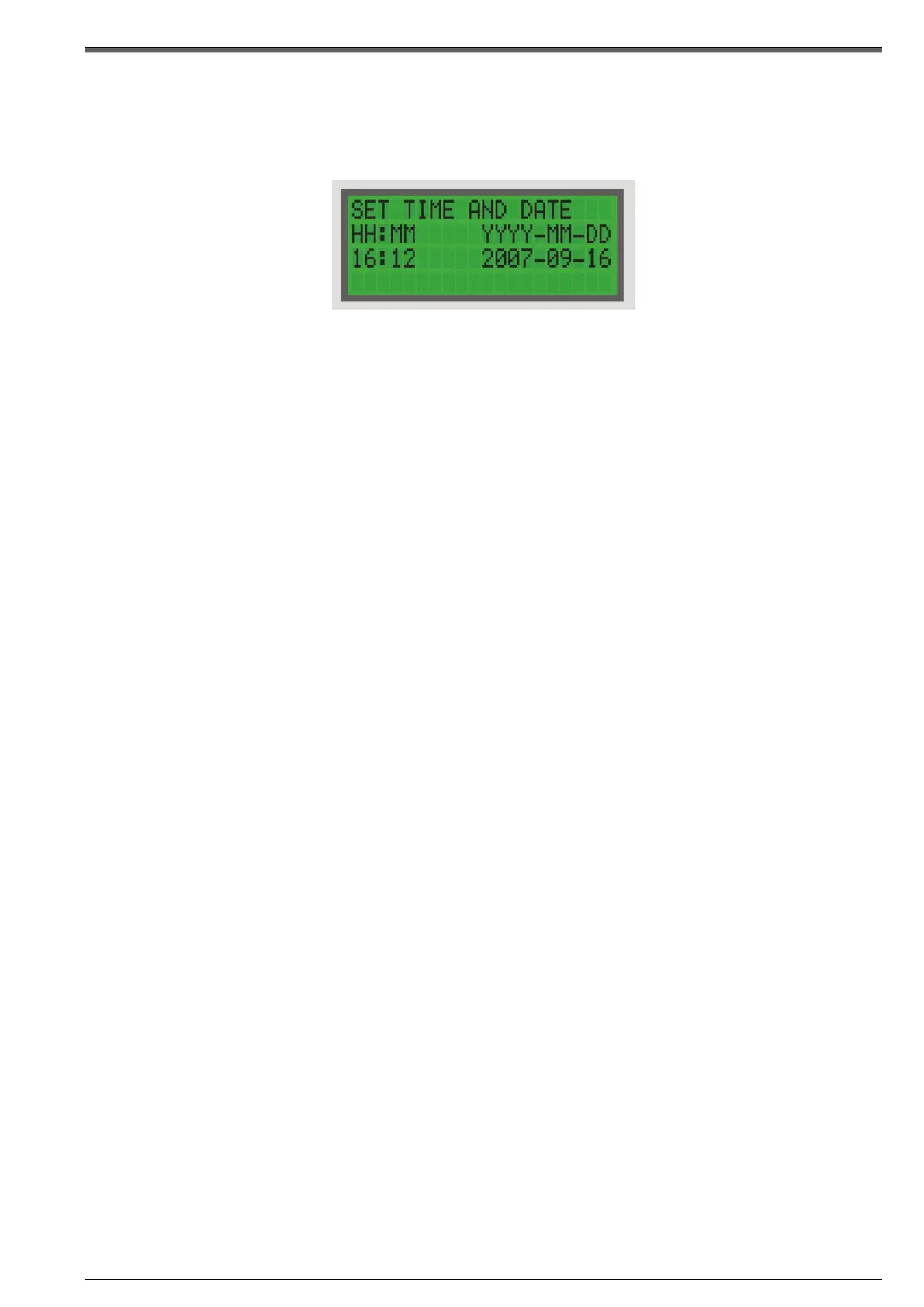
To set RMO40TDs internal time and date, use RIGHT, and then ENTER to select the Set Time and Date
menu.
Move the cursor to the position of your choice using LEFT/RIGHT, and change the value with ENTER.
Pressing ENTER to confirm returns you to the Main menu.
Pressing STOP to cancel returns you to the Main menu.
Figure 5-3:
The Time menu showing
RMO40TD
time and date


 To Next Page