34
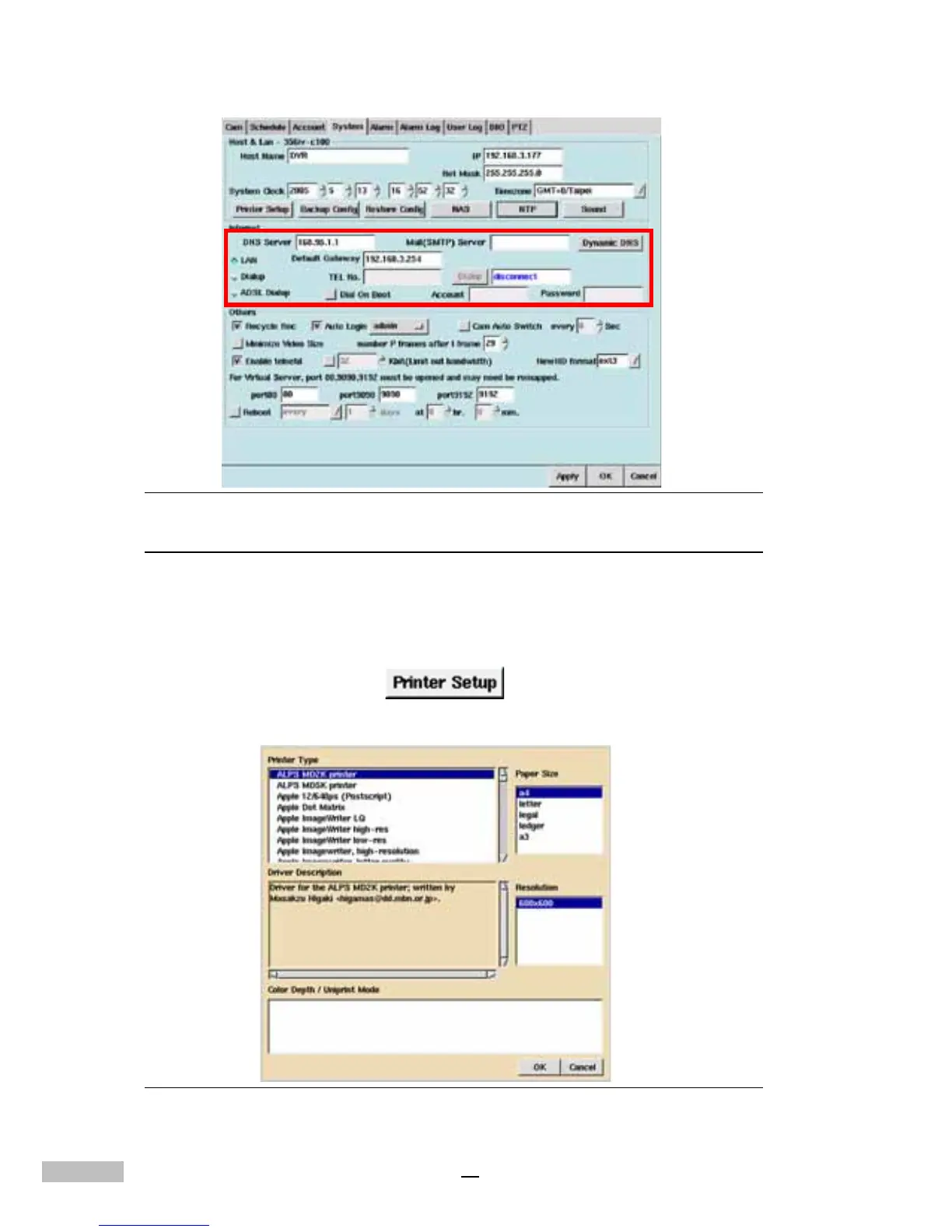
Figure 7-4: Modem Dial-up settings
Printer Setting
This DVR System is capable of sending static images to a printer. These
printed images may reveal more detail than can be seen clearly on the monitor.
The system supports a variety of printers; your DVR Supplier will provide
related information. To set up a printer, do the following:
1.click “printer setup”
2.and then the window shows a list of system support printer types.
Figure 7-5: Printer Types



 To Next Page