35
Chapter 7
3.select the “Printer type”, “Paper size”, “Resolution” and
“Color depth”.
4.then click “ok” to confirm.
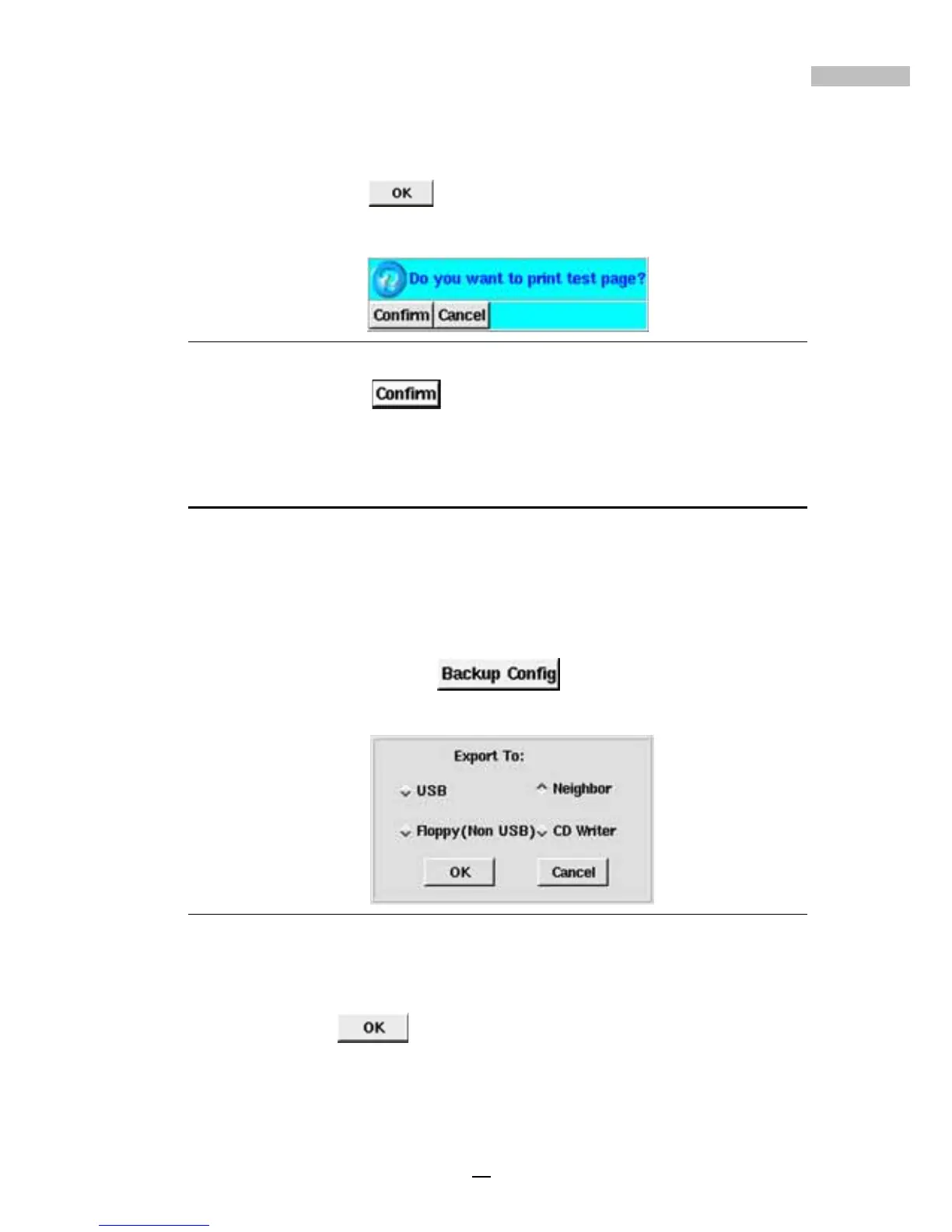
5.then the window will show if you want to print a test image.
Figure 7-6: To print a test image
6.click “Confirm” to continue and review the resultant test
image.
Back-up Setting
The DVR system can back up the system configuration files to an external
device, which will greatly aid the rebuilding of the system in the future (should
that become necessary). These backup system configuration files may also
be recopied to allow quick setup of multi-DVR systems. The system supports
a variety of user-selectable back-up devices.
1.click “Backup Config”
.
2.then the screen will list the back-up device selection
Figure 7-7: Back-up Device Selection
3.Select the desired back-up device
4.click “OK”
.



 To Next Page