36
Restoring settings from the Back-up device
The DVR system can restore the system configuration settings from the
back-up device. The system supports different (user-selectable) back-up
devices.
1.Click “Restore Config”
.
2.then the screen will show a list of (user-selectable) back-up devices.
Figure 7-8: Restore Device Selection
3.select the device you want.
4.then click “OK” .
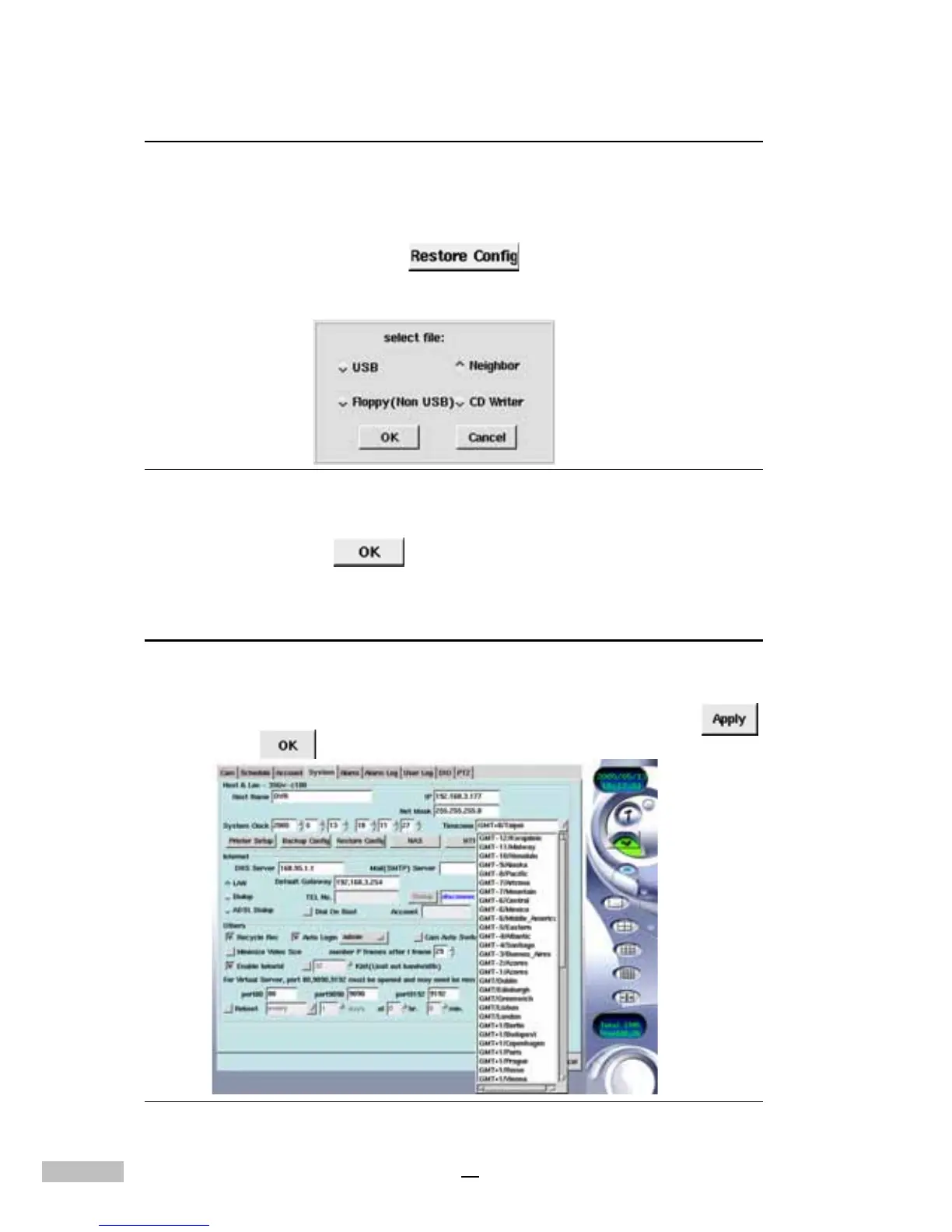
Setting the System Clock
The System Clock is automatically adjusted according to the system BIOS.
If the system time is incorrect then it may be necessary to change the
system clock and time zone. After the changes are made click “Apply”
,
and then “OK” .
Figure 7-9: System Clock and Time zone



 To Next Page