48
2.Select a “Trigger Period” .
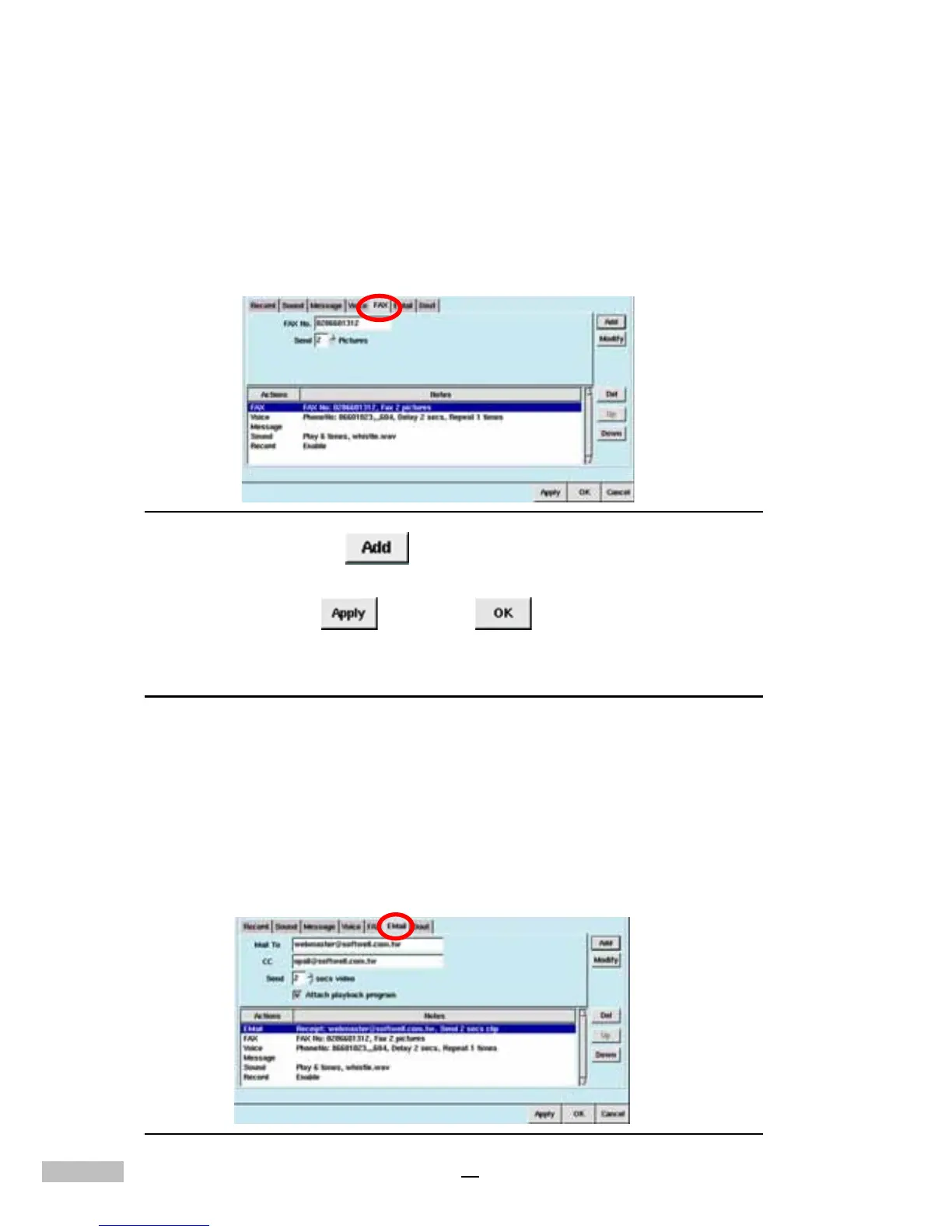
3.Click the “Fax” Tab
4.Type in the “Fax Number”; if it is along distance call, please add the
area code..
5.Choose from the “Send” drop-down list how many pictures you’d
like to fax; 1 to 30 pictures may be chosen (see picture below).
Figure 8-8: Fax Tab
6.Then click “Add” , and the window below will show “Fax”
with the selections made.
7.Click “Apply” , and “OK” .
Alarm Email Triggering
Alarm email may email a warning message at the time of detecting an alarm
condition. Follow the instructions below to set up Alarm email:
1.Click the “Alarm” Tab.
2.Select the “Camera”, “Din”, “Disk full”, “Disk failure” or “no
signal” .
3. Specify the desired “Trigger Period” .
4.Click the “Email” tab.
Figure 8-9: Email Tab



 To Next Page