ENG
1
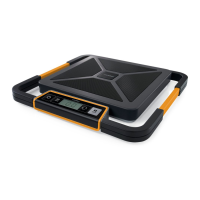
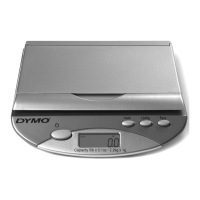
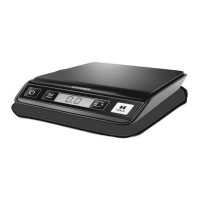
DYMO® Digital Postal Scale
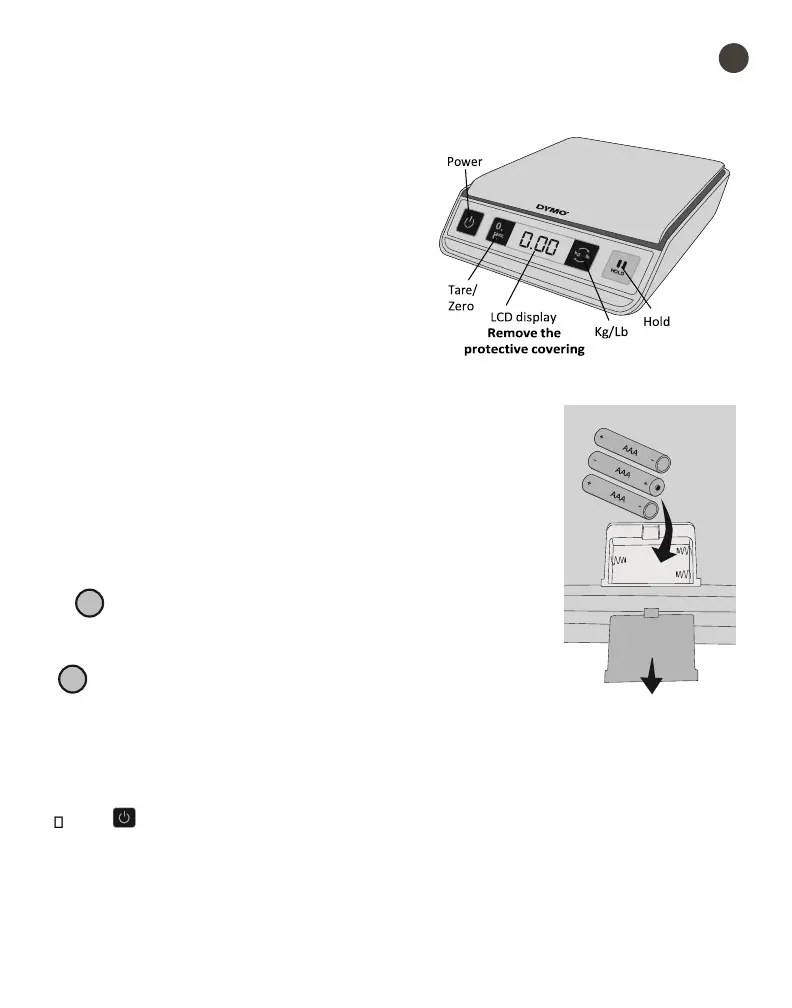
This User Guide provides instructions for using
your DYMO® Digital Postal Scale.
Visit www.dymo.com/register to register your
scale.
Setting Up the Scale
The scale is powered by three AAA batteries.
To set up the scale
1. Unpack the scale.
2. Set the scale on a firm, flat surface.
3. Remove the protective covering from the LCD display.
Inserting the Batteries
The scale uses three AAA alkaline batteries. The scale automatically
turns off after three minutes of inactivity.
To insert the battery
1. Turn the scale over.
2. Remove the battery compartment cover.
3. Insert three AAA batteries as shown.! Make sure to insert the
batteries correctly. Inserting the batteries backwards can
damage the scale.
4. Replace battery compartment cover.! Remove the batteries if
the scale will not be used for a long period of time.
Turning On the Power
The scale has an Auto Shut Off feature which automatically turns off the scale after three
minutes of inactivity.
To turn the scale on
Press on the front of the scale.
When the scale is first turned on, wait a few seconds for the scale to stabilize before
weighing items. The display shows 0 g, 0.0 oz, or 0.00 oz when ready.
To turn the scale off


 To Next Page