Press on the front of the scale to turn the scale off.
The scale turns off automatically after three minutes of inactivity.
Using the Scale
Always wait for 0 g, 0.0 oz, or 0.00 oz to display before placing
an item on the scale platform.
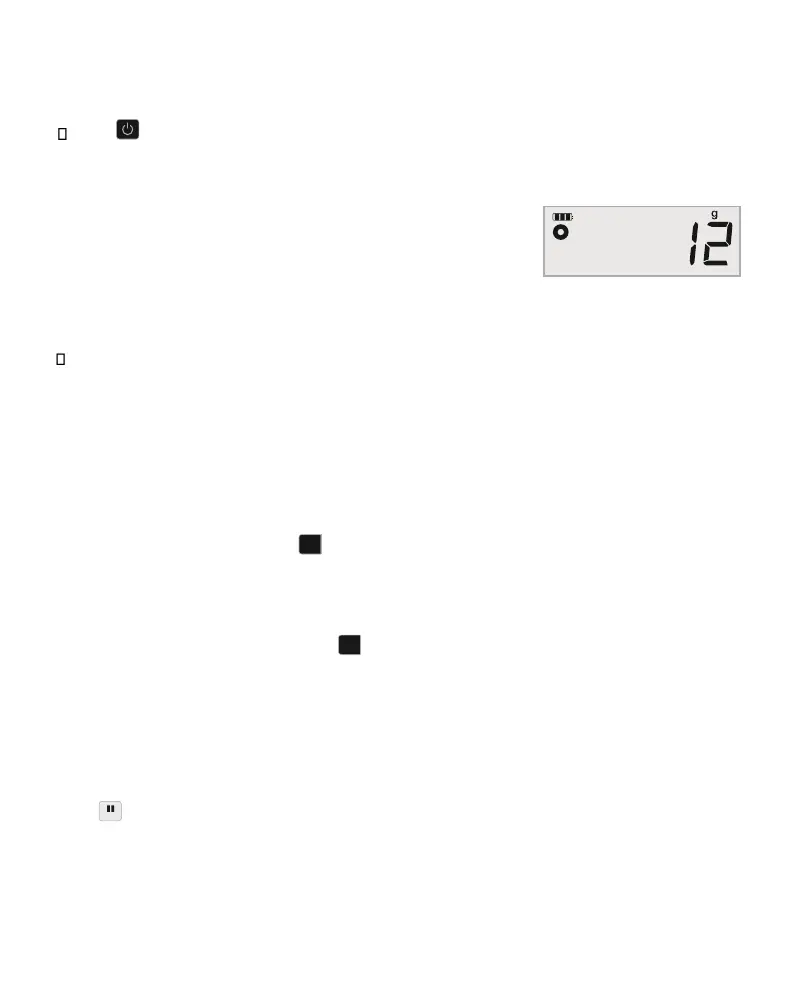
After placing an item on the scale, wait for several seconds for
the weight to appear. When the scale is ready, a o appears to the
left of the weight.
To weigh an item
Place an item on the scale platform.
Using the Tare Feature
You can weigh small items or items that cannot be easily placed on the scale platform by
placing the items in a container and using the Tare/Zero button to eliminate the weight of
the container.
To use the tare feature
1. Place an empty container on the platform.
2. When the scale is ready, press .
The display is set to zero.
3. Place the items to be weighed in the container.
The display shows the weight of the items, without the weight of the container.
4. After removing the container, press to reset the scale to zero. Using the Hold
Feature
When an item being weighed extends over the front of the scale and you cannot see the
display, you can freeze the display so that the weight is still displayed after removing the
item.
To use the Hold feature 1.
Press .
The display shows HOLD and then 0 g, 0.0 oz, or 0.00 oz when ready.
2. Place the item on the scale.


 To Next Page