
 Need help?
Do you have a question about the Dymo Rhin 4200 and is the answer not in the manual?
Register your label printer online for warranty information.
Initial steps to set up and begin using your new printer.
Instructions for powering the printer using batteries or AC adapter.
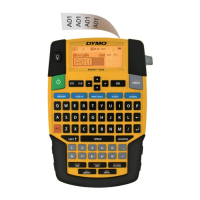
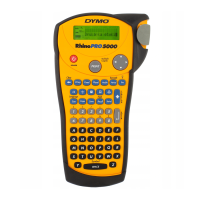
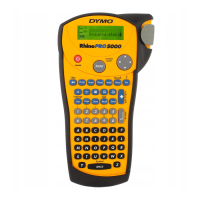
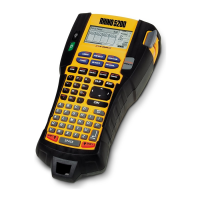
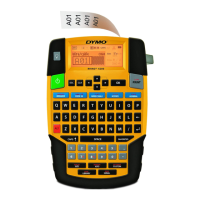
Overview of the printer's keys, LCD display, and indicators.
Steps for creating, adding, removing, and printing labels.
Adjust text size, style, rotation, alignment, and create multi-line labels.
Guides for creating fixed length, wire/cable, flag, breaker, and module labels.
How to switch between different label types without losing data.
Adding, editing, and deleting barcodes on labels.
Setting and changing custom default label settings for different label types.
Automatically generating labels using serialization patterns.
Adding, inserting, and deleting items from the Favorites list.
Settings for multiple copies, collation, separator lines, and print contrast.
Instructions for cleaning the printer and references for symbols and terms.
Solutions for common printer problems and error messages.
Step-by-step guide to install AA alkaline batteries into the printer.
How to connect the optional AC power adapter for charging or direct power.
Managing the optional battery pack: inserting, removing, and recharging.
Inserting/removing cartridges and setting the label width.
Configuring language, units of measure, and adjusting display/backlight settings.
Explanation of the Caption Bar, CAPS Mode, ALT Key, Escape Key, and Navigation Keys.
Steps for creating new labels and adding existing ones.
Procedures for removing labels from a group and printing labels.
Formatting text, changing size, style, rotation, alignment, and creating multi-line labels.
Guides for creating fixed length, wire/cable, flag, and breaker labels.
Creating module labels, changing types, and using barcodes.
Deleting barcodes and setting/changing custom defaults for label types.
Automatically generating label series using serialization patterns.
Managing symbols, terms, and saving/recalling custom labels from the library.
Adding, inserting, and deleting items from the Favorites list for quick access.
Settings for printing multiple copies and collating them.
Adjusting separator lines, pausing, advancing labels, and print contrast for continuous printing.
Step-by-step instructions for cleaning the printer's cutter blade and print head.
Reference lists of commonly used symbols and terms categorized by type.
Solutions for common printer problems, error messages, and operational issues.
Critical safety instructions for charging and using the Lithium-ion battery pack.
 General
| Print Resolution | 180 dpi |
|---|---|
| Display | LCD |
| Keyboard | QWERTY |
| Printing Technology | Thermal Transfer |
| Cutter | Manual |
| Print Speed | 12 mm/sec |
| Power | AC adapter |
| Barcodes | Code 39, Code 128 |
| Compatible Label Materials | Polyester |
| Label Compatibility | D1 labels |





 To Next Page