7
2. Camera Cabling
Please follow the instructions below to complete IP Camera connection.
2.1 Connect Ethernet Cable
Please follow the instructions below to connect Indoor/Rugged IP Dome
Camera’s Ethernet cable.
2.1.1 Indoor Camera
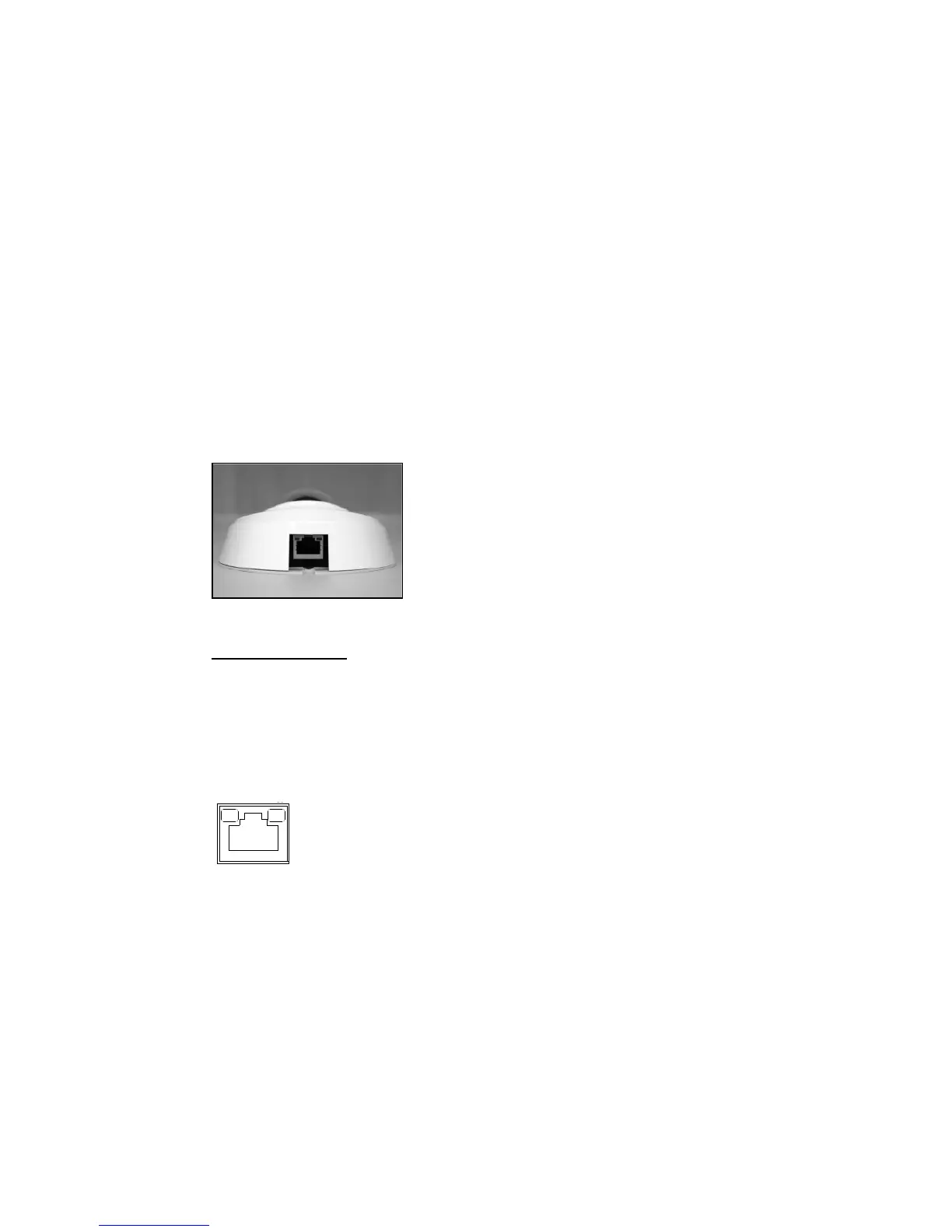
The Ethernet connector, which is located in the rear of the camera, is shown
below:
PoE Connection
Connect the one end of the Ethernet cable to the network port on the camera,
and the other end to Power Sourcing Equipment (PSE) like hubs or routers.
Check the status of the link indicator and activity indicator LEDs; if the LEDs are
unlit, please check the connections.
Green Link Light indicates good network connection.
Orange Activity Light flashes for network activity indication.
2.1.2 Rugged Camera
The Rugged IP Dome Camera supports two kinds of Ethernet cable; one is M12
D-Coded Cable, and the other is RJ-45 Dongle Cable.



 To Next Page