OPERATING THE DIESEL GENERATOR
cold weather; if your remote control unit has remote preheater function, please
see refer to operating procedures for remote start for your reference(for electric
start)
12. Turn electronic key to ON position and then press the “ ” button of the
remote starter to preheat the genset. After 10 seconds, press the “ ” button of
the remote starter key to stop preheating the genset. Finally, press the “ON” button
of the remote starter key to start the genset (for remote start).
13. lf the engine does not start; wait 1 to 3 minutes and repeat step 9 or 10:
14. Only try to use remote control after you successfully start the engine using a
electronic key.
NOTE
This generator comes with recoil starter. If you want to pull start your generator,
please refer to Section 2-6 procedures for recoil starting.
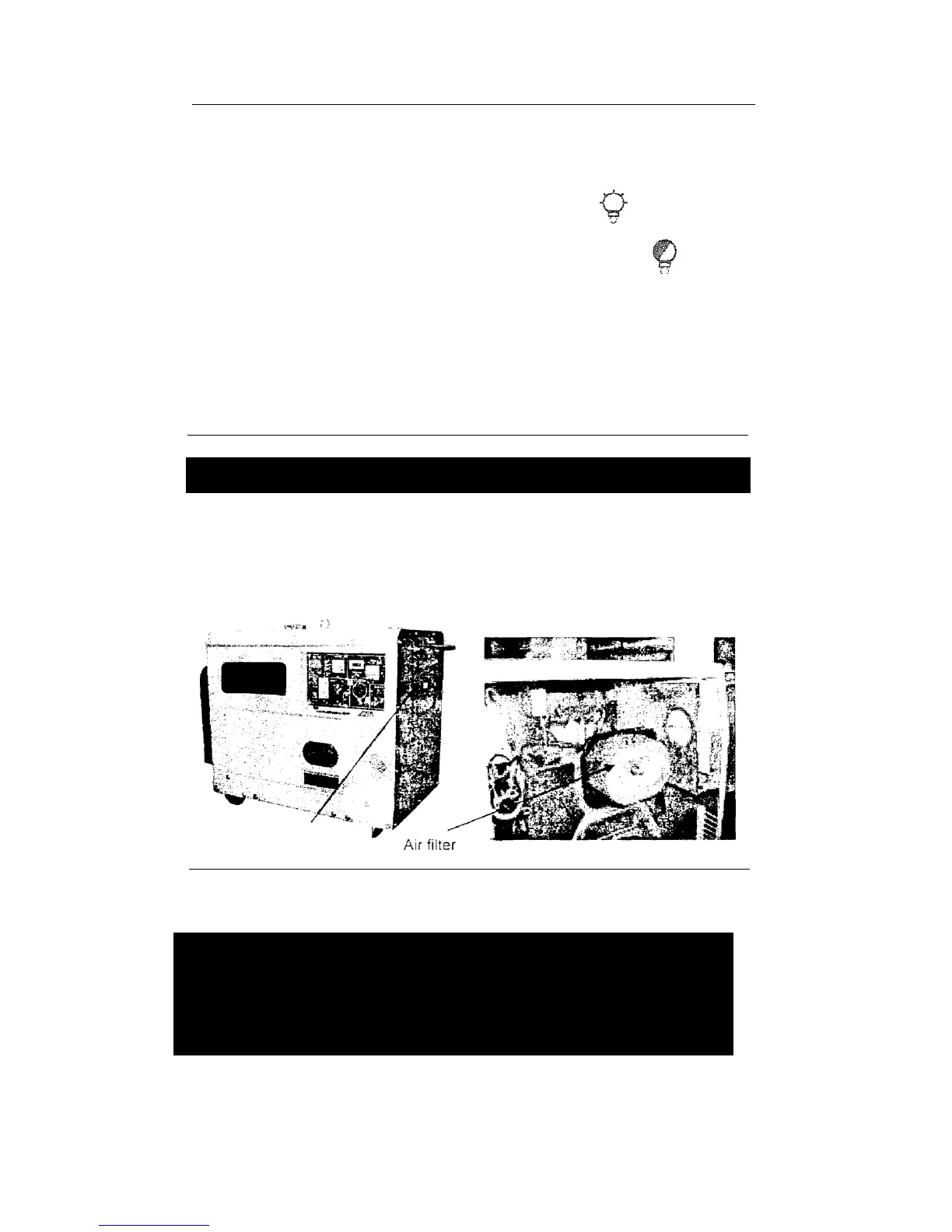
2-2.4 Checking the air filter
(1) Loosen the butterfly nut, take the cover of the air filter off and take the air
filter element out.
Fig 7
NOTE
Do not use detergent to wash the air filter element.
• When the performance of the engine decreases or when the color of the
exhaust gases is bad, exchange the filter element.
Never start the engine without the air filter as foreign objects may enter the
intake and damage the engine.
(2) After replacing the air filter element, tighten the butterfly nut firmly.



 To Next Page