OPERATING THE DIESEL GENERATOR
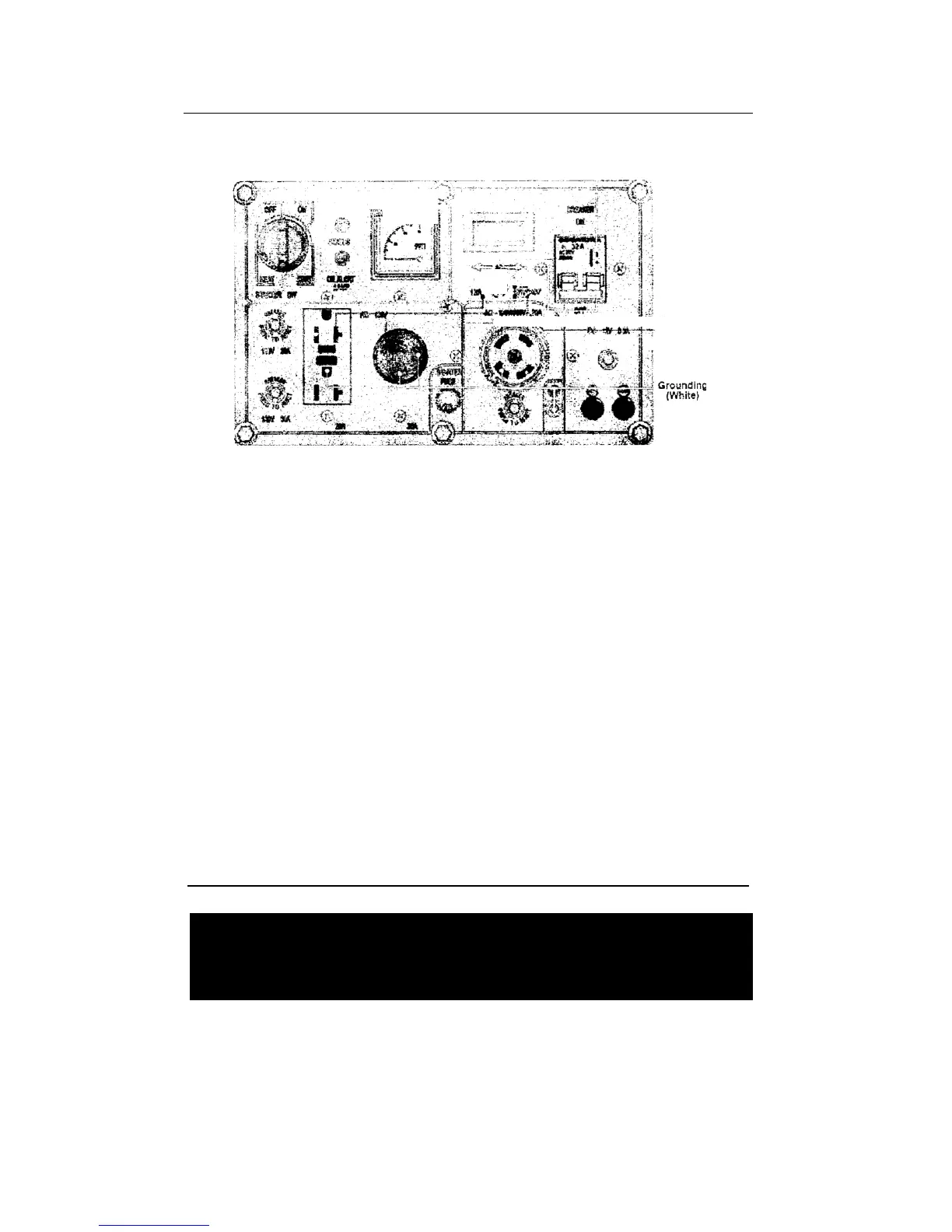
Fig 18 Wiring diagram of electric output for control panel
2-7.3 AC application
1. Ensure engine is running properly and is warmed up for 3 minutes.
2. The voltmeter should point to 240V±5%. Turn circuit breaker on. The AC
voltage from the socket of the power supply can be output.
3. When connecting devices to the generator, make sure to connect these
devices in order. Connect the large loads onto the generator first. If everything is
functional, smaller loads can then be added. If the generator shuts off, it may be
because the load being drawn by all the various devices are too high. In this
event, decrease the number of small devices until everything is functional. The
total drawn power should not exceed the maximum output power of the
generator. Please see Table 1 for technical specifications of what the generator
can output. In order to reset the generator after overdrawn power, let it sit for
several minutes. If the indication of the voltmeter is too high or too low, adjust
the speed accordingly. If there are problems, stop the generator immediately
and fix the issue.
4. During operation, the generator should be in a place that has very good
ventilation. Never cover the engine to solve a ventilation problem, as this will
damage your equipment.
NOTE
Do not start more than two devices simultaneously. Each device should be
started one by one to prevent overloading the generator.
The generator should be running at 3600 revolutions per minute in order to
achieve the (60 Hz) frequency. The speed of the engine can be adjusted from
the speed governor.
L1(Red)- R1(Yellow)



 To Next Page